![6 Best AI Email Summarizer Tools for High-Performing Businesses [2026]](https://framerusercontent.com/images/NVPIxwpVcpgTKmb2i4h8w73pYA.jpg?width=2970&height=1620)
Explore the best AI email creator tools with smart summaries for professionals and teams. Get quick context and reduced email clutter to make faster decisions.
You start your morning skimming subject lines, clearing notifications, and trying to spot anything urgent before the day begins. You are not alone. The average worker receives 117 emails a day, and nearly 40% of people online at 6 am are already reviewing messages to figure out their priorities. When your inbox looks like that, staying on top of communication becomes a daily drain that pulls focus from real work.
That is why many leaders now rely on an AI email creator tool with summaries. It's a practical way to cut through long threads, surface what matters, and draft responses more quickly. Instead of digging through email before every meeting or wasting focus on low-value messages, you get clear takeaways in seconds.
In this guide, we'll break down the best AI email summarizer tools in 2026 and how each one supports a cleaner, more focused workflow.
At a Glance
NewMail AI offers comprehensive support, combining accurate summaries with prioritization, briefing insights, and action-ready context. All these make it the strongest choice for inbox-heavy professionals.
ChatGPT offers the most flexibility in how summaries are structured or delivered, but requires manual copy-paste and lacks workflow integration. That makes it better suited to ad-hoc summarization.
Help Scout, Freshworks, and Kustomer serve support teams well by generating summaries that speed up handoffs and improve cross-team visibility. However, their use cases remain tied to customer service platforms rather than general inbox workflows.
Gemini for Gmail is the most convenient for Gmail users, summarizing and drafting directly in the sidebar. But it lacks deeper customization and doesn't support other email providers.
Across all tools, the most significant differences lie in workflow fit: some summarize well, some support support teams, and a few simplify the entire email-to-decision process.
Privacy, data retention, and compliance should be evaluated upfront. Some tools process or store data externally, which may not suit teams working with confidential or regulated information.
How AI Turns Email Overload Into Clear, Actionable Insight
AI-powered summarizing tools give you a fast, reliable way to understand long or complex emails without reading every line. You can either use an AI email creator tool with smart summaries or a dedicated email summarizer to extract the essential details in seconds.
These systems rely on advanced machine learning and natural language processing to interpret context, tone, and priority. They identify recurring keywords, opening statements, action items, and any highlighted or emphasized points. The result is a concise summary that reflects the core message and the decisions or follow-ups required. As the underlying models improve, the clarity and accuracy of these summaries keep getting stronger.
Take a typical scenario, for instance. You open a customer update thread before a leadership meeting. It is long, scattered, and full of back-and-forth replies. Instead of reading it from top to bottom, AI highlights the core issue, the steps your team has taken, and the decision waiting on you. What once took 10 minutes now takes only a few seconds to review.
With the right AI summarizer in place, you spend less time decoding emails and more time acting on the information that matters. The next step is choosing a tool that fits your workflow.
Top AI Email Summarizer Tools Professionals Rely on
Choosing the right AI summarizer depends on how you work and where your inbox slows you down. Some tools focus on reducing long threads to quick bullet points, while others combine summaries with drafting support, meeting prep, or task management.
The tools below stand out for accuracy, ease of use, and their ability to fit naturally into a busy workflow.
Aspect | NewMail AI | ChatGPT | Help Scout | Freshworks | Gemini for Gmail | Kustomer |
|---|---|---|---|---|---|---|
Summary Quality | Highly context-aware, action-focused, tied to prioritization | Flexible, customizable, depends on prompts | Good for support threads | Strong for ticket-level support | Good, fast Gmail-native summaries | Strong for escalation and agent handoffs |
Inbox Integration | Deep Gmail workflow integration; also works with Outlook | None (manual copy–paste) | Inside the Help Scout web app | Inside Freshworks support suite | Native inside Gmail sidebar | Inside the Kustomer support platform |
Actionability | Smart Drafts, Daily Briefings, task extraction | Follow-up suggestions | Handoff clarity; manual updates | Agent clarity; escalation support | Instant reply drafting; action insights | Highlights key actions and promises |
Best Use Case | Email-heavy professionals who need clarity in decisions | Multi-client workflows; custom summaries | Support teams needing quick overviews | Multi-agent support operations | Gmail users wanting in-inbox AI help | Escalation-heavy customer support teams |
Strengths | Priority summaries, privacy-first, tied to next steps | Multi-language support | One-click summaries; QA-friendly | Cross-team support | Very convenient for Gmail users | Excellent for bot-to-human transitions |
Limitations | Some features are restricted to the Gmail ecosystem. | No inbox integration | English-only output; manual refresh | Add-on; limited to support workflows | Limited customization; Gmail only | Not a general email summarizer, and platform-specific |
Pricing (USD) |
|
|
|
| Google AI Pro: $20/mo |
|
Let's now examine them individually.
1. NewMail AI
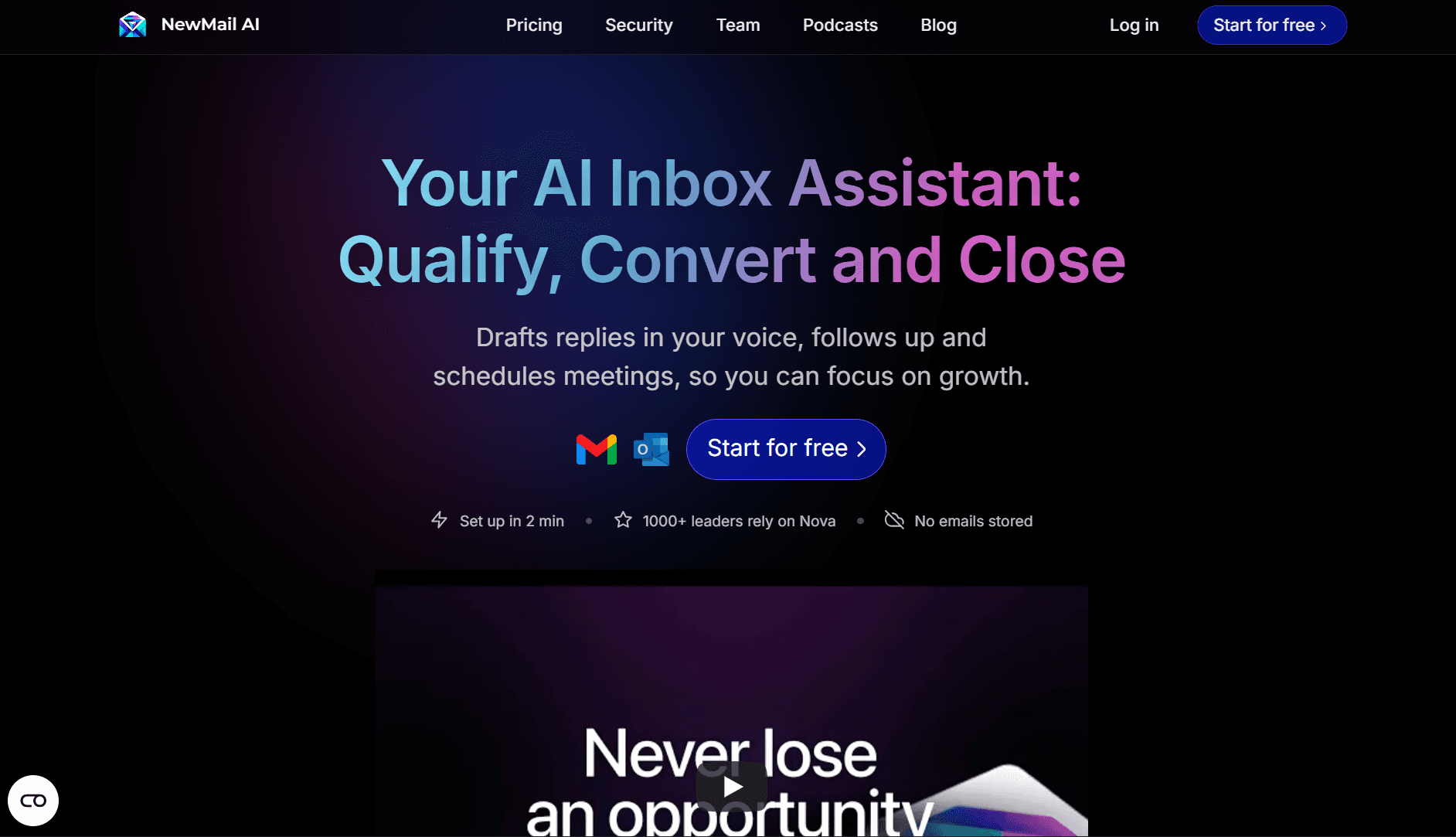
NewMail AI focuses on precise email summarization paired with features that help you act on information quickly. It breaks down long threads, highlights decisions, and drafts replies based on the summary, giving you a faster path from "what happened?" to "what's next?"
Key Features That Strengthen Summaries
Inbox Intelligence with Quick Summaries: Important threads are ranked automatically, each with a summary so you know which messages deserve attention first.
Smart Drafts Built From Summaries: NewMail AI connects your summaries directly to drafting. After condensing a thread, it pulls context like deadlines, prior decisions, and sender intent to create a tailored reply that sounds like your brand voice.
Example: In a 12-email product feedback chain, the tool identifies the issues that matter, summarizes them, and drafts a response confirming next steps with the customer.
Daily Briefings With Summarized Insights: Your morning report includes summaries of any messages that might impact your day. These include overnight updates, meeting prep emails, action items, and follow-ups. Instead of opening each thread, you see the essentials in one place.
Useful for: Reviewing what changed while you were offline and getting meeting context before your first call.
Privacy-First Summarization: All processing follows a privacy-centric architecture. Summaries are generated without storing your data or using it to train models, making this suitable for sensitive communication or regulated environments.
Pros
Accurate summaries that read naturally
Draft responses using your context and writing style
Strong for daily planning thanks to briefing summaries
Prioritizes messages so you avoid buried tasks
Cons
Works best when paired with Gmail features
Some technical or highly nuanced threads may require a quick scan
Ideal For
Executives managing long cross-team threads
Managers or freelancers preparing for back-to-back meetings
Sales and customer teams handling detailed client updates
Remote teams that rely heavily on email for alignment
Pricing
Free Preview Plan: Includes intelligent sorting and a one-time report based on the last 50 emails.
Personal Assistant Plan: $15/month, includes up to 50 AI-drafts per day, daily briefings, complete priority sorting, and more.
Enterprise Plan: Custom pricing for teams, unlimited drafts, and organization-level insights.
Also Read: AI for Gmail Management: How NewMail Is Redefining Email Productivity in 2025
2. ChatGPT
ChatGPT is a flexible option for summarizing emails, especially if your current workflow involves jumping between long threads, scattered updates, and messages that require clarification. It is not built into your inbox, which means extra steps, but its generative AI gives you tight control over what your summaries include.
Key Features
Custom-Length Summaries: You can specify summary length: 1-2 sentences, key bullets, or a short daily snippet.
It's useful when you're reviewing long client updates or preparing for a meeting and need only the essentials.Full Thread Summaries: Instead of summarizing only the latest reply, it can read and condense the entire conversation. This helps avoid misunderstandings caused by missing early context.
Tone and Format Control: You can request a professional tone for forwarded summaries or a neutral tone for private reading. This eliminates the back-and-forth of rewriting summaries to share with leadership or clients.
Follow-Up Suggestions: It can highlight deadlines and suggest next steps, which helps reduce missed tasks in cluttered conversations.
Pros
Free to start off
Works with any email client (Gmail, Outlook, Apple Mail)
Multi-language support for global communication
Cons
Not integrated directly into your inbox, so requires manual copy-paste for every email or thread.
The free plan can be slower during peak hours and comes with message limits.
No automatic prioritization or inbox-level intelligence
Ideal For
Teams that prefer to copy-paste threads for custom summaries
Freelancers who work across multiple email service providers and need a tool-independent solution
Pricing
ChatGPT offers a free plan, with individual paid plans ranging from $20/month to $200/month. Those include higher limits, advanced model capabilities, and extended access to GPT-5 for faster responses and heavier workloads. It also has business plans starting at $25/seat/month (on annual billing).
3. Help Scout AI Summarize
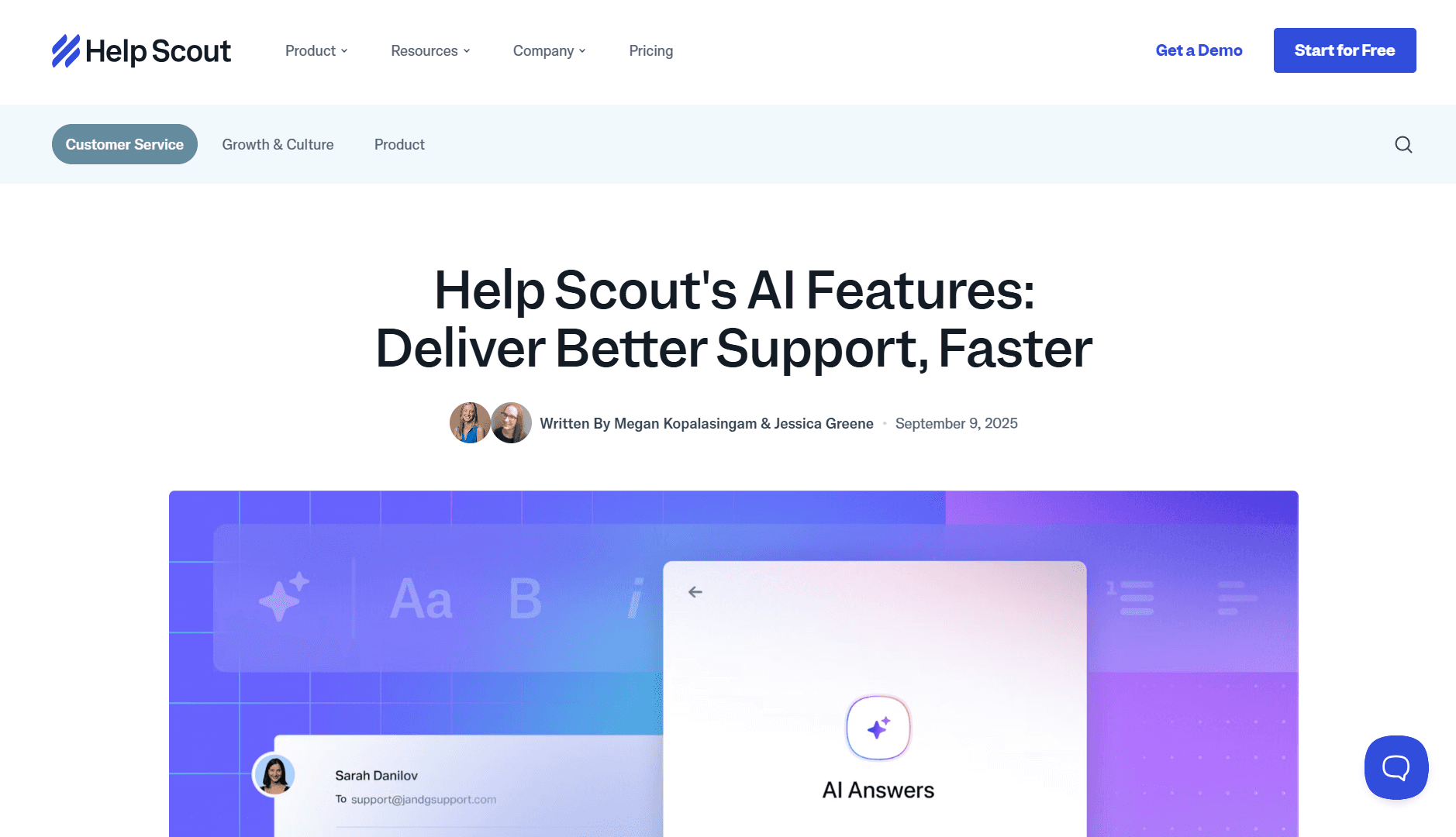
Help Scout is a customer support platform, and its AI Summarize feature gives you a quick snapshot of any customer conversation.
Key Features
One-Click Conversation Summary: Click the AI Summarize button in the web app to get an instant overview of an entire support conversation. This is especially useful when passing a case to another teammate or when a manager wants to see the core issue without having to scan every exchange.
Multi-Language Input: You can request summaries for conversations written in different languages, although the final summary is always delivered in English. That's useful for global teams handling international customers.
Manual Summary Updates: When new replies appear, the summary does not refresh automatically. Instead, you get an Update Summary option that lets you decide when it's worth reprocessing the conversation.
Pros
Simple, one-click workflow
Great for team handoffs and quality reviews
Summaries run on the OpenAI API. Data is not used for model training, but OpenAI stores it for up to 30 days.
Cons
Only available in the web-based app
Summaries must be manually refreshed.
Summary output is English-only.
Ideal For
Customer support teams handling high conversation volume
Managers or coaches reviewing support quality
Cross-functional teams that need quick visibility into customer issues
Pricing
AI Summarize is included for users on the Plus and Pro plans. Help Scout's Plus plan starts at $45 per user/month, and Pro starts at $75 per user/month (billed annually).
4. Freshworks
Freshworks offers a suite of customer service tools. Its Email Conversation Summarizer helps support teams quickly understand what happened in an email thread without having to read every message. When several agents touch the same case or when other departments step in, the summarizer provides the context needed to act fast and reduce back-and-forth.
Key Features
Full Conversation Summaries for Faster Handoffs: The tool condenses the entire email history into a clear outline, which reduces time spent catching up when a case moves between agents. It's beneficial when multiple team members rotate shifts or when a complex issue needs to be escalated.
Clarity for Cross-Team Collaboration: Other teams, such as engineering, product, or billing, can understand the history instantly without asking for extra details, preventing delays caused by missing information.
Pros
Saves agents from writing manual summaries
Helps teams resolve issues faster with shared context
Cons
Only available as an add-on
Locked behind higher-tier plans
Explicitly designed for support workflows, not general email use
Ideal For
Support teams handling high ticket volume
Companies where multiple agents touch the same case
Teams that frequently escalate issues across departments
Pricing
The Email Conversation Summarizer is offered as an add-on ($35/agent/month, billed monthly) to Freddy Copilot. It's available on the Pro plan ($59/agent/month) and Enterprise plan ($95/agent/month), with a 14-day free trial for new users.
5. Gemini for Gmail
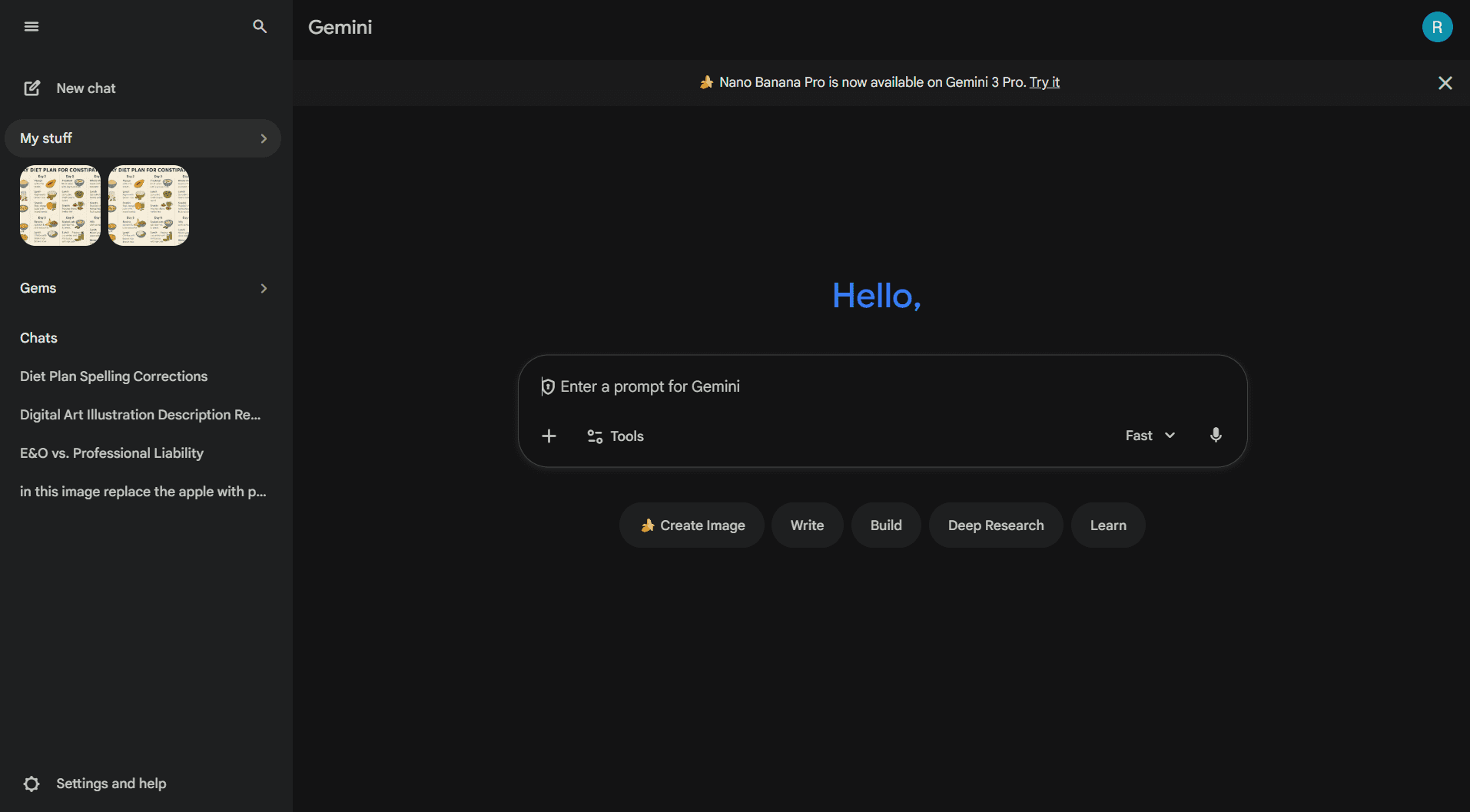
Gemini sits directly inside Gmail's sidebar, making it one of the most convenient ways to summarize long threads without switching apps. With a single click, it extracts key points from long conversations and turns them into ready-to-send replies. That's helpful when your inbox fills up faster than you can process them.
Key Features
In-Inbox Thread Summaries: You can summarize long conversations right inside Gmail, no copy-paste or extra tabs.
Instant Response Drafting: After generating a summary, Gemini can convert it into a reply or follow-up email. This reduces the time spent jumping between reading, interpreting, and writing.
Highlighting and Action Extraction: You can ask Gemini to extract key insights, deadlines, and next steps from the email. This reduces missed action items buried deep in threads.
Flexible Rewrite and Text Generation: Beyond summarization, it can rewrite messages, generate new content, or clean up repetitive replies, such as weekly reports or check-ins.
Pros
Built directly into Gmail, no setup needed
Strong AI capabilities for writing and summarizing
Helpful for repetitive email workflows
Cons
Requires a Gemini subscription
Less customizable than ChatGPT
Only works in Gmail, not Outlook or Apple Mail
Ideal For
Busy professionals working primarily in Gmail
Business owners who need quick clarity before responding
Teams handling frequent email reports or client conversations
Pricing
Gemini features inside Gmail require a Google AI Pro subscription, starting at about $20/month.
Also Read: NewMail vs Gemini Features (2025): The Ultimate AI Productivity Showdown
6. Kustomer Conversation Summaries
Kustomer is a customer service platform. Its AI-powered Conversation Summaries feature, available in the Kustomer AI Labs app, uses OpenAI to highlight key points. This allows agents to take over a ticket with full context in seconds.
Key Features
Auto-Summaries for Fast Agent Handoffs: When a customer moves from a bot to a human, or from one agent to another, Conversation Summaries condense the entire thread.
Highlights the Key Details That Matter: The summary surfaces customer concerns, prior steps taken, unresolved issues, and any promises made. This reduces time wasted scrolling through long histories before replying.
Pros
Strong for multi-agent and bot-to-human handoffs
Highlights actionable details, not just generic summaries
Reduces onboarding time when agents step into unfamiliar email tickets
Cons
Designed specifically for customer email support, not for general email use
Works inside the Kustomer platform only
Ideal For
Fast-growing support teams with frequent escalations
Businesses where multiple agents handle the same customer issue
Teams that want to reduce resolution delays caused by long historical threads
Pricing
Conversation Summaries is included in Kustomer's Enterprise plan ($89/user/month) and Ultimate plan ($139/user/month).
Suggested Read: Top AI Email Assistants for Managing Your Inbox in 2025
The tools vary widely in how they summarize, prioritize, and support follow-up actions. To choose confidently, it helps to understand the core features that make an email summarizer effective.
What High-Performance Teams Need in an Email Summarizer
A reliable email summarizer should help you cut through long threads, surface key details, and reduce the time you spend getting up to speed. Here are the essentials to look for when comparing tools.
Accurate, Context-Aware Summaries: The tool should capture the main points, decisions, and unresolved issues without skipping nuance.
Example: A sales VP needs to know the exact pricing concern a client raised, not a generic "the client has questions."
Full-Thread Coverage: Avoid tools that summarize only the latest reply. Strong summarizers read the entire conversation so nothing important gets lost.
Consistency Across Different Email Styles: The best summarizers handle everything from customer complaints to internal strategy threads without losing clarity.
Why it matters: Leaders deal with multiple communication "tones" in one inbox: support emails, investor updates, customer contracts, and team discussions.
Customizable Output: Useful tools let you choose summary length, tone, and format (bullets, digest, action-focused). This makes it easier to share summaries with clients or leadership.
Smooth Integration With Your Workflow: The best summarizers sit inside Gmail, Outlook, or your support platform, so you don't need extra tabs or manual copy-paste.
Example: A COO prepping for a morning leadership meeting shouldn't open four apps to understand the day's priorities.
AI Capabilities Beyond Summaries: Tools that can turn summaries into drafts, rewrite text, or extract action items provide real-time savings for leaders with inbox-heavy schedules.
Privacy and Data Handling Transparency: Essential for teams handling sensitive information or internal escalations.
Multi-Language Support: If your team works across regions, choose a summarizer that can handle messages in multiple languages, even if it generates output in English.
Transparent Pricing and Plan Options: Free plans often cover basic summaries, while paid tiers unlock higher accuracy, faster performance, or drafting features.
Final Thoughts: The Smarter Way to Handle Email
Email summarizers help you move through long threads faster, and the tools in this guide all deliver some form of clarity. They reduce reading time, surface the main points, and make it easier to stay informed when your inbox is packed.
But most summarizers in the market only work when you initiate the process. You need to interpret the summary, decide what's essential, track next steps, and keep everything aligned. For most professionals, that ongoing decision load drains time and attention.
NewMail AI stands out in this context by going beyond summarizing. It keeps you informed before you ask, connects inbox activity to your schedule, and helps you act on information. And it does this while keeping your data inside your own account, not on external servers.
Try NewMail AI today. See how your workday changes when your assistant summarizes your inbox and actually helps you stay ahead of it.

FAQs
1. Can email summarizers distinguish between information, opinions, and decisions?
Only the more advanced summarizers can. Basic models condense text but don't distinguish between "FYI," personal opinions, or commitments that require action. If you rely on email for approvals, updates, or negotiations, choose a tool that can identify decisions and action items, not just summarize text.
2. How reliable are summaries when emails contain specialized terminology?
Accuracy depends on the model's exposure to that domain. Industries such as finance, healthcare, engineering, and legal may require more nuance than general-purpose models can provide. If your team uses technical shorthand or field-specific language, test several tools to see whether the summaries stay accurate without oversimplifying.
3. Will an AI summarizer understand internal shorthand or acronyms unique to our team?
Not at first. Most tools improve once they've seen enough patterns in your inbox. Some learn context faster by analyzing thread history, while others require manual clarification. If your organization uses internal code names or abbreviations, look for a model that can adapt or be guided by custom instructions.
4. How do summary tools deal with emotional tone like urgency, dissatisfaction, or escalation?
Most summarizers can capture sentiment, but only a few accurately flag urgency or frustration. If you lead customer-facing or internal service teams, choose tools that can highlight tone shifts. That way, you can ensure that you don't miss high-stakes situations that weren't clearly stated as "urgent."
5. Will AI summarizers interfere with existing compliance or retention policies?
This depends on where the processing occurs. Some tools store message text externally for short periods, which may conflict with internal policies. Look for solutions that keep data inside your email provider or provide explicit documentation on retention and deletion practices.
6. How do summarizers handle attachments, embedded content, or forwarded messages?
Many tools ignore attachments entirely or only reference them at a surface level. If your workflow includes briefs, proposals, or reports sent as PDFs or docs, you'll need a tool that can process or recognize attached content.
