Discover the best meeting scheduler for Gmail in 2026. Compare features, use cases, and tips to cut back-and-forth and book meetings faster.
Scheduling meetings through Gmail often becomes a chain of back-and-forth messages about availability, time zones, and meeting formats. A meeting scheduler solves that by letting recipients choose an available time, automatically creating the calendar invite, and reducing coordination work.
For Gmail users, the best option depends on whether you want something built into Google Calendar, a dedicated scheduling platform with advanced routing, or an AI-assisted approach that can propose times and manage scheduling directly from the inbox. This guide explains the most effective choices, what to look for, and which scheduler fits common Gmail use cases.
In a nutshell:
The best meeting scheduler for Gmail depends on whether you need a simple booking link, advanced scheduling rules, or AI-assisted coordination.
Google Calendar’s built-in appointment scheduling is often sufficient for straightforward booking pages within the Google ecosystem.
Dedicated schedulers like Calendly are strong when you need more scheduling rules, integrations, and event-type flexibility.
Gmail has added more scheduling assistance features over time, including AI-based meeting time suggestions for certain users and plans.
If scheduling is driven by email threads, an inbox-first tool like NewMail can help propose times, coordinate attendees, and update calendars with less manual effort.
What does “best meeting scheduler for Gmail” mean?
Many articles list tools without defining what “best” looks like for Gmail users. A scheduler is only “best” if it reduces friction in your workflow and fits your constraints (team size, meeting types, security requirements, and the systems you already use).
A practical “best” scheduler for Gmail typically does five things well:
Works smoothly with Google Calendar and Gmail, so availability stays accurate, and meetings land on the right calendar.
Prevents double-booking by reading real-time availability and applying buffers.
Handles time zones correctly for external contacts.
Reduces back-and-forth by offering a clear booking experience (either a link or an embedded flow).
Scales with your needs from a simple link to routing rules, team scheduling, approvals, or round-robin booking.
Also read: How to Change Your Gmail Name: Step-by-Step Guide (2026)
10 Best Meeting Schedulers for Gmail in 2026
If you use Gmail for most of your scheduling, the best meeting scheduler is the one that reduces coordination work without creating extra steps for you or your recipients. The list below ranks the most practical options for Gmail users, starting with inbox-first scheduling and then covering Google-native booking, dedicated schedulers, and lightweight email-based tools.
Tool | Best For | Standout Feature |
|---|---|---|
NewMail | Inbox-first scheduling inside Gmail | Proposes times and coordinates meetings directly in email threads |
Google Calendar Appointment Schedules | Google-native booking | Simple booking page tied directly to Gmail & Calendar |
Calendly | All-around scheduling | Customizable meeting types and integration breadth |
Boomerang Meeting Scheduling | Email-centric time proposals | Turns proposed times in emails into calendar events |
Gmail scheduling extensions | Lightweight Gmail schedule links | Quick scheduling links without external platform |
SavvyCal | Mutual availability matching | Overlay invitee calendars on your availability |
Doodle | Group scheduling | Polling to find best time with many participants |
HubSpot Meeting Scheduler | CRM-linked teams | Scheduling tied to CRM pipeline & records |
Chili Piper | Revenue team routing | Advanced routing and lead-centric scheduling |
Mixmax | In-email availability & automation | Share availability and automate invites inside Gmail |
1. NewMail - Best for inbox-first scheduling from Gmail threads
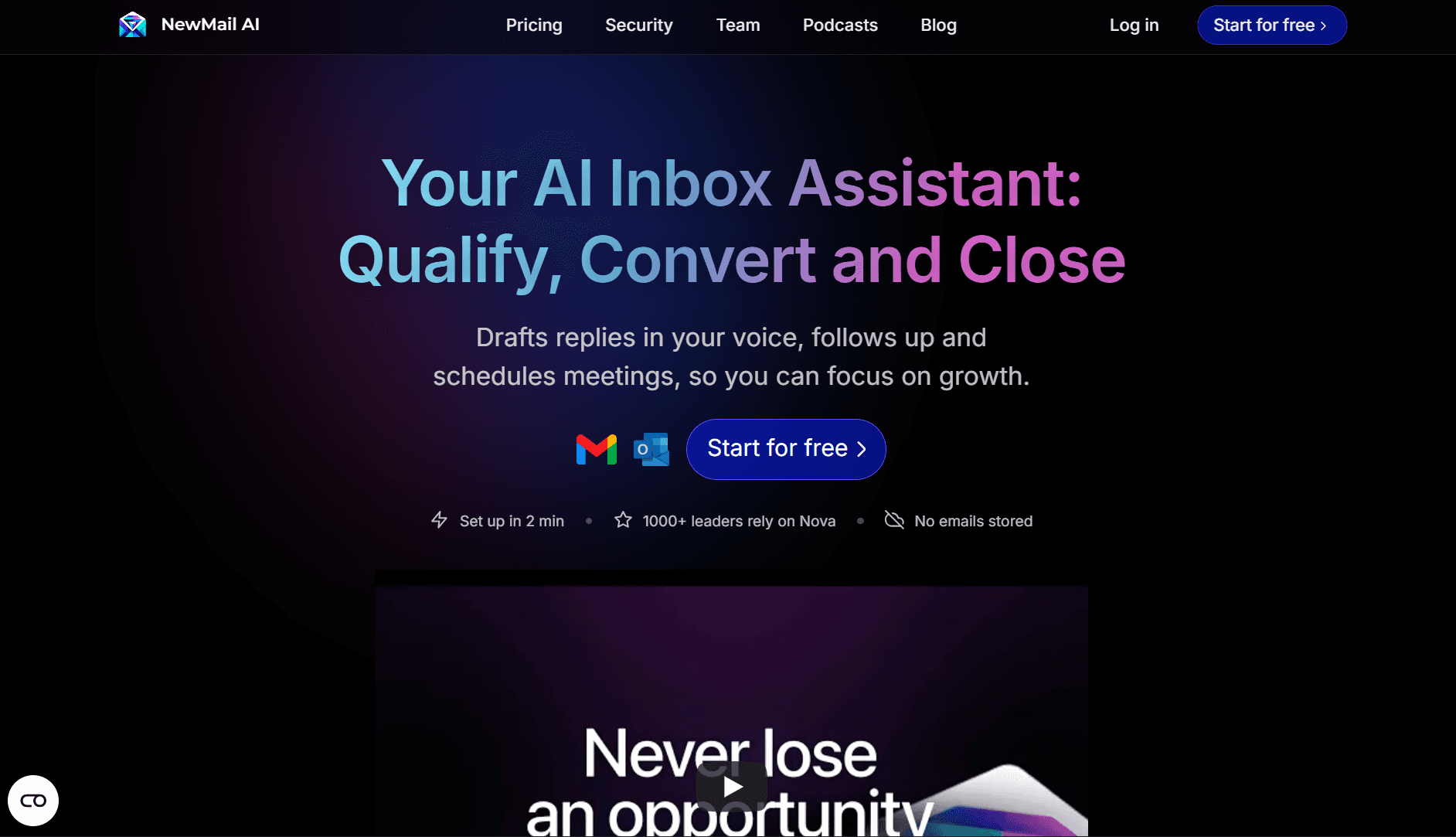
NewMail takes a different approach from traditional schedulers. Instead of pushing users toward booking links, it works directly inside Gmail conversations. It helps teams move from “let’s meet” to a confirmed calendar event by identifying scheduling intent, proposing times, coordinating details, and sending confirmations, all without leaving the inbox.
This makes it especially useful when meetings are negotiated over multiple emails with unclear constraints, delayed responses, or frequent follow-ups.
Key features
Scheduling intent detection inside Gmail threads
Context-aware time suggestions based on availability and email content
In-thread coordination of time zones, duration, attendees, and agenda
Calendar updates and confirmation emails once a time is agreed
Support for rescheduling without restarting the email loop
Pros
Reduces back-and-forth emails instead of adding booking links
Keeps scheduling context inside the email thread
Ideal for sales, partnerships, and customer conversations
Helpful when scheduling frequently stalls or goes quiet
Cons
Not designed as a standalone public booking page
Less suited for high-volume self-serve scheduling use cases
Pricing
NewMail Preview - Free
Personal Assistant - $12
Enterprise - Personalized plan
Rating: 4.6 / 5
If most meeting requests start in Gmail and you want faster coordination with fewer emails, explore NewMail.
2. Google Calendar Appointment Schedules
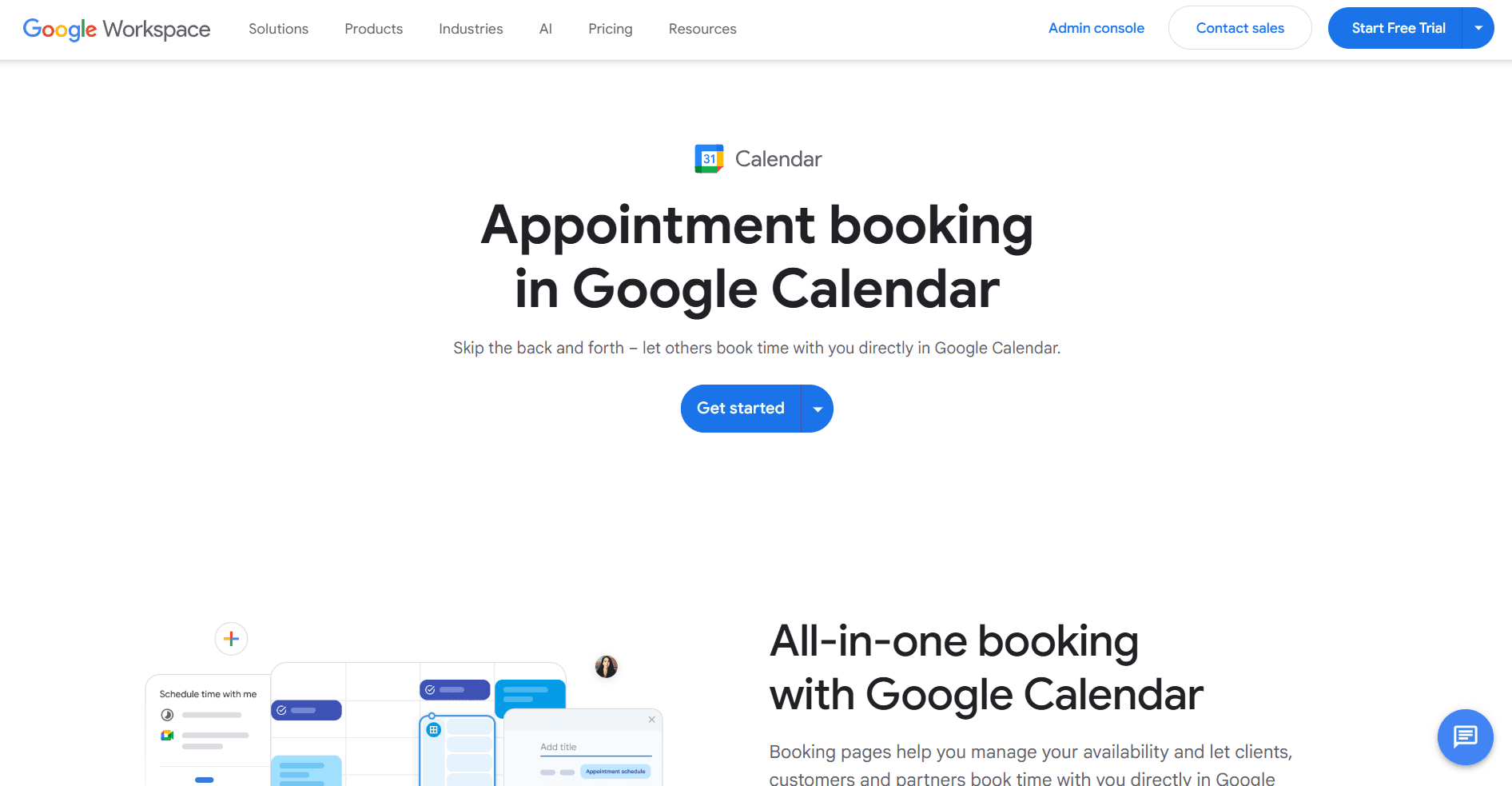
Google Calendar’s appointment scheduling is the simplest way to let others book time with you if you already live inside the Google ecosystem. It creates a booking page tied directly to your calendar, automatically adding confirmed meetings without extra integrations.
For individuals and small teams with straightforward needs, this can be enough.
Key features
Booking pages generated directly from Google Calendar
Automatic calendar event creation
Availability rules, buffers, and meeting duration controls
Native Gmail and Google Meet compatibility
Pros
No additional tool to manage
Reliable Google Calendar sync
Clean, simple booking experience
Cons
Limited customization and routing logic
Fewer team and workflow features than dedicated schedulers
Pricing
Included with select Google Workspace plans
Rating: 4.3 / 5
3. Calendly
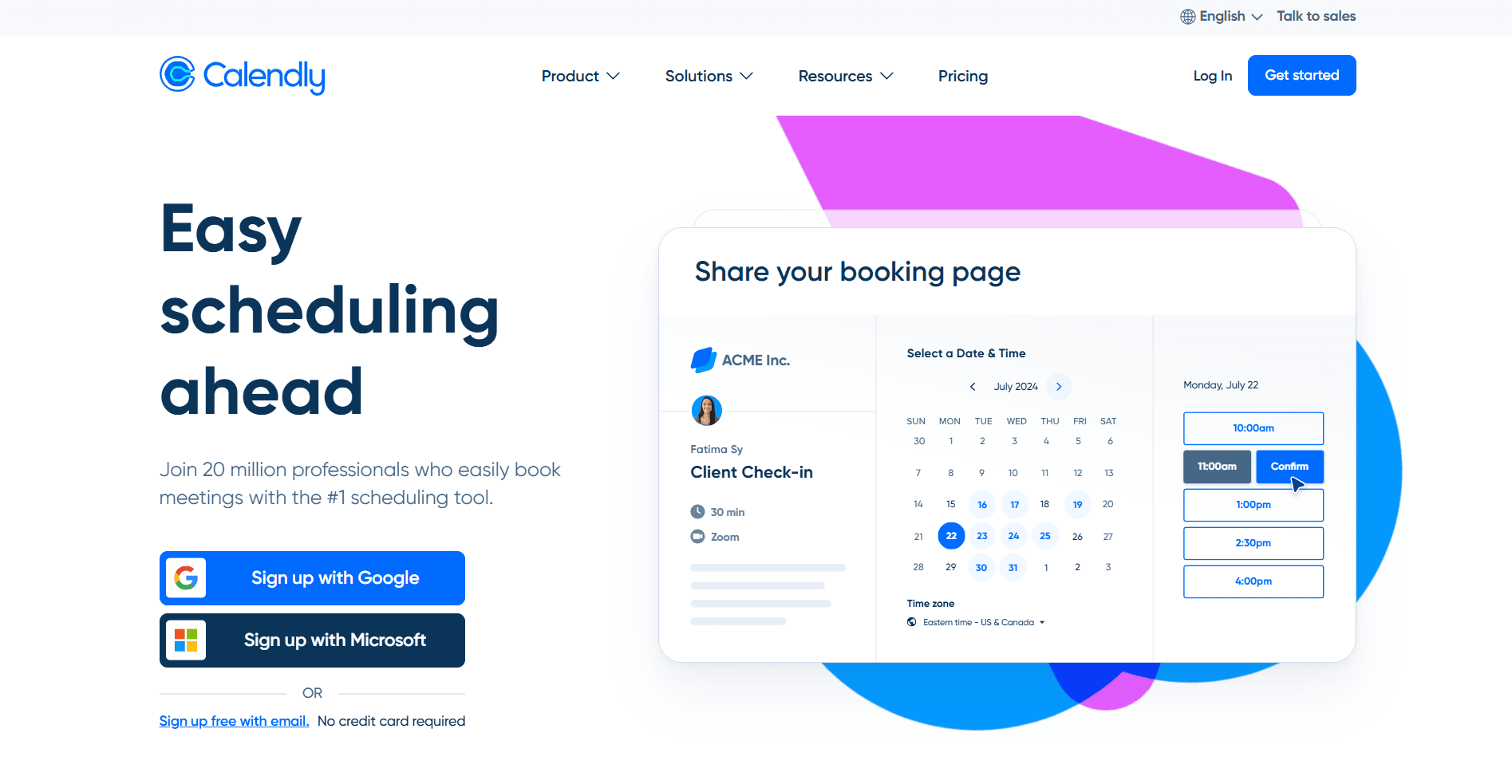
Calendly remains one of the most popular scheduling platforms for Gmail users who need more control than Google Calendar offers. It focuses on standardized booking links, event types, and scheduling rules that work well for repeatable workflows.
It’s a strong fit for individuals, sales teams, and recruiters who rely on booking links rather than email negotiation.
Key features
Google Calendar sync with real-time availability
Multiple event types (1:1, group, round-robin)
Buffers, limits, and notice periods
Integrations with video conferencing and CRMs
Pros
Flexible scheduling rules
Scales well from individuals to teams
Widely recognized and easy for invitees to use
Cons
Relies heavily on booking links
Less helpful for scheduling that happens inside email threads
Pricing
Free plan available; paid plans typically start per user/month. Paid plans include:
Standard: $10/seat/mo
Teams: $16/seat/mo
Enterprise: starts at $15k/yr
Rating: 4.5 / 5
4. Boomerang Meeting Scheduling
Boomerang’s scheduling feature focuses on turning proposed times inside emails into confirmed calendar events. Instead of sending a booking page, you suggest multiple times, and Boomerang handles responses and event creation.
This makes it useful for people who prefer conversational scheduling without external links.
Key features
Time proposal directly from Gmail
Automatic calendar event creation once confirmed
Detection of scheduling-related emails
Gmail-native workflow
Pros
No booking links required
Fits naturally into Gmail conversations
Reduces manual calendar copying
Cons
Limited team and routing features
Less customizable than full scheduling platforms
Pricing
Free tier available; paid plans unlock advanced features
Basic plan - free
Personal plan - $4.98/Month billed annually
Pro plan - $14.98/Month billed annually
Premium plan - $49.98/Month billed annually
Rating: 4.2 / 5
5. Gmail scheduling extensions
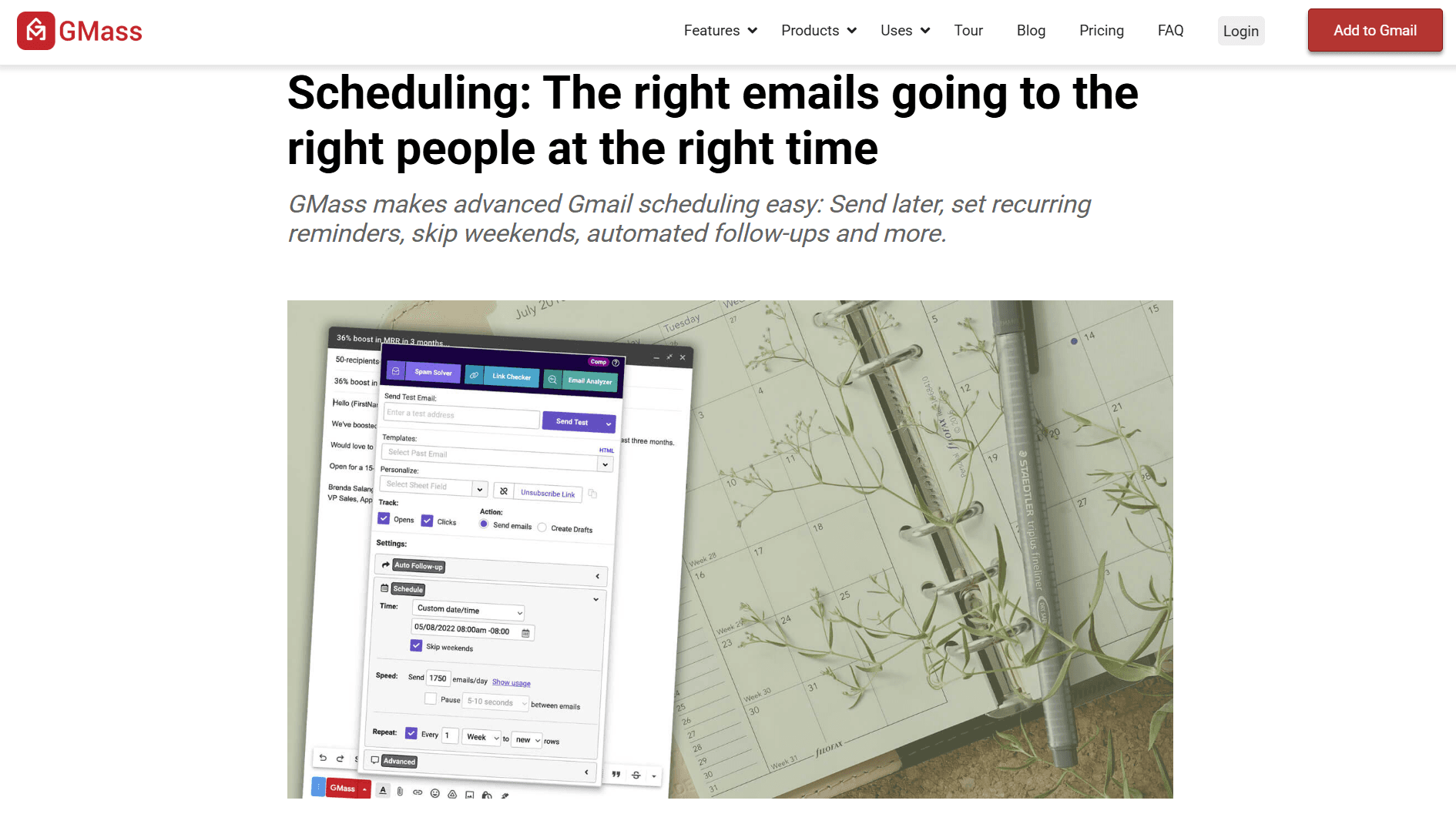
Various Gmail extensions, such as GMass, offer quick scheduling links or the ability to share availability from inside the inbox. These tools are typically lightweight and designed for simple 1:1 meetings rather than complex workflows. They can work well for individuals but require careful evaluation for business use.
Key features
Quick scheduling links from Gmail
Calendar availability sharing
Minimal setup
Pros
Fast to install and use
Low learning curve
Cons
Limited security and admin controls
Inconsistent reliability across extensions
Pricing
Varies by extension (often free or low-cost)
Rating: 3.8 / 5
6. SavvyCal
SavvyCal improves the booking experience by allowing invitees to overlay their own calendar on top of available times. This makes it easier to find a mutually convenient slot, especially for busy professionals.
Key features
Calendar overlay for invitees
Team and round-robin scheduling
Embedding and integration options
Pros
Invitee-friendly experience
Strong for team scheduling
Cons
Still link-based
Less inbox-centric than Gmail-native tools
Pricing
Paid plans per user/month
Basic plan - $12/user/month
Premium plan - $20/user/month
Rating: 4.4 / 5
7. Doodle
Doodle is designed for coordinating availability across groups. Instead of booking links, it uses polls to find the best time for multiple participants.
Key features
Group scheduling polls
Google Calendar integration
Automatic conflict detection
Pros
Excellent for multi-person coordination
Familiar interface
Cons
Slower than 1:1 schedulers
Less automation after time selection
Pricing
Free and paid plans available
Pro plan - $6.95 per user per month paid annually
Team plan - $8.95 per user per month paid annually
Rating: 4.1 / 5
8. HubSpot Meeting Scheduler
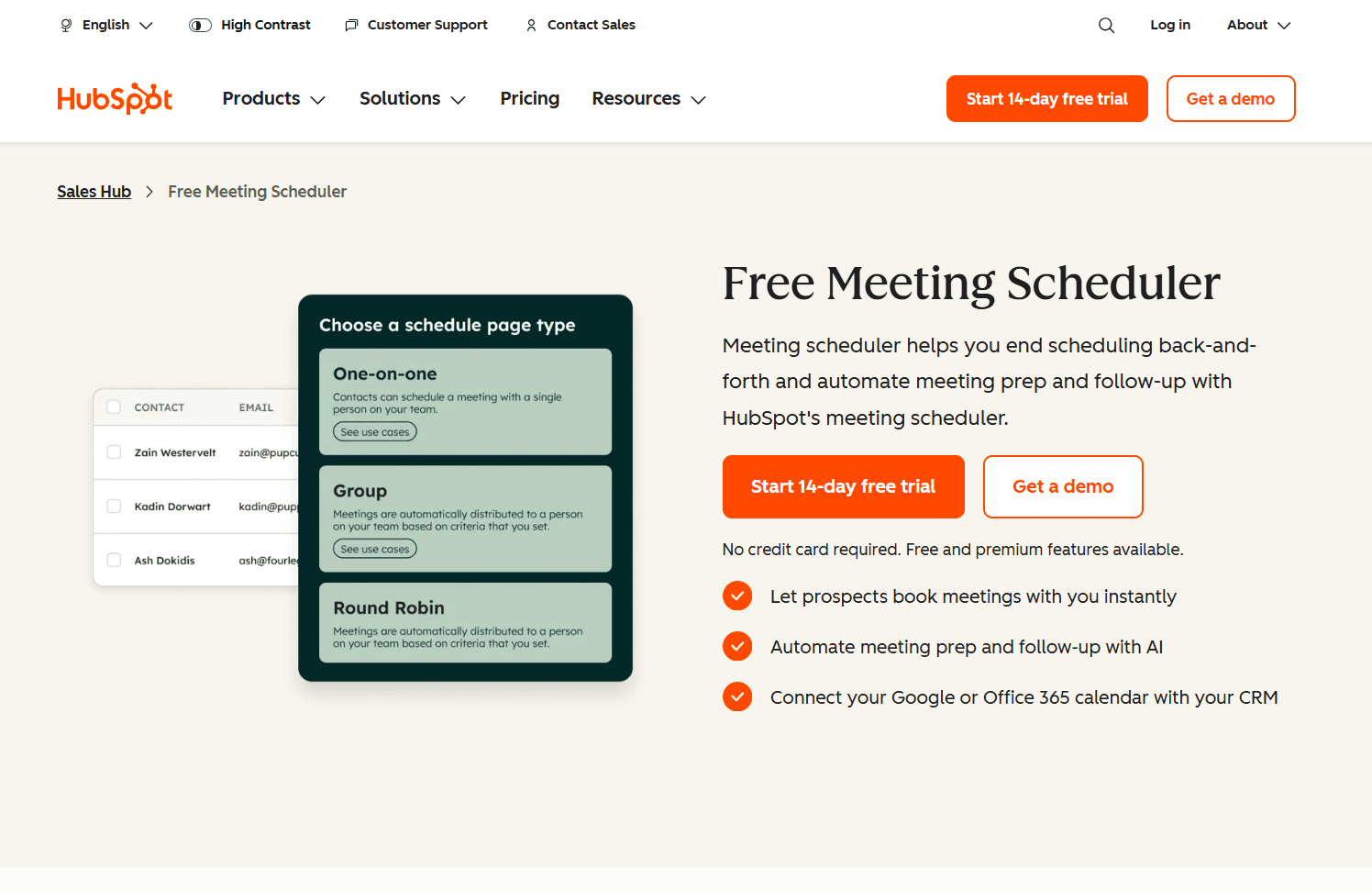
HubSpot’s scheduler connects meeting booking directly to CRM records, making it useful for sales and customer success teams already using HubSpot.
Key features
Google Calendar sync
CRM-linked booking pages
Meeting activity tracking
Pros
Strong CRM context
Good for pipeline visibility
Cons
Best value only if you use HubSpot
Less flexible outside sales workflows
Pricing
Included with HubSpot plans
Professional plan - $732/month
Enterprise plan - $3292/month
Rating: 4.2 / 5
9. Chili Piper
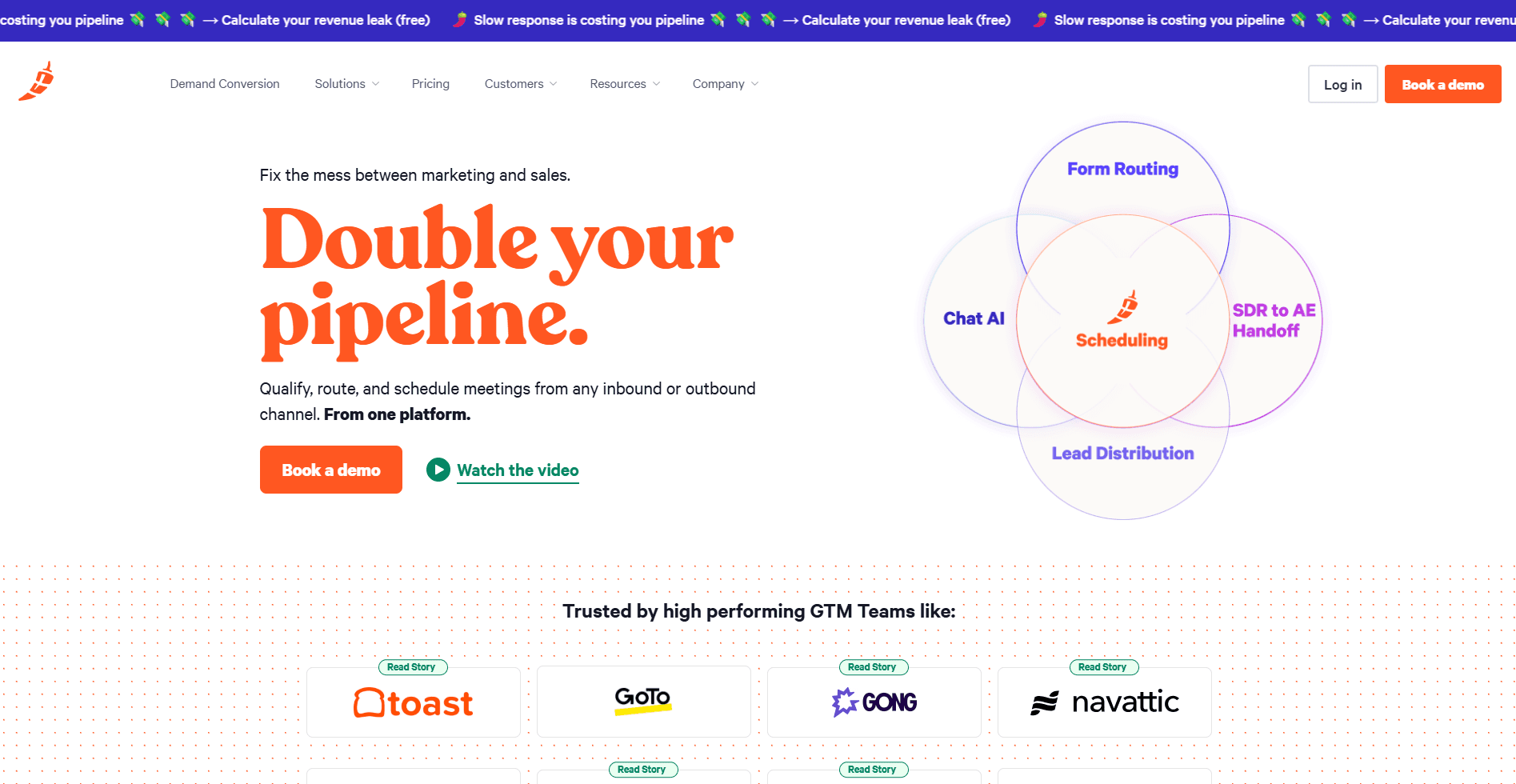
Chili Piper is built for high-volume inbound scheduling with routing rules, prioritization, and lead assignment. It’s less about simple booking and more about operational efficiency.
Key features
Advanced routing and prioritization
Gmail and Google Calendar integrations
Sales-focused workflows
Pros
Powerful for revenue teams
Reduces lead response time
Cons
Overkill for individual users
Higher setup complexity
Pricing
Concierge plan - $30 user/month
Chat plan - $30 user/month
Distro plan - $30 user/month
Handoff plan - $30 user/month
ChiliCal plan - $15 user/month
Rating: 4.3 / 5
10. Mixmax
Mixmax allows users to share availability and automate meeting invites directly from Gmail, without forcing recipients through a full scheduling portal.
Key features
Availability sharing in email
Calendar sync and reminders
Email productivity tools
Pros
Gmail-native feel
Lightweight scheduling support
Cons
Limited compared to full schedulers
Not ideal for complex team workflows
Pricing
Inbox Copilot - $29/month/user
Meeting Copilot - $29/month/user
Engagement Copilot - $49/month/user
Mixmax bundle - $89/month/user
Rating: 4.0 / 5
Also read: Top Email Label Automation Tips for a Smarter Gmail Experience in 2026
How to choose the best meeting scheduler for Gmail?
Selecting the right scheduler depends on how you book meetings today, how complex your scheduling rules are, and whether scheduling starts in Gmail threads or via booking links.
Start with how meetings are initiated
Decide whether meetings usually start with a booking link or inside an email conversation. If you mostly send links, a dedicated scheduler works well. If scheduling happens through back-and-forth emails, inbox-first or email-native tools reduce friction.
Verify real-time Google Calendar sync
Ensure the scheduler reads live availability and updates your calendar immediately. Reliable sync is essential to prevent double-booking, missed holds, or conflicts when calendars change.
Check time zone handling and scheduling rules
Look for accurate time zone detection, buffer times between meetings, minimum notice periods, and daily meeting limits. These controls prevent scheduling mistakes, especially with external or global contacts.
Assess whether you need individual or team scheduling
If scheduling involves multiple people, evaluate support for round-robin booking, collective availability, approvals, or routing rules. Solo users can keep things simpler; teams usually need structure.
Confirm required integrations
Make sure the tool integrates cleanly with Google Meet, video conferencing tools, CRMs, or workflow automation systems you already use. Missing integrations often create more manual work later.
Review permissions and security controls
For Gmail extensions and inbox tools, check the permission scope carefully. Business teams should prioritize tools with admin controls, auditability, and clear data access boundaries.
Conclusion
The best meeting scheduler for Gmail depends on how you book meetings. Booking-link tools work well for structured, self-serve scheduling. But when meetings are negotiated inside Gmail threads, inbox-first tools reduce back-and-forth and missed follow-ups.
NewMail is designed for email-driven scheduling. It helps move conversations from “let’s meet” to a confirmed time by proposing slots, coordinating details, and sending clear confirmations directly from the inbox.
If scheduling requests mainly come through Gmail conversations and you want a faster path from “Let’s meet” to a confirmed invite, visit NewMail to see how its scheduling workflow works.

FAQs
1. Is Google Calendar appointment scheduling enough for most Gmail users?
For many individual users who want a booking page and basic availability control, yes. Google Calendar appointment schedules are designed for this purpose and can be shared as a booking page.
2. Do I need a tool like Calendly if I already use Google Calendar?
You may not know if your scheduling needs are simple. Dedicated schedulers are most useful when you need multiple event types, advanced rules, and integrations across a broader tool stack.
3. Does Gmail offer AI help for scheduling meetings?
Google has introduced Gemini-based scheduling assistance features in Gmail for certain plans, including “Help me schedule,” which suggests meeting times based on email context and calendar availability.
4. What is the biggest cause of scheduling back-and-forth in email?
Usually, it is unclear constraints (time zones, meeting length, format), delayed replies, and the lack of a single clear method (booking link vs. proposed times). A scheduler helps by turning that negotiation into a structured selection process.
5. Can I use a meeting scheduler with Gmail without sharing my full calendar details?
Yes. Most meeting schedulers that connect to Google Calendar only need access to your availability (free/busy) and booking rules, not the full details of every event.
