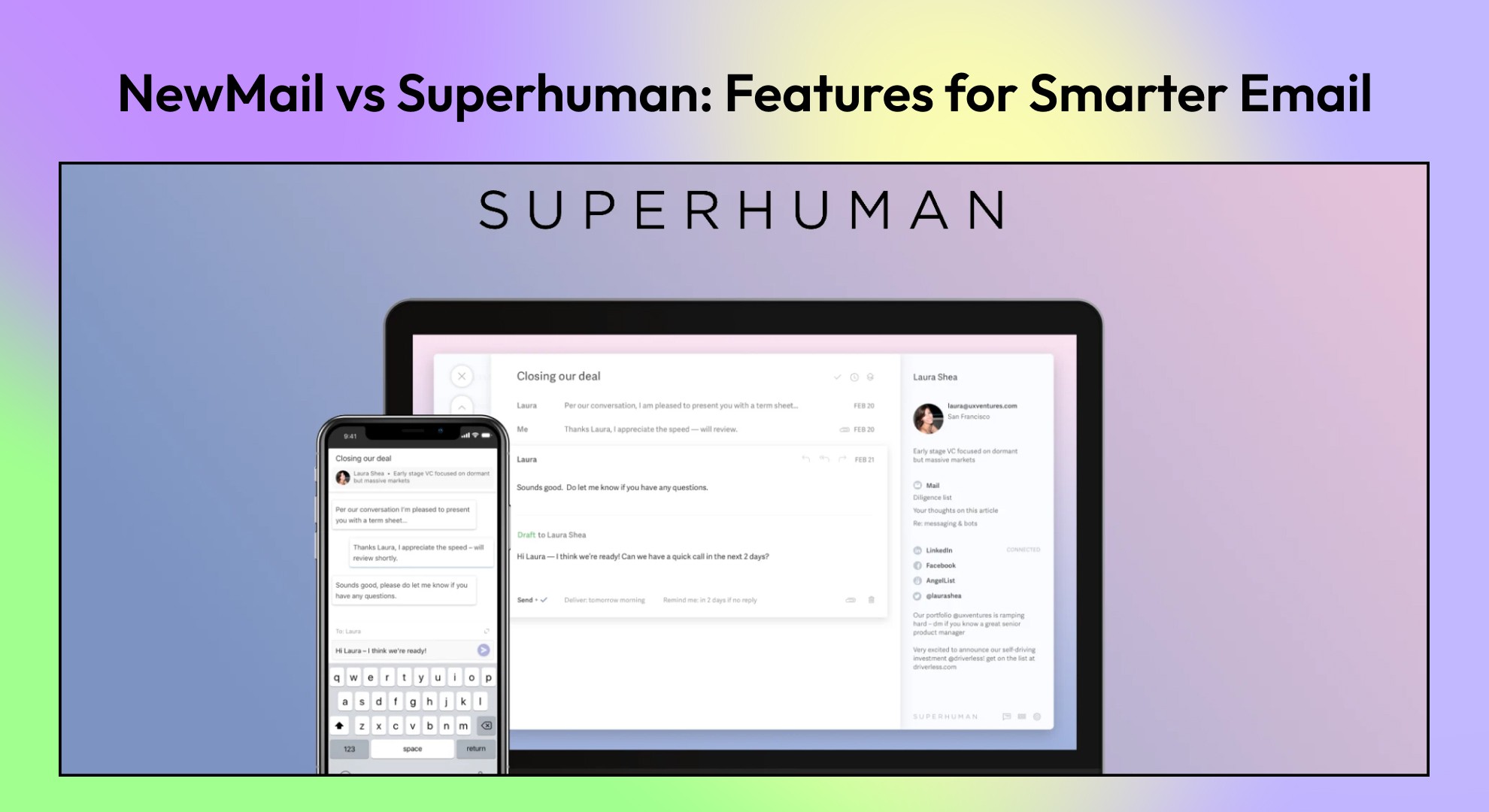
Compare NewMail vs. Superhuman to determine which email tool best suits your workflow. Discover differences in AI drafting, proactivity, customization, and privacy to choose the right inbox partner.
Introduction
Email remains one of the most powerful communication tools for professionals—but it’s also one of the most overwhelming. Between endless threads, scheduling back-and-forths, and the pressure to respond quickly, inboxes often feel like a full-time job. That’s why tools like NewMail and Superhuman exist—to turn email from a burden into a productivity asset.
While both aim to simplify the email experience, they take very different approaches.
NewMail relies on deep AI context learning, task extraction, and a privacy-first design, essentially acting as a proactive personal assistant.
Superhuman, on the other hand, focuses on raw speed, polished user experience, collaboration tools, and shortcuts, appealing to those who want to move through their inbox at lightning pace.
This blog will break down NewMail vs Superhuman features across drafting, proactivity, customization, scheduling, privacy, pricing, and use cases—so you can decide which one matches your workflow.
At a Glance: NewMail vs Superhuman Features
Feature Area | NewMail | Superhuman |
AI Drafting | Context-rich drafts in your tone, role, and style | Drafts + rewrites focused on speed and clarity |
Proactivity | Daily briefings, task extraction, smart prioritization | Reminders, snippets, categorization |
Customization | Natural-language categories, tone controls, adaptable workflows | Pre-set workflows, fixed shortcuts |
Calendar & Scheduling | Embedded availability + daily calendar briefings | Quick calendar access, reminders, and scheduling shortcuts |
Privacy | Zero data retention, no AI training on user data | SOC 2 compliant, some processing via vendors |
Collaboration | Task extraction + shared insights for teams | Snippets, read receipts, team-oriented workflows |
NewMail Overview
Key Features:
Smart Drafts: Generates replies tailored to your voice, context, and role.
Task Extraction: Automatically pulls action items from emails into a to-do list.
Daily Briefings: Sends a morning summary of meetings, tasks, and important threads.
Natural-Language Customization: Adjust categories, tone, and workflows with plain English commands.
Zero Data Retention: Emails never leave your Google/Outlook account—data isn’t stored or trained on.
In short, NewMail feels less like an email app and more like a chief of staff living in your inbox.
Superhuman Overview
Superhuman, often described as the “world’s fastest email client,” is built for professionals who want to fly through their inbox with speed and style.
Key Features:
Lightning-Fast Interface: Built around powerful keyboard shortcuts.
AI Draft & Rewrite: Helps shorten, clarify, or rephrase messages quickly.
Reminders & Follow-Ups: Ensures important emails resurface automatically.
Snippets & Templates: Save and reuse messages for fast responses.
Collaboration Tools: Shared workflows, team alignment, and read-status visibility.
Superhuman’s main appeal lies in its clean UI, intuitive design, and rapid-fire workflows, especially for teams that value fast collaboration.
AI Drafting: Personalization vs Speed
Both tools utilize AI to accelerate drafting, but the level of personalization differs significantly.
How NewMail Drafts?
Learns from your voice, tone, products, and role.
Generates context-aware replies that consider entire threads.
Lets you adjust drafts with natural language instructions (e.g., “make this concise” or “sound more friendly”).
Produces replies that feel like you—not generic AI output.
How Superhuman Drafts?
Provides AI-drafted responses + rewrite commands (shorten, clarify, simplify, change tone).
Learns gradually from your sent emails.
Optimized for quick edits and efficiency, not deep personalization.
Strong keyboard shortcut integration for editing on the fly.
Verdict: If you want AI to behave like a personal assistant, choose NewMail. If you want a fast editor with smart shortcuts, choose Superhuman.
Proactivity: Who Anticipates Better?
A good assistant doesn’t just wait for you—it acts on its own.
NewMail Proactivity
Daily Briefings: Calendar + tasks + important messages in your inbox each morning.
Task Extraction: Automatically creates a task list from emails.
Smart Prioritization: Surfaces important threads before they slip through the cracks.
Follow-Up Suggestions: Prompts you to respond or nudge others when necessary.
Superhuman Proactivity
Reminders: Bring back emails when needed.
AI-Powered Labels: Sorts newsletters, pitches, social updates.
Snippets + Collaboration: Useful for teams, but requires manual setup.
Fast Search: You drive the process; it doesn’t organize tasks for you.
Verdict: NewMail is a proactive do-it-for-you assistant, while Superhuman is more of a speed tool you control manually.
Customization & Control
The way you manage your inbox should match your workflow. While Superhuman emphasizes speed through preset shortcuts, NewMail gives you more freedom to personalize filters, layouts, and notifications to fit your style.
NewMail
Define categories in plain language (e.g., “client follow-ups” → automatic sorting).
Adjust tone per message or globally with natural commands.
Choose how assertive you want the AI (e.g., frequent nudges vs. minimal prompts).
Superhuman
Rigid but polished default workflows.
Heavy reliance on keyboard shortcuts.
Less room for personal workflow tailoring.
Verdict: If you like flexibility and personal control → NewMail. If you’re happy adapting to a polished workflow → Superhuman.
Calendar & Scheduling
Email and scheduling often go hand in hand. Superhuman keeps things simple with basic calendar integration, while Newail takes it further by using AI to suggest meeting times, manage invites, and reduce back-and-forth coordination.
NewMail
Generates scheduling links directly from emails.
Embeds availability options in replies.
Provides a daily calendar briefing.
Superhuman
Integrates calendars side-by-side in your inbox.
Great for quick scheduling actions.
Best for users who already rely on external scheduling tools.
Verdict: NewMail turns your inbox into a scheduling hub. Superhuman makes scheduling faster—but not deeper.
Privacy & Data Usage
When choosing an email tool, privacy can be a deal-breaker.
NewMail:
Zero data retention (nothing stored on servers).
No AI training on your data.
Strong encryption + Google security compliance.
Superhuman:
Data mostly local, but AI features require vendor processing.
SOC 2 compliant + encrypted at rest and in transit.
AI is opt-in.
Verdict: NewMail wins for privacy-first professionals.
Pricing: NewMail vs Superhuman
When it comes to choosing the right email tool, price often plays a big role. Superhuman positions itself as a premium option with a hefty monthly fee, while Newail takes a more accessible approach, offering advanced features without locking them behind steep costs. Let’s look at how the two compare.
Tool | Pricing | Notes |
NewMail | Free preview → $15/month Solo → $30/month Pro → Custom Enterprise | Affordable, flexible tiers. |
Superhuman | $30/month (flat) | Premium price, one plan fits all. |
Verdict: NewMail gives more flexibility at a lower entry point. Superhuman is pricier but straightforward.
Who Is It For?
Every email tool is built with a certain type of user in mind. Superhuman caters to a niche audience that values exclusivity and speed above all, while Newail is designed for a broader range of professionals who need both efficiency and intelligence in managing their inbox. Let’s break down who benefits most from each platform.
Profile Type | Best Fit | Why It Works |
Consultants | NewMail | Task extraction + personalized drafts for client communication. |
Founders/Entrepreneurs | NewMail | Daily briefings, proactive task surfacing, and smart scheduling. |
Sales Teams | NewMail | Tone-adjusted pitches + automated follow-ups. |
Productivity Enthusiasts | Superhuman | Keyboard-driven workflows and ultra-fast inbox clearing. |
Minimalist Users | Superhuman | Clean UI, defaults that “just work.” |
Why Choose Newmail Over Superhuman?
While Superhuman has built a reputation as a premium email tool, NewMail goes beyond speed and shortcuts — it’s designed to be a smarter, more accessible, and more adaptive email assistant. Here’s why NewMail stands out:
AI-Powered Productivity, Not Just Speed
Superhuman focuses heavily on faster workflows, but NewMail combines speed with intelligence. Its AI helps draft, summarize, and prioritize emails, saving you hours every week while reducing mental fatigue.
Seamless Accessibility Without Barriers
Superhuman is invite-only and premium-priced, limiting access. NewMail is open, affordable, and built for wider adoption, making advanced email management available to everyone, not just a select few.
Smart Prioritization That Understands Context
Instead of simply highlighting important messages, NewMail’s AI understands intent, urgency, and relationships, ensuring you never miss the emails that truly matter.
Customization Without Complexity
NewMail allows users to tailor workflows, smart filters, and notifications to their personal style. Superhuman offers speed but has a steeper learning curve for customization.
Future-Ready Features
While Superhuman is optimized for Gmail and Outlook, NewMail is being designed for cross-platform adaptability, AI integrations, and next-gen collaboration tools — making it a longer-term solution.
In short: If you want an exclusive, speed-focused tool, Superhuman delivers. But if you’re looking for an intelligent, inclusive, and adaptive email experience that grows with you, NewMail is the smarter choice.

FAQs
1. Does NewMail integrate with CRMs or Slack?
Yes, NewMail connects with CRMs, Slack, and task managers to sync extracted tasks and workflows.
2. Which has a steeper learning curve?
Superhuman requires learning shortcuts. NewMail adapts faster since it relies on natural language commands.
3. Which tool is more affordable?
NewMail has flexible tiers ($15–$30/month). Superhuman has one flat rate ($30/month).
4. Can teams collaborate on both tools?
Yes—but differently. Superhuman promotes shared workflows and snippets. NewMail helps teams by automating tasks and follow-ups.
5. Which is more privacy-focused?
NewMail. It has a zero-retention model, while Superhuman processes some data via vendors.
