Searching for the best AI calendar? Explore top tools that automate tasks, schedule intelligently, and simplify busy workdays for teams and professionals.
Your calendar shouldn't feel like another inbox you have to clean. Yet for many professionals, it quickly becomes the most stressful part of the day. Recent findings show that 43% of respondents spend at least 3 hours each week scheduling meetings. That's the time most people would rather spend advancing work.
That's why so many are turning to an AI calendar to take over the tedious parts of planning. For anyone juggling shifting priorities or coordinating across teams, an automatic planner can turn a chaotic schedule into something you actually control.
In this guide, we'll break down the best options and how they fit into real workflows. You'll also learn what to look for when choosing an AI-powered scheduling tool.
Key Takeaways
AI calendars replace manual scheduling by auto-placing tasks, resolving conflicts, and protecting focus time. That's critical for professionals switching between fast-changing priorities.
Integrations make or break productivity. The strongest tools sync cleanly with Google/Outlook and pull tasks from Slack, Asana, Notion, and CRM tools, reducing daily context switching.
Good AI calendars explain changes, highlight meeting load vs. focus time, and adapt to your habits rather than mindlessly reshuffling your day.
NewMail AI stands out for proactive intelligence, combining email triage, task capture, meeting prep, and secure scheduling in one place. That's ideal for professionals who want AI scheduling help without adopting multiple new apps.
AI Calendars: Overview and Why They Matter
AI scheduling assistants are changing how professionals manage their time. Instead of dragging tasks across your calendar or managing meeting requests, an AI calendar automatically organizes your day. It places tasks where they fit, groups similar work to reduce context switching, and adjusts your schedule when something unexpected comes up.
These tools connect your event data to large language models, which analyze your workload and return intelligent recommendations. The app then updates your calendar for you, creating or moving events to keep your day realistic and balanced.
Example: For someone like a sales manager, the day moves fast. Prospect calls stack up. Team check-ins run long, and deals shift at the last minute. An automatic planner can help move meetings, protect focus time, and place follow-ups exactly where they belong.
Why these assistants matter:
Auto-schedule tasks based on urgency and context
Move meetings automatically when conflicts appear
Protect focus blocks for deep work
Sync with tools you already use, like Google Calendar and Zoom
Handle time zone coordination without manual checks
Send reminders to prevent missed commitments
Adapt to your habits and preferred working style over time
Also Read: How to Share Your Google Calendar Easily
We've tested several AI calendar tools in real work scenarios. Some only send a meeting link and stop there. The stronger ones learn your preferences and blend into your workflow without slowing you down. With a fair idea of the basics, it's time to look at them.
6 Best AI Calendar Tools at a Glance
Tool | Best For | Price |
|---|---|---|
NewMail AI | Daily briefings, priority sorting, AI draft replies, actionable insights (Gmail), meeting prep, simplified scheduling (Gmail), unified email + tasks + calendar | Free plan; Paid starts at $15/month; Enterprise custom |
Reclaim | AI time blocking, habits + breaks, smart 1:1 rescheduling, weekly reports, team scheduling tools, task integrations | Free plan; Paid plans from $12–$18/user/month; Enterprise custom |
Motion | AI-built daily schedule, auto-rescheduling, smart booking windows, integrated tasks/projects, cross-calendar sync | Paid plans start at $19/user/month; Team plans from $29/user/month (annually billed) |
Clockwise | AI meeting moves (Prism Chat), team calendar optimization, auto focus blocks, smart shifts, and meeting analytics. | Free plan; Team plans from $6.75/user/month; Business from $11.50/user/month |
Akiflow | Unified task inbox, drag-and-drop time blocking, conflict warnings, command bar, and daily shutdown ritual | Pro Monthly $34/month; Pro Yearly $9.50/month (billed annually) |
TimeHero | Auto task scheduling, workload balancing, task templates, visual planner, team assignments, broad integrations | Paid plans approx. $5–$27/user/month, depending on tier |
The Best AI Calendar Assistants That Actually Fix Your Calendar Chaos
The market is full of AI tools that promise better scheduling, but only a few genuinely reduce the chaos. These assistants go beyond simple meeting links, actively organizing tasks, resolving conflicts, and protecting your focus time. Here's a quick look at the ones that stand out.
1. NewMail AI
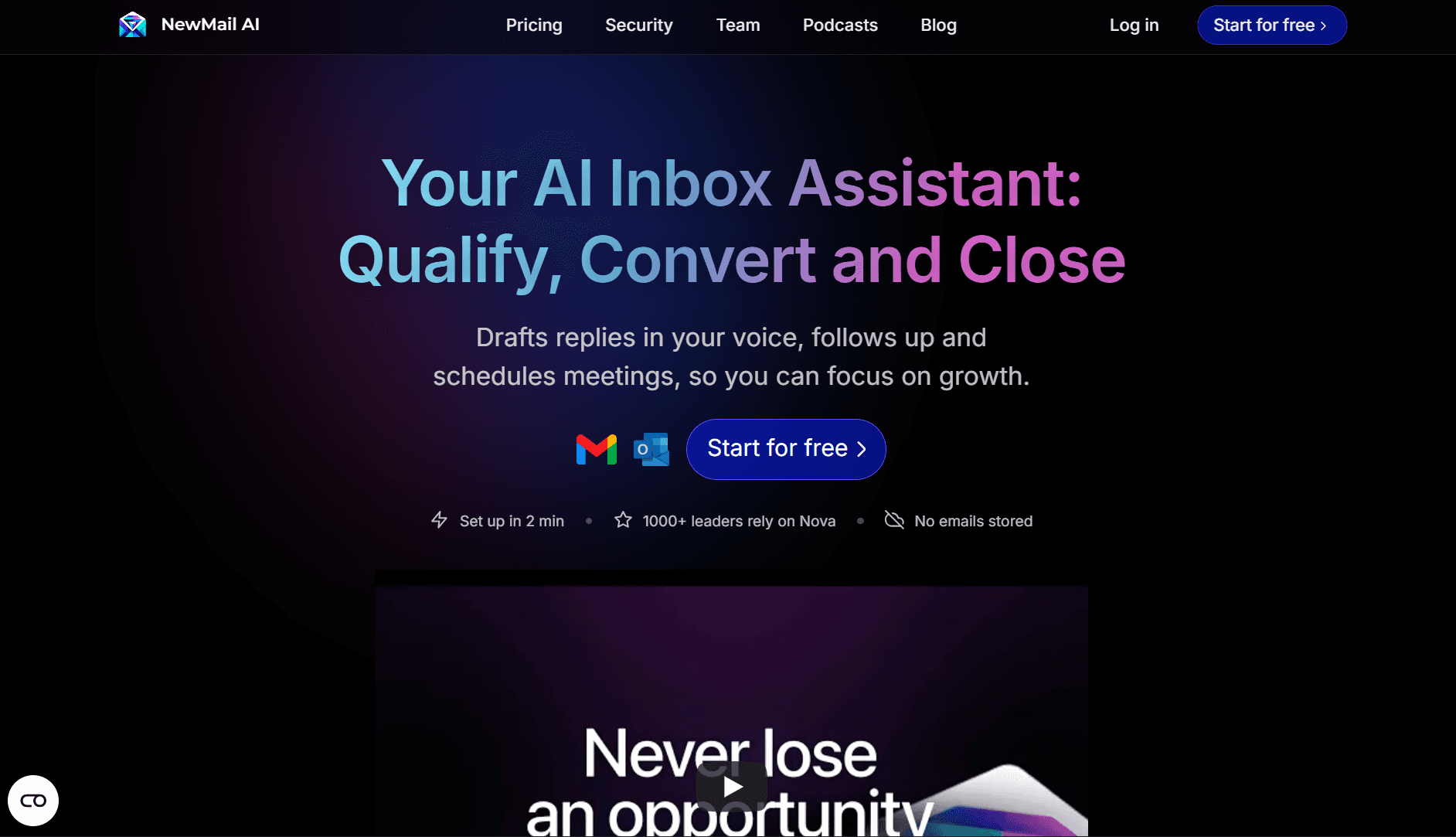
If your day is packed with back-to-back meetings, shifting priorities, and a constant stream of emails, it becomes hard to know what deserves attention first. NewMail AI cuts through the noise by bringing your inbox, tasks, and calendar updates into a single, organized flow.
Instead of digging for key messages or reworking your schedule every time something changes, it highlights what matters and automatically tracks follow-ups. This prepares you for each day before it even starts.
Key Features:
Advanced Calendar & Task Management: Keeps your schedule and to-dos synced. Moves with your day, so you don't have to reorganize events or reminders manually.
Daily Briefings: Each morning, you receive a clear summary of essential emails, meetings, schedule changes, and links you need to start the day strong.
Priority Sorting: Surfaces the messages that matter most, reducing time spent scanning threads or digging through long email chains.
Actionable Insights (Gmail only): Automatically captures actions from your conversations and links them into a unified to-do list, so you never lose track of follow-ups.
Meeting Preparation: Provides quick access to summaries, relevant notes, and key context before every meeting, helping you walk in prepared.
Simplified Scheduling (Gmail only): Your daily calendar arrives in your inbox, and you can manage events with a single click. That's helpful for anyone balancing multiple commitments.
Personalized AI Draft Replies: Writes responses in your tone, helping you clear your inbox faster without sounding generic.
Who It's For
Executives and managers who need a clear view of priorities before the day starts
Sales teams that rely on timely follow-ups and clean scheduling
Remote teams that need structure without constant manual planning
Entrepreneurs managing multiple threads across email, tasks, and meetings
Client-facing roles or freelancers that benefit from fast prep before calls
Pros
Smart daily briefings keep you prepared.
Privacy-focused; no data stored for model training
Potent combination of email + task + calendar management
Simple setup with clear workflows
Cons
Some scheduling features are Gmail-only.
Free tier only analyzes the last 50 emails.
Pricing
Plan | Price | Key Features |
|---|---|---|
Free (NewMail Preview) | $0 | Personalized AI drafts, priority sorting, task tracking, last 50 emails, one-time report |
Personal Assistant | $15/month | 50 personalized drafts/day, priority sorting, task tracking, accelerated scheduling, daily briefings, founder support |
Enterprise | Custom | Everything in Personal Assistant Plan + Unlimited AI drafts, custom workflow audit, org-level insights, priority support with SLAs |
If you're tired of starting each day already behind, NewMail AI gives you a calmer, more precise starting point. Get your time back. Start NewMail free and let it brief you only on what actually matters.
Also Read: Using Gmail Filters to Organize and Declutter Your Inbox: Pro Tips and Tricks
2. Reclaim
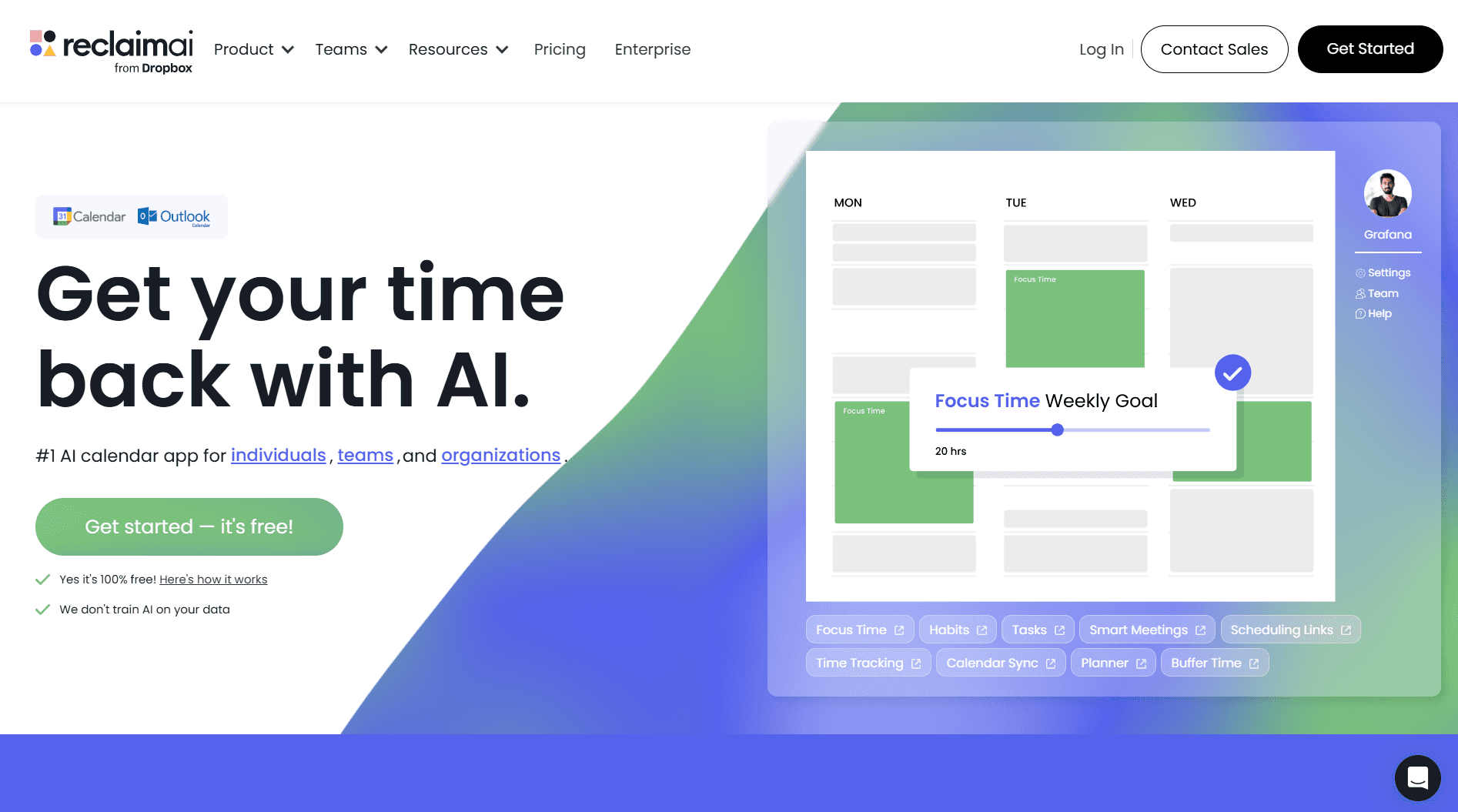
Reclaim is built for people who treat their calendar like a control center and want their day to run with fewer manual adjustments. It plugs into Google Calendar and uses AI-powered time blocking to automatically schedule meetings, habits, breaks, and focus sessions.
Key Features
AI Time Blocking: Automatically schedules tasks, habits, and breaks based on availability and priority.
Buffer Time: Places breathing room between meetings so you're not jumping from call to call.
Habit Builder: Adds recurring personal goals, such as reading, workouts, or weekly planning, and adapts them to changing events.
Smart 1:1 Rescheduling: If a recurring meeting gets canceled, Reclaim finds a new slot and updates both participants.
Team Scheduling Tools: Round Robin booking and templates help teams coordinate availability without constant back-and-forth.
Time Tracking + Weekly Reports: Shows how much time you spend in meetings, breaks, or travel.
Integrations: Connects with Asana, ClickUp, Todoist, and others to pull in tasks.
Who It's For
Freelancers who switch between client work, admin, and personal tasks
Teams that need predictable availability across roles
Professionals who rely heavily on Google Calendar and want smarter time protection without adding new tools
Pros
Helpful for enforcing breaks, habits, and personal routines
Weekly performance reports give quick clarity on time usage.
Works behind the scenes without requiring significant workflow changes
Cons
No mobile app, which limits on-the-go adjustments
Calendar layout can feel cramped with complex schedules.
Not ideal for team-wide project planning (no timelines or dependencies)
Limited to Google Calendar and Outlook (beta); not suited for Apple Calendar users
No conversational AI interface for commands like "Shift complex sales pipeline work to Friday."
Pricing
Basic features are free, and paid plans start at about $12 per user per month. The Business tier reaches around $18 per user per month for advanced team scheduling and automation tools. Enterprise plans are custom-made for larger organizations.
3. Motion
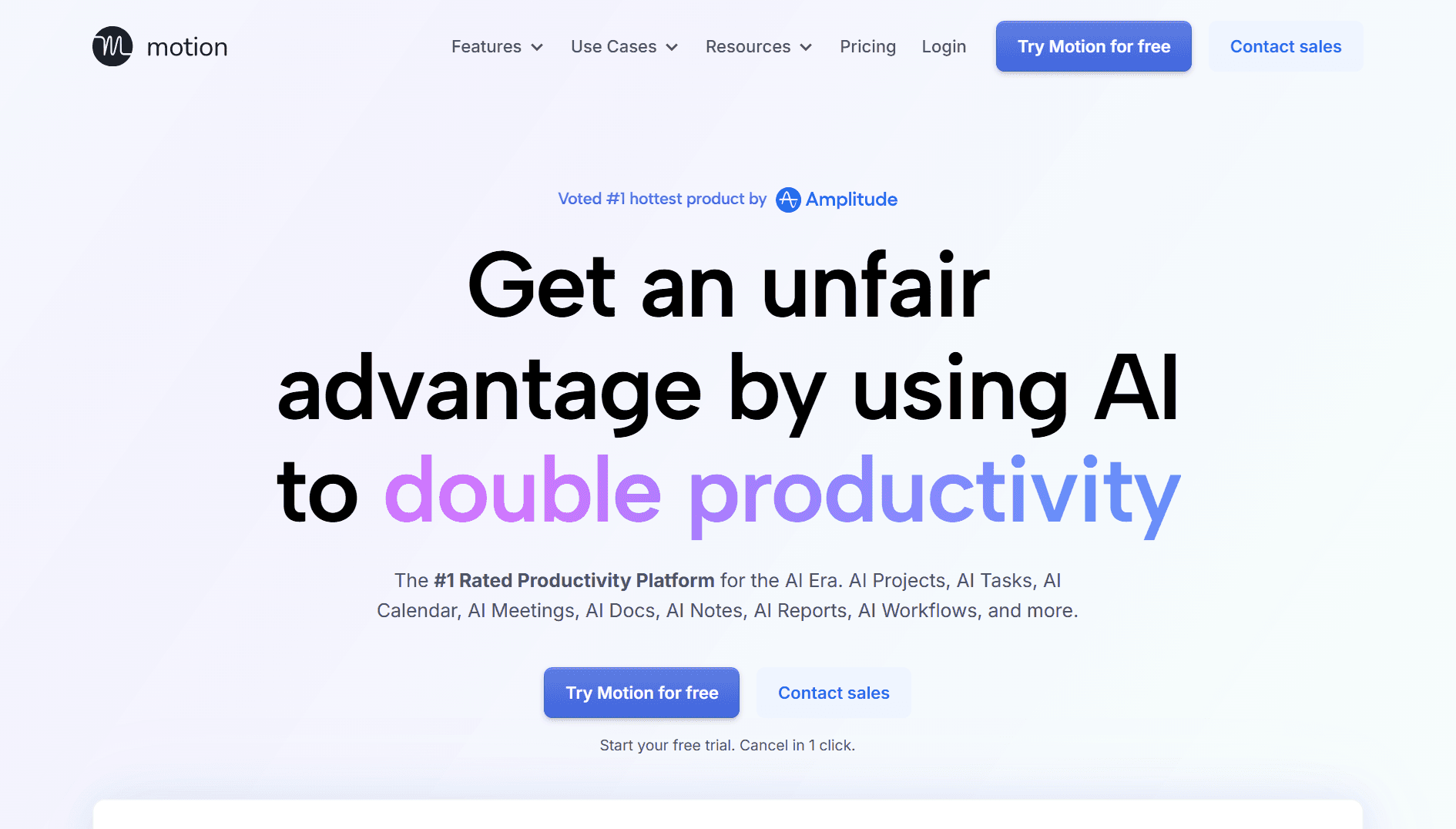
Motion is designed for professionals who want their workday planned for them. Instead of manually dragging tasks around, it uses AI to build a real-time schedule that updates as meetings shift, deadlines move, or new work shows up. It's helpful if you want automation to take over day planning, but it can feel rigid when you need quick adjustments.
Key Features
AI Scheduling: Builds a dynamic schedule that updates when tasks, deadlines, or meetings change.
Smart Meeting Booking: Enables you to define booking windows and automatically adds buffers.
Calendar Sync: Works with Google, Outlook, and iCloud to avoid double-bookings.
Project & Task Management: Supports lists, boards, and basic project workflows, including priority-based task assignment.
Automatic Rescheduling: Recalculates your day instantly when meetings shift, run over, or get canceled.
Who It's For
Small teams that want daily schedules generated automatically
Busy professionals who want to avoid manual time blocking
Leaders managing a mix of deadlines, recurring meetings, and shifting priorities
Pros
Auto-adjusts your day when meetings run over
Combines calendar, task management, and scheduling
Built-in AI tools for note-taking and content support
Cons
No free plan, and the trial is short
Recalculates the entire schedule whenever you make a manual change
Task input can feel heavy when you want to quickly note something down.
UI can feel crowded as the product has expanded.
The mobile app doesn't have the full functionality, unlike the web version.
Pricing
Motion doesn't offer a free forever plan. Paid plans start at around $19 per user per month for individuals and small teams, while larger team plans start at about $29 per user per month (both billed annually). Prices are customized for enterprises with additional AI automation and advanced team feature requirements.
Also Read: Best Email Automation Tools in 2025
4. Clockwise
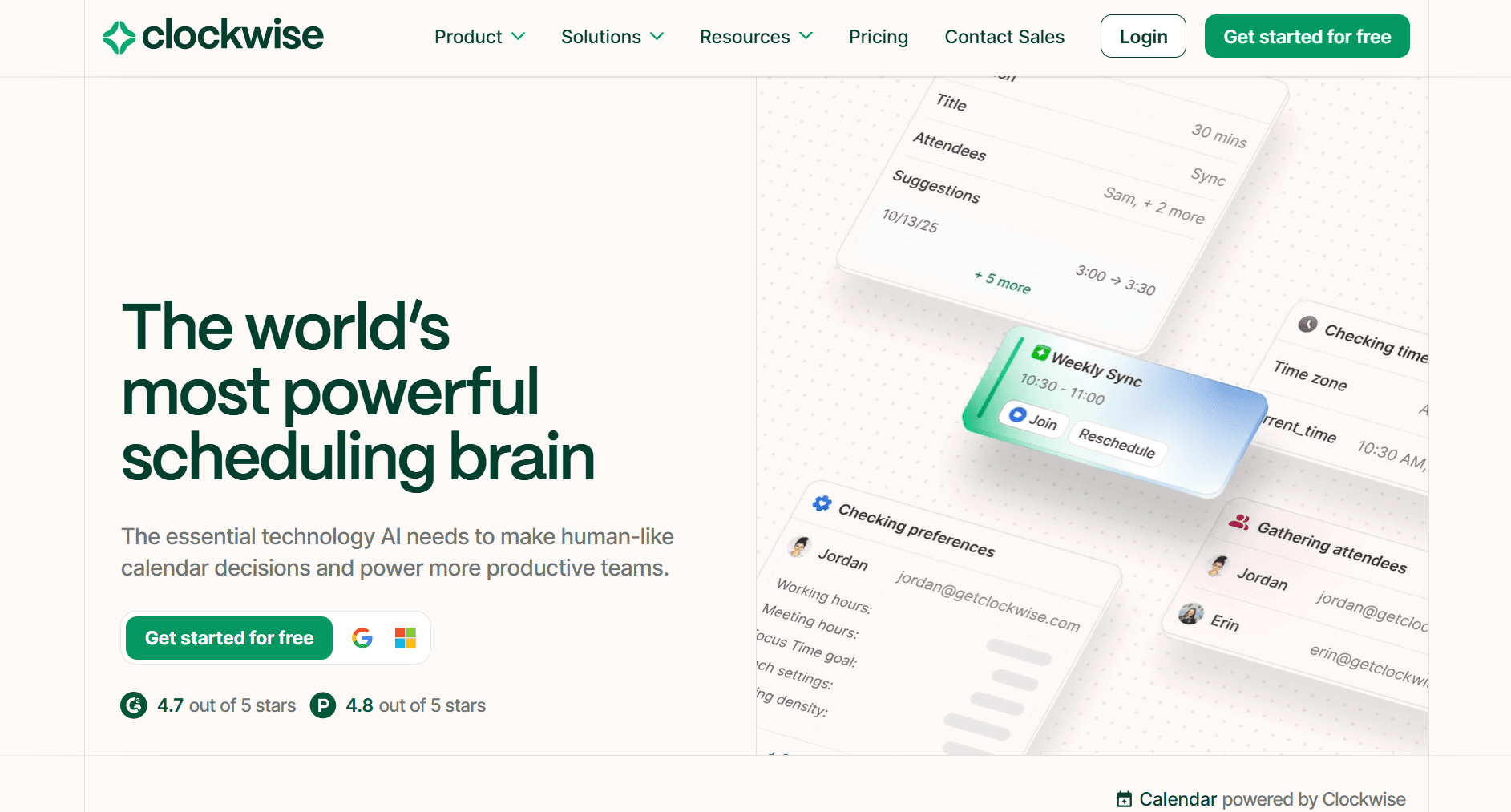
Clockwise focuses on reducing meeting chaos for teams. Instead of leaving calendars cluttered with scattered calls, it reorganizes schedules to protect long, uninterrupted focus blocks. Once connected to Google Calendar, it learns your work patterns and automatically adjusts your day, making it useful for teams that juggle collaboration and work.
Key Features
AI Scheduling (Prism Chat): Move meetings or clear your day using natural language commands.
Focus Time Holds: Automatically reserves long blocks for deep work, lunch, or personal needs.
Smart Meeting Shifts: Marks flexible events and shifts them to create better flow for everyone.
Team-Level Optimization: Rearranges meetings across the whole team to reduce conflicts and fragmentation.
Scheduling Links: Automatically updates all attendees when a meeting is booked or canceled.
Meeting & Focus Analytics: Shows how much uninterrupted time you get each week.
Automatic Breaks: Blocks lunch and short breaks to prevent burnout.
Who It's For
Growing teams that are trying to balance collaboration with uninterrupted time
Teams with recurring clashes between meetings and individual tasks
Pros
Automatically adjusts meetings across entire teams
Helpful onboarding with an optional Meeting Culture Workshop
Clever mixing of chatbot controls and manual edits
Cons
Sync updates can take up to 24 hours, delaying changes.
Not very useful for solo or highly async workers
Does not work with personal Google accounts
Outlook support is still in beta.
Auto-rescheduling can place meetings in awkward slots without preference tuning.
A hands-off approach may frustrate people who like precise manual control.
Pricing
Clockwise offers a free plan for individuals, while team plans start at $6.75 per user per month (billed annually) for advanced automation and shared controls. The Business tier begins from about $11.50 per user per month, with custom Enterprise pricing available for larger organizations.
5. Akiflow
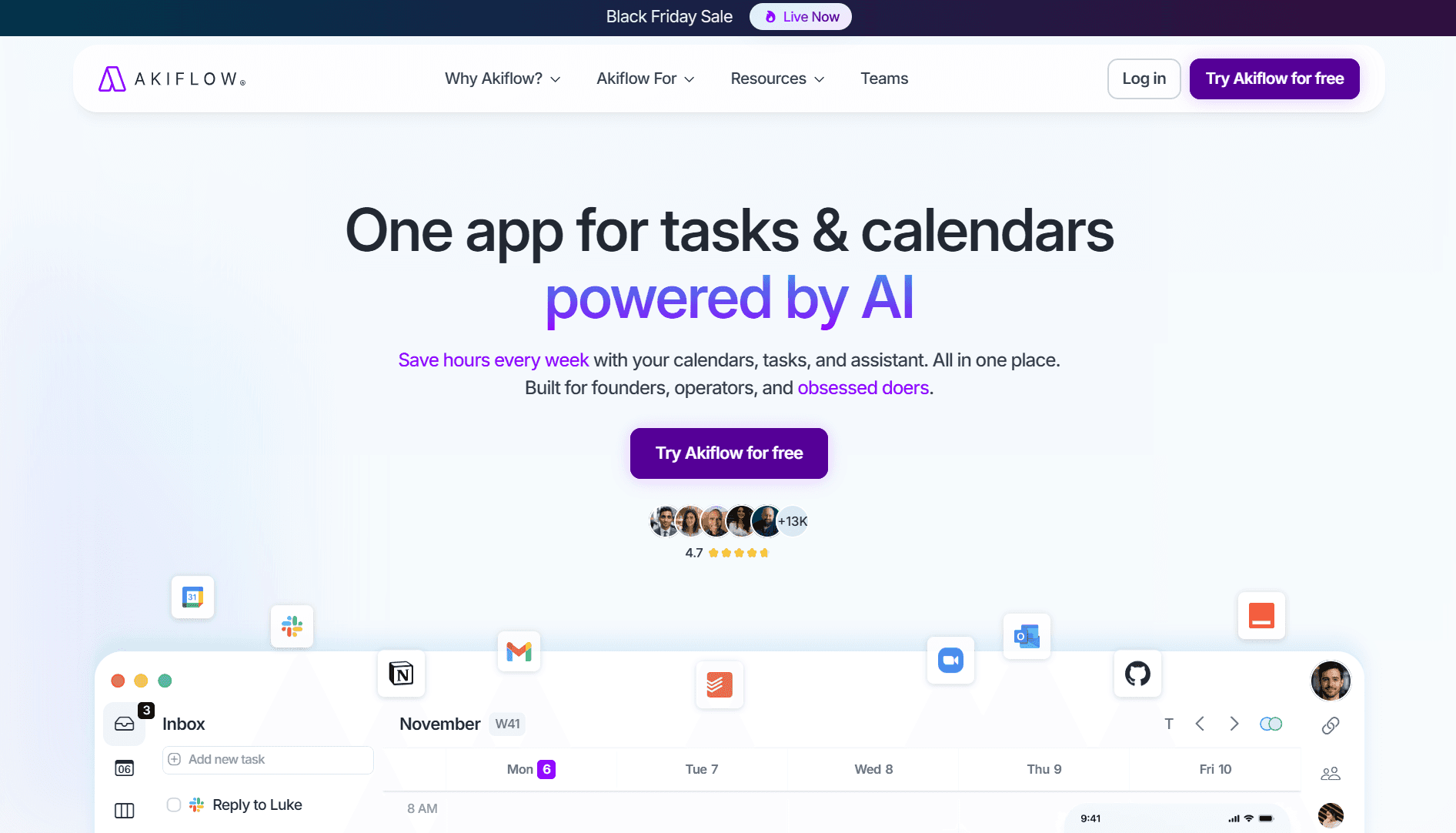
Akiflow is built for professionals who manage tasks across multiple apps and want a structured, distraction-free planning system. Instead of jumping between Slack pings, Notion notes, and email reminders, it pulls everything into one dashboard. That lets you plan your day with clarity and time blocking, not chaos.
Key Features
Unified Inbox: Collects tasks from Slack, Gmail, Notion, Todoist, Asana, Trello, and more in real time.
Drag-and-Drop Time Blocking: Lets you schedule tasks directly on your calendar for a structured daily plan.
Daily Shutdown Ritual: Prompts you to review your progress and preview tomorrow's workload.
Conflict Alerts: Flags overbooked days or overlapping tasks when syncing with Google Calendar.
Command Bar & Shortcuts: Enables you to quickly add, snooze, or modify tasks using keyboard commands or natural language.
Custom Integrations: Build simple automations without writing code.
Automatic Task Labeling: AI tags new tasks as work, personal, or admin for quick sorting.
Who It's For
Professionals juggling tasks across multiple platforms
Operators and managers who prefer manual control over full automation
People who rely on structured planning and time blocking
Pros
Excellent cross-app task syncing
Shortcuts and the command bar make daily planning fast.
Daily review helps reinforce work-life boundaries.
Cons
No team assignments or shared boards
No native scheduling for external meetings
Pricing may seem high for casual users.
Less automation compared to other AI schedulers
Pricing
Akiflow's Pro Monthly plan costs $34/month and is billed monthly, aimed at busy professionals who want to save time each day. The Pro Yearly plan comes to about $9.50/month, billed annually, and is geared toward C-level leaders and professionals focused on consistent goal execution.
6. TimeHero
TimeHero is built for professionals who want tasks and projects scheduled automatically based on actual availability, not just a static to-do list. It analyzes your calendar, estimates workload, and fills open time with tasks so work keeps moving even when priorities shift.
Key Features
Automatic Task & Project Scheduling: Assigns tasks to available time based on availability, estimated duration, and deadlines.
Workload Balancing: Prevents overbooking by redistributing tasks when your calendar fills up.
Task Templates: Create recurring or trigger-based templates to keep routine work on track.
Visual Planner: Shows how tasks, deadlines, and meetings stack across the week.
Team Assignments: Delegate tasks and let it schedule them automatically for each person.
Wide Integration Support: Works with Google Calendar, Office 365, Slack, Zoom, Trello, HubSpot, Jira, Salesforce, and more.
Who It's For
Team leads who need predictable task scheduling without micromanaging
Professionals switching between recurring tasks and project templates
Pros
Automatically adapts when your calendar changes
Strong support for recurring and templated tasks
Predictive task scheduling helps prevent missed deadlines.
Cons
The interface can feel cluttered during busy weeks.
Real-time updates can lag behind rapid calendar changes.
Scheduling feels rigid if you prefer complete manual control.
Pricing
TimeHero offers a Basic plan for simple workflows at around $5 per user per month. For core automation, projects, and lists, the professional and premium plans range from $12 to $27 per user per month (billed monthly).
Also Read: Outlook vs. Gmail: Which One Is Right for Your Workflow?
With so many AI calendars offering different blends of automation, control, and team features, it's easy to get overwhelmed by options. Before choosing one, it helps to understand the factors that actually make an AI calendar helper effective in real workflows.
Key Factors to Keep in Mind While Choosing an AI Calendar Assistant
AI calendars may look similar at first, but the right one depends on how you manage time, meetings, and collaboration. After testing multiple tools, these are the factors that actually matter for busy professionals, especially those balancing team coordination, shifting priorities, and packed schedules.
Reliable AI Scheduling & Smart Time Suggestions: Look for tools that automatically place tasks and meetings in the right slots, account for your workload, and adjust your day when plans shift. Strong assistants learn your patterns, such as when you're most productive with deep work or when team meetings usually occur.
True Time-Zone & Team Awareness: If you work across offices or manage distributed teams, the calendar should offer accurate time-zone support and suggest meeting times that minimize fragmentation for everyone. Bonus points if it calculates "focus time cost" for each attendee.
Cross-Platform Integrations: Your calendar should work smoothly with Google Calendar or Outlook, as well as everyday tools like Zoom, Slack, Notion, Asana, Jira, and CRM platforms. Integrations reduce manual work. No more copy-pasting links or juggling reminders across apps.
Task + Calendar Sync in One Workflow: The best AI calendar apps combine scheduling with basic task management. They should sync tasks from multiple sources, send reminders, and slot items into your day based on deadlines and priorities.
Ease of Use & Fast Onboarding: Setup should take just a few minutes. Look for clean interfaces, straightforward navigation, customizable preferences, and onboarding elements like product tours, templates, or guided prompts. Busy executives shouldn't need a learning curve.
Transparency, Insights & Guidance: AI schedulers work best when you understand why your calendar changed. Good tools offer tooltips, brief explanations, and analytics showing focus time, meeting load, or risks, helping you stay in control rather than confused.
Strong Support & Documentation: If your calendar becomes mission-critical, reliable support matters. Look for helpful guides, live chat, active help centers, and responsive email or phone support.
Pricing That Matches Your Use Case: Make sure the cost aligns with your workflow. Tools should offer transparent pricing, free trials, and flexible plans. Expensive tiers should justify themselves with meaningful automation, not surface-level features.
Also Read: Top 8 Generative AI Productivity Tools for Optimizing Your Workflow
Conclusion
AI calendar assistants have become essential for professionals managing shifting priorities, distributed teams, and meeting-heavy days. The apt tool can save hours of manual planning each week through automatic scheduling, more innovative time management, or better task coordination.
Each calendar helper on this list solves a different piece of chaos, but the goal is the same: clearer days, fewer surprises, and more time for meaningful work.
If you want scheduling to work hand in hand with your inbox, tasks, and daily priorities, NewMail AI offers a balanced, proactive approach. It keeps your calendar updates, email, and follow-ups aligned, making it easier to enter each day with clarity rather than in catch-up mode.
Ready to simplify your workflow with an assistant that stays one step ahead? Try NewMail AI for free and see how much smoother your workday can feel.

FAQs
1. How do AI automatic planners handle sudden changes like last-minute client calls or urgent tasks?
Most AI calendars recalculate your day by reshuffling lower-priority tasks and reallocating focus blocks. The best ones also respect deadlines and role-based priorities, so urgent work fits without causing a ripple effect across your entire week.
2. Can AI assistant scheduling tools manage multiple calendars from different accounts?
Some tools support multi-calendar sync across Google, Outlook, and iCloud, but not all treat them equally. Look for tools that intelligently merge availability rather than stacking events side by side, reducing double-booking and eliminating manual cross-checking.
3. Are AI calendars secure enough for roles that involve confidential meetings?
Security varies with the tool. Some of them store minimal metadata, while others retain full event details for AI models. If you handle sensitive work, choose tools like NewMail AI that support zero-retention policies so your calendar isn't used for algorithm training.
4. What happens if an automated scheduling calendar misinterprets a task or schedules something at the wrong time?
You can manually override placements, and the correction becomes part of its learning loop. Many tools also let you lock certain events or designate "never during" hours so the AI won't misplace similar tasks again.
5. Do AI calendar assistants integrate with CRM systems for customer-facing roles?
Many assistants sync with common CRMs. This helps align customer calls, follow-ups, and meetings with your calendar without switching tools. It's invaluable for sales, real estate, and account management.
