Discover how SaaS companies use email marketing automation to onboard users faster and scale revenue, thereby enhancing customer lifecycle engagement.
Downloads or website visits don’t drive growth in SaaS; it’s driven by activation, adoption, retention, and expansion. Yet most SaaS teams still struggle with one of their most powerful growth levers: email. When communication depends on manual outreach, delayed responses, generative onboarding messages, and inconsistent follow-ups, users lose momentum and churn before realizing product value.
That’s why email marketing automation for SaaS has become essential for modern growth teams. Automated email workflows help SaaS companies guide users through key lifecycle stages from onboarding to renewal using personalized messaging triggered by real product behavior. Done right, automation improves activation rates, keeps users engaged, prevents churn, and drives predictable revenue efficiency at scale.
To understand how to build automation that actually drives adoption and ROI, let’s first define what makes SaaS automation fundamentally different from traditional email marketing.
Here’s the short version:
Email marketing automation for SaaS drives onboarding, adoption, retention, and revenue.
Key workflows include onboarding, re-engagement, upgrades, and renewals.
Success requires segmentation, product data, personalization, and ROI tracking.
Automation alone isn’t enough; execution gaps kill growth opportunities.
NewMail AI bridges the gap by turning emails into prioritized actions and workflows.
What Is Email Marketing Automation for SaaS?
Email marketing automation for SaaS is the process of sending personalized, behavior-based emails automatically in response to triggers such as sign-ups, feature usage, inactivity, or billing milestones. Instead of generic broadcasts, automation delivers the right message to the right user at the right time and based on real-time product interactions.
Why is it different from standard email automation?
SaaS automation uniquely centers on:
Lifecycle stages - onboarding, adoption, expansion, renewal
User behavior - feature usage, login frequency, support tickets
Product outcomes - activation milestones and value realization
This makes automation critical not just for marketing, but also for customer success, product teams, and revenue operations.
Now that we’ve defined the role of automation, the next step is to understand which email workflows deliver the most significant impact.
Suggested read: Top AI Email Assistants for Managing Your Inbox in 2025
Core Email Automation Workflows Every SaaS Should Implement
These lifecycle-focused workflows help turn new sign-ups into active users and active users into long-term customers.
1. Onboarding & Activation
Users are most likely to churn in the first 7–14 days. Automation ensures momentum and clarity from day one.
2. Usage-Based Nurture
When users start exploring features, automation reinforces progress and encourages deeper usage.
3. Inactivity & Churn Prevention
Re-engagement emails recover users before they silently disappear.
4. Expansion & Upsell
Behaviour-based upgrade prompts convert users when they’re most receptive.
5. Renewal & Billing
Clear reminders preserve revenue and prevent payment-related churn.
With core workflows defined, let’s look at how to choose automation tools that support real-time data, segmentation, and workflow flexibility.
How to Choose the Right Tools for Email Marketing Automation in SaaS?
Successfully executing automated workflows depends on the proper infrastructure.
What to look for:
Automation tools should support:
Integrations with product usage data sources
Audience segmentation by role, tier, and lifecycle stage
Conditional workflows and branching logic
Performance measurement and iteration capabilities
Common tool categories
Lifecycle automation platforms (HubSpot, Customer.io, Braze)
Customer success systems (Gainsight, Vitally, Totango)
Email delivery solutions (SendGrid, Mailchimp)
Before diving into best practices, it helps to understand how the right automation tools shape your overall strategy and where teams often stumble when implementing them.
Popular Email Marketing Automation Tools for SaaS
When selecting automation software for a SaaS business, you’re looking for more than “send & forget”; you need tools that handle behavioral triggers, lifecycle flows, product data integrations, and personalized communication. Below are several tools worth serious consideration:
1. NewMail AI
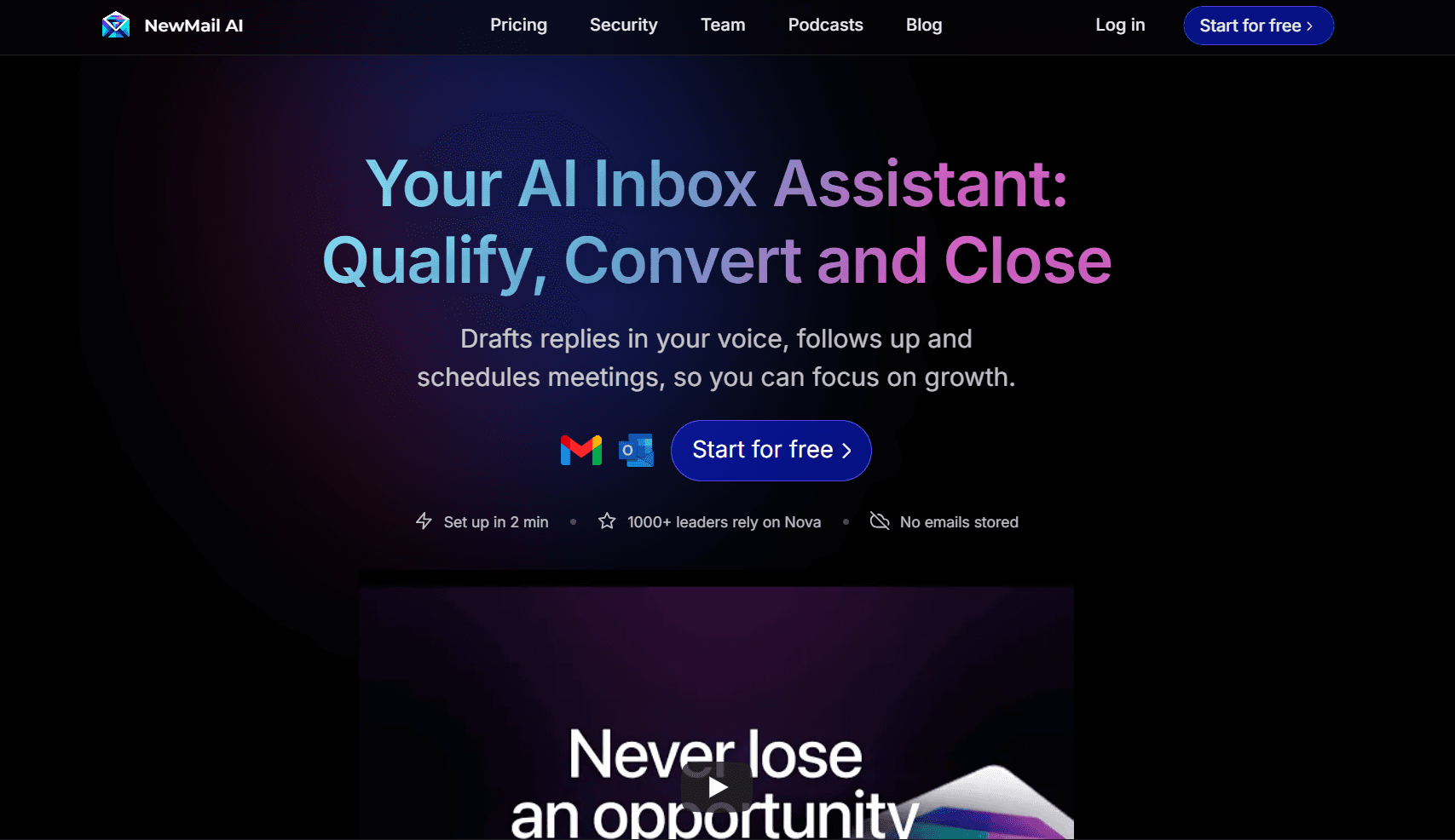
NewMail AI is explicitly designed for professionals whose workflows depend on intelligent inbox management and actionable email workflows. Instead of simply automating outbound campaigns, NewMail automates incoming communication, task routing, response drafting, and prioritization, making it uniquely suitable for SaaS teams that must handle both user outreach and response workflows.
Key features:
Smart Drafts: Automatically generates high-quality, context-aware replies to important emails.
Daily Briefings: A morning summary of key messages, schedule updates, and action links.
Personalized Priority: Inbox sorted by what matters most to clients, tasks, deadlines, not just time.
Actionable Insights: Email-based tasks are automatically extracted and added to a to-do list.
Intelligent Tagging: Emails and attachments are organized into smart folders for fast retrieval.
Simplified Scheduling: Calendar items appear in your inbox and can be managed with a click.
2. ActiveCampaign
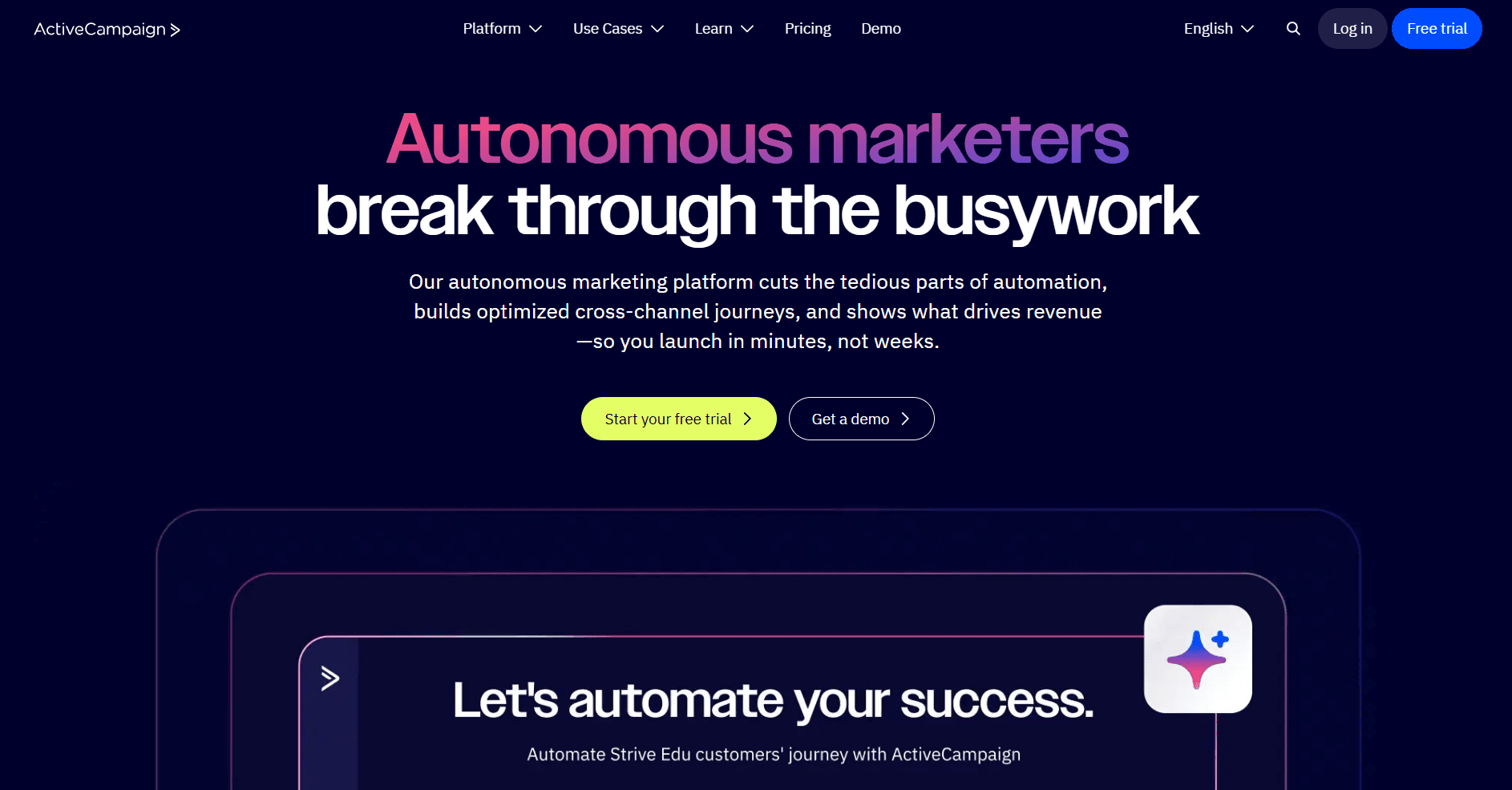
ActiveCampaign is well-regarded in the SMB and SaaS spaces for its strong automation workflows and built-in CRM capabilities. It supports behavioral triggers, lead scoring, multi-step campaigns, and good integration with SaaS product usage data.
Key features:
1,000+ App Integrations: Connects with hundreds of tools, including Shopify, Slack, and Stripe.
Unified Email + CRM Platform: Combines email marketing, automation workflows, and CRM functionality.
Advanced Automation & AI Tools: Automation templates, predictive content, and “autonomous marketing” features.
Drag-and-drop Email Builder + Automation Templates: Simplifies workflow setup for marketing teams.
3. Customer.io
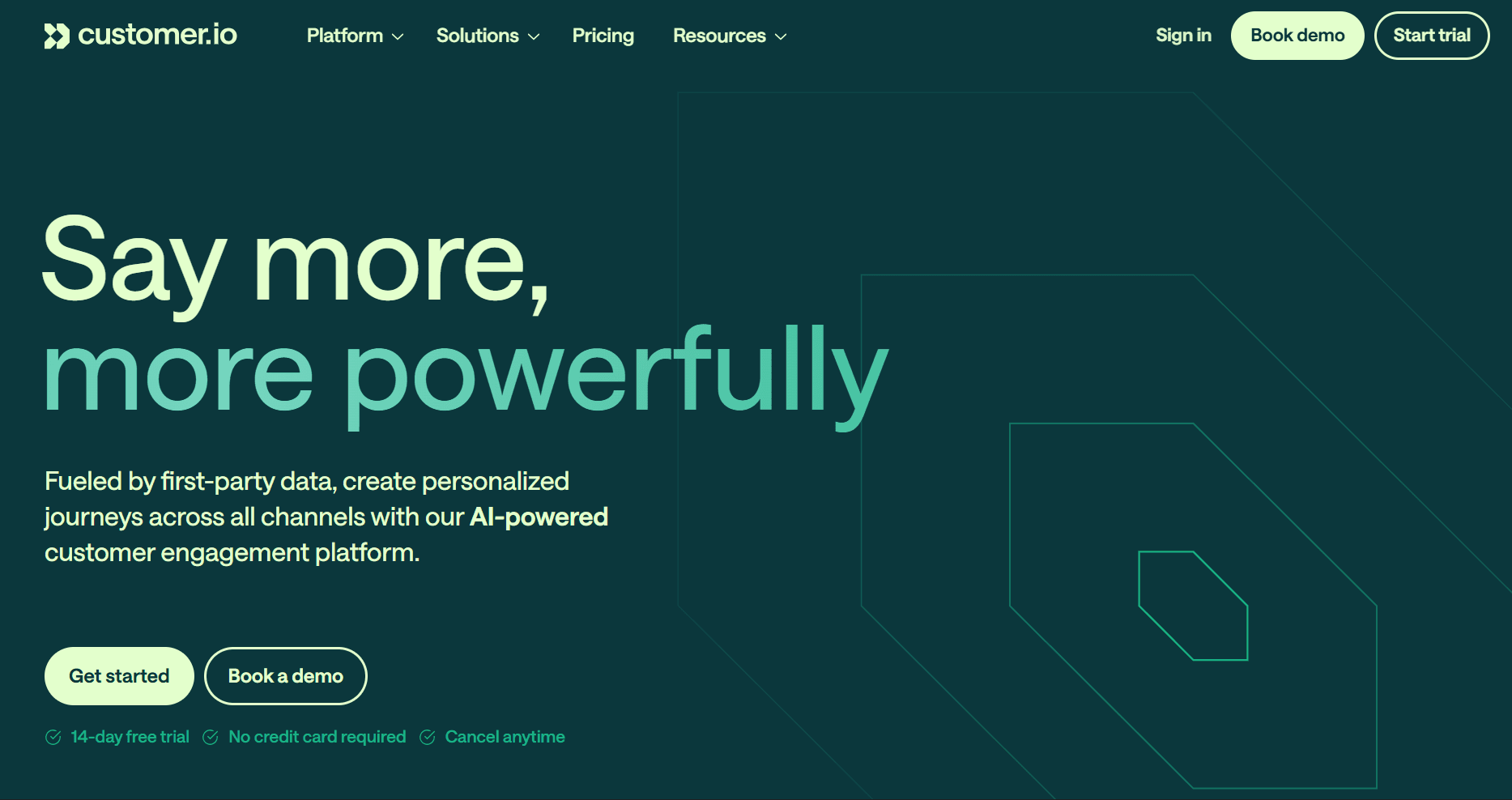
Built with product-led SaaS in mind, Customer.io enables sending emails based on in-app behavior, supports custom user data, and allows companies to trigger sequences when users perform or fail to perform actions in the product. Its focus on behavioral segmentation makes it a strong candidate when usage data is central.
Key features:
Event-Triggered Messaging: Send email/push/SMS based on user activity, custom events.
Real-Time Segmentation: Build dynamic segments based on profile traits, actions, or custom objects.
Drag-and-Drop Workflow Builder + Code Cleanup: Supports both no-code flows and advanced logic.
Multichannel Support: Email, push, in-app, SMS, and webhooks all within one platform.
4. HubSpot Marketing Hub
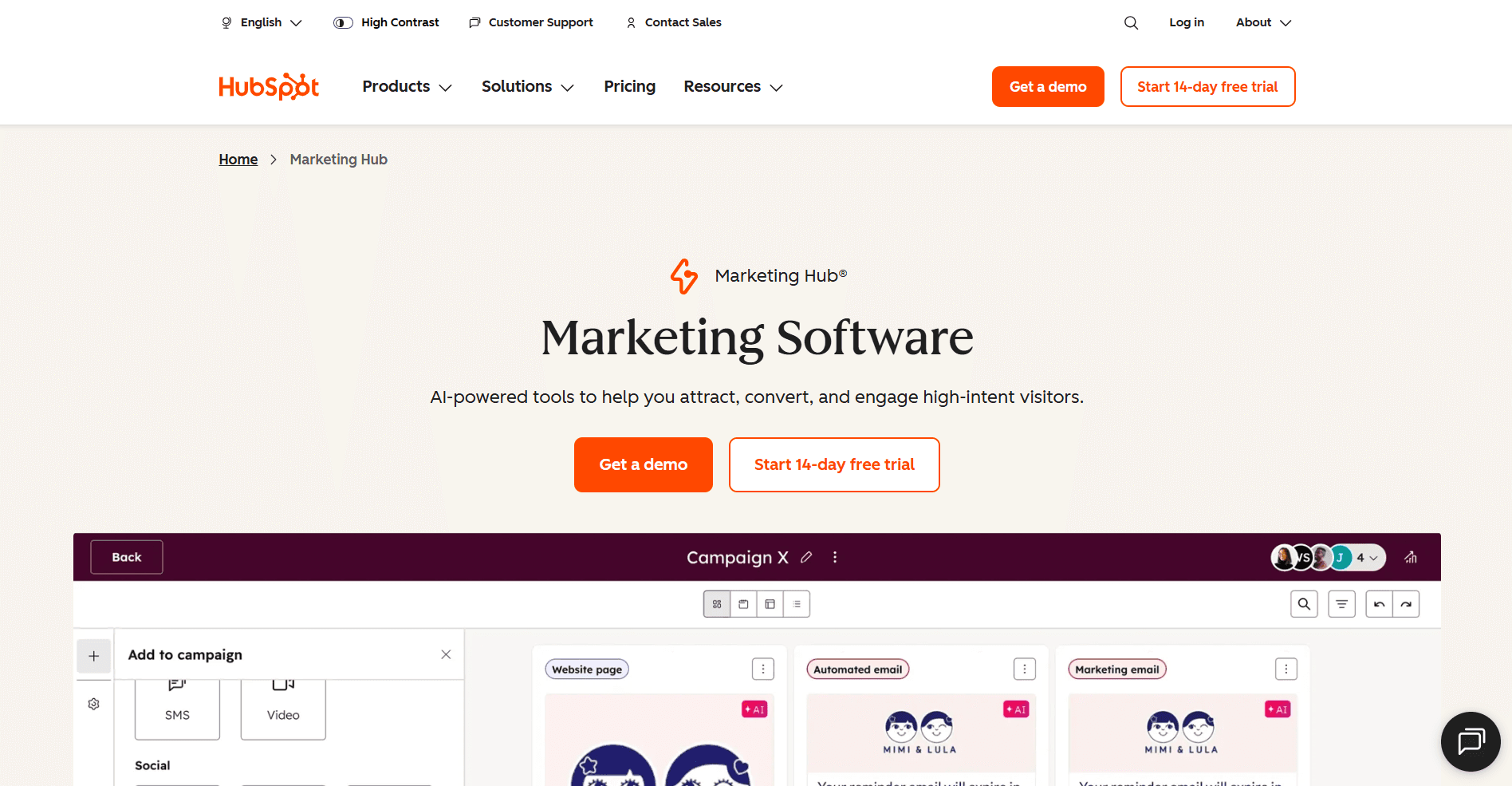
HubSpot is a full-stack marketing platform that includes email automation, landing pages, CRM, reporting, and more. For larger SaaS companies or those that want a unified tool across marketing, sales, and service, HubSpot offers extensive capabilities, though at a higher cost and complexity.
Key features:
All-in-One Platform: Includes email, landing pages, CRM, and service tools – ideal for larger SaaS companies looking for a unified stack.
Visual Workflow Automation: Build nurture flows, lead scoring, and conversion paths visually.
Deep Reporting & Attribution: Tracks journey from email to revenue in one system.
5. Klaviyo
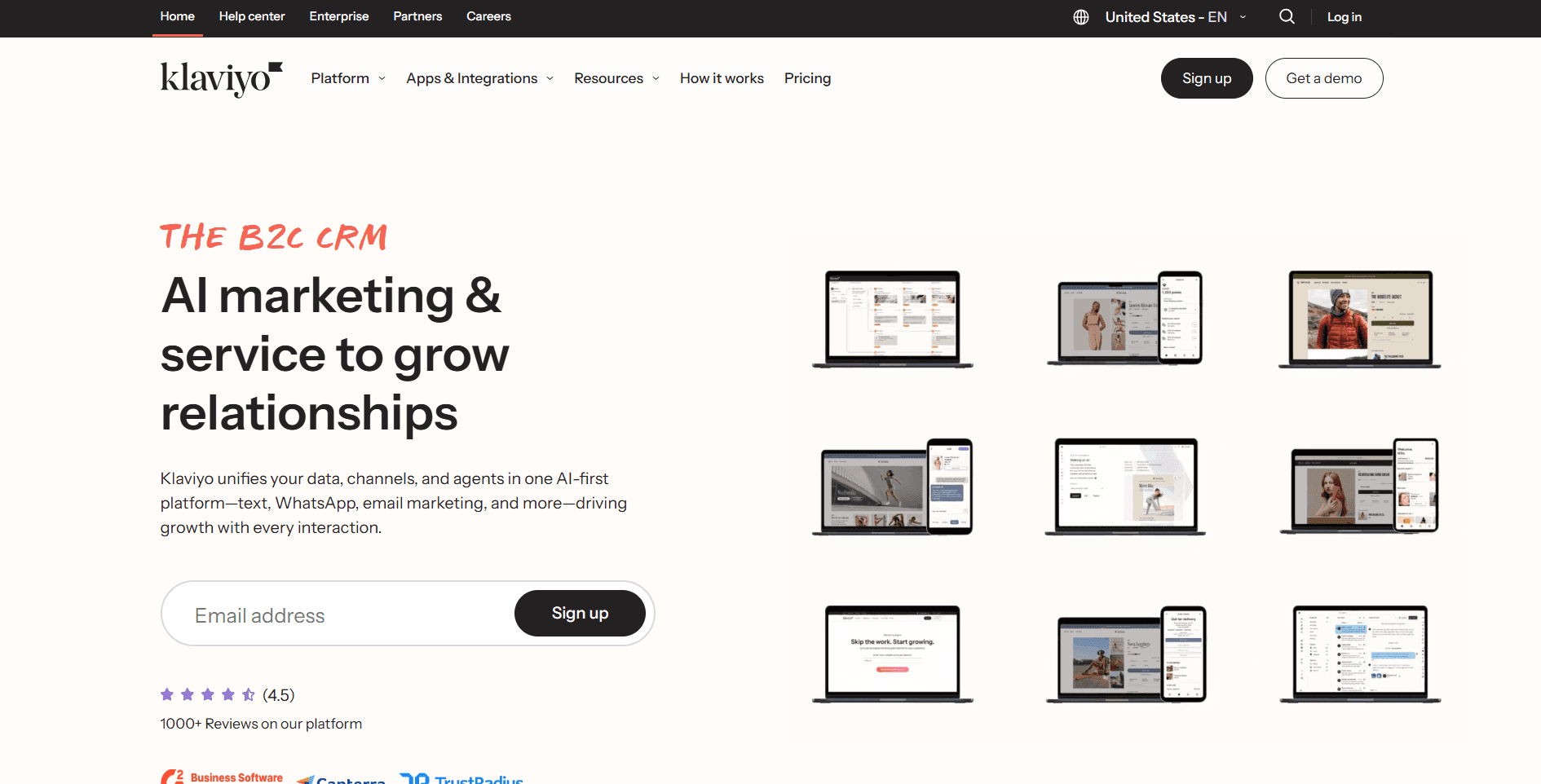
Though often associated with e-commerce, Klaviyo’s strength in behavioral email automation and rich segmentation makes it appealing to SaaS companies that want fine-grained user lifecycle communication. It’s especially relevant if your SaaS product has subscription and usage components.
Key features:
Behavioral Email & SMS Automation: Designed to respond to user actions such as usage limits or subscription behaviour.
Advanced Segmentation: Allows segmentation by product usage, plan tier, or engagement frequency.
Strong Subscription/Usage Model Support: Works well for SaaS companies with tiered plans or usage-based billing.
6. Zoho Campaigns
Zoho Campaigns offers a more cost-effective, feature-rich automation solution integrated with the broader Zoho suite (CRM, analytics, project management). For SaaS companies looking to automate without breaking the budget, it’s a viable option.
Key features:
Cost-Effective Solution: Good for growing SaaS teams working within budget constraints.
Integration with Zoho Ecosystem: Connects with Zoho CRM, Projects, and other Zoho apps.
Automation + Email Templates: Offers workflow triggers, scheduled campaigns, and list management.
Also read: A Complete Beginner's Guide on How to Use Email Automation
Proven Strategies and Common Mistakes to Avoid
Strategically implementing automation helps SaaS teams scale without sacrificing personalization.
Best Practices
Personalize based on real-time behavior, not assumptions.
Add value in every message; keep emails crisp and outcomes-focused
Focus on one workflow at a time for controlled optimization
Common Pitfalls
Treating automation like mass marketing
Over-engineering workflows before testing
Measuring vanity metrics like open rates instead of activation or retention
Automating without a follow-through process for replies
Even with strong automation, a lack of follow-up can undermine results. That’s where execution tools change the impact of automation.
How NewMail AI Enhances Email Marketing Automation for SaaS?
Most marketing automation platforms handle outbound campaigns well, but growth stalls when teams fail to respond quickly, prioritize the proper accounts, or track follow-through reliably. Automation creates opportunities, but humans often lose control as replies pile up.
NewMail fills the execution gap by turning customer emails into structured, prioritized workflow actions.
Daily Briefings - A morning summary of key customer updates, renewals, churn risks, trials, and pipeline responses.
Smart Drafts - Automatically generates high-quality replies based on context and sender tone.
Personalized Priority - Sorts email by impact instead of recency, boosting focus where revenue lives.
Actionable Insights - Converts email commitments & tasks into a linked to-do list automatically.
Intelligent Tagging - Automatically categorizes threads into smart folders.
Simplified Scheduling - Lets teams book calls and manage calendars directly within inbox workflows.
When automation drives engagement, and NewMail accelerates follow-through, teams move faster and close more revenue without additional headcount.
Conclusion
Email marketing automation for SaaS is one of the most effective ways to improve onboarding, retention, and revenue. It scales communication, supports personalized customer journeys, and drives product adoption with precision. But automation alone isn’t enough; real growth depends on execution, response speed, and consistency.
That’s why pairing lifecycle automation tools with NewMail AI delivers a competitive advantage. By transforming communication into prioritized, trackable action, NewMail enables SaaS teams to operate with clarity, speed, and confidence at scale.
Get your time back. Turn email into action. Try NewMail AI free today.

FAQs
1. Which automation workflows should SaaS teams implement first?
Start with onboarding and re-engagement. These deliver the fastest impact because they directly address early churn and user activation. Once outcomes stabilize, expand into upsell and renewal flows.
2. Does email marketing automation help reduce churn?
Yes, automation helps prevent churn by identifying early warning signs, such as inactivity, and prompting timely, personalized intervention. Automated education and support reduce friction and reinforce product value.
3. Should small SaaS teams implement automation early or wait until they scale?
Early implementation is beneficial. Automating onboarding and engagement early reduces manual overhead and improves product learning experiences before teams are stretched thin.
4. How do teams measure success from email automation?
Track activation rate, retention, re-engagement conversions, and upgrade rates, not vanity metrics like opens or clicks. Focus on behavior change and revenue outcomes.
5. How does automation affect customer success and sales collaboration?
Automation aligns teams by standardizing workflows and surfacing customer context in real time. CS, Product, and Revenue teams gain visibility into usage patterns and renewal risk without manually chasing information.
6. Can email automation replace human interaction?
No, its purpose is to scale human engagement, not replace it. Automation sets context and timing; humans deliver depth, nuance, and relationship value.
7. How does NewMail AI complement email marketing automation tools?
Automation drives outbound communication, while NewMail ensures follow-up execution, task tracking, prioritization, and scheduling, closing the operational loop that most SaaS teams struggle with.
