
Discover how real estate agents can use AI email management tools to prioritize leads, automate follow-up, and turn inbox chaos into closed deals.
In real estate, your inbox often becomes your mission control: new leads coming in by email, existing clients needing updates, listings flyers shared, vendor communications, and open house invites. With dozens of threads stacking up, it’s easy for a hot lead to cool down because an email slipped through or you overlooked a key question in a chain. Real estate agents don’t just send emails; they depend on responses, follow-ups, and client trust.
This is where AI email management tools make a difference. These tools help you not just manage emails; they also allow you to prioritize, automate, and turn them into action. For agents, that could mean fewer lost leads, faster responses, less inbox noise, and more time showing properties rather than sorting messages.
Brief breakdown:
Real estate agents lose deals and damage relationships not because of bad communication, but because follow-ups get lost in email overload.
AI email management tools help automate lead responses, prioritize high-value opportunities, and reduce missed messages.
Choose your tool based on workflow: solo agent vs. team, high-volume prospecting vs. relationship nurture, mobile-first vs. CRM-focused.
What “AI Email Management” Means for Real Estate Professionals?
Before diving into specific tools, let’s define what “AI email management” really looks like for an agent. It’s not just having an auto-responder or filtering spam, it means:
Automatically ranking which emails should be taken care of as soon as possible (hot leads, listings, urgent vendor issues).
Auto-drafting responses to frequent inquiries (open house availability, showing follow-up, contract questions).
Tagging and organizing emails by client, listing, and lead status without manual folder creation.
Integrating with your calendar, CRM, or property management software so email becomes part of your workflow rather than a separate silo.
Ensuring every committed follow-up is tracked and acted upon, not just sent.
With this context, let’s look at the common pain points agents face that make AI email management so urgent.
Suggested read: How to Add Notes to Outlook Email Messages
Next, we’ll cover how to evaluate tools suited to the real estate industry.
How to Evaluate AI Email Management Tools: Must-Have Features?
When selecting a tool for real estate email management, look for features tailored to agent workflows:
Priority Inbox & Lead Scoring: Can the tool identify new leads or key clients and surface them above promotional or internal noise?
Auto-Draft Responses: Does it create reply templates for common queries (showing availability, price requests, contract status)?
Smart Tagging & Folders: Organizes by lead status (new, qualified, active), by property/listing, by client, without manual setup.
Task/Follow-Up Integration: Automatically converts email content (“I will send you the disclosures”) into tasks or calendar items.
CRM Integration: Syncs with your real estate CRM so email actions reflect client status and property lifecycle.
Mobile and Offline Support: Agents often work on the go, and mobile access and sync are essential.
Compliance & Privacy: In real estate, you deal with sensitive information, so look for tools with strong security and audit trails.
Data & Analytics: Provides insights into response times, lost leads, and unanswered threads, enabling improved performance over time.
Also read: Best Email Automation Tools in 2025
With these criteria in hand, let’s explore some of the best tools available to real estate agents.
Top AI Email Management Tools for Real Estate Agents
Below is a list of tools real estate agents commonly rely on for AI-powered email management, follow-up automation, lead prioritization, and deal-flow optimization.
1. NewMail AI
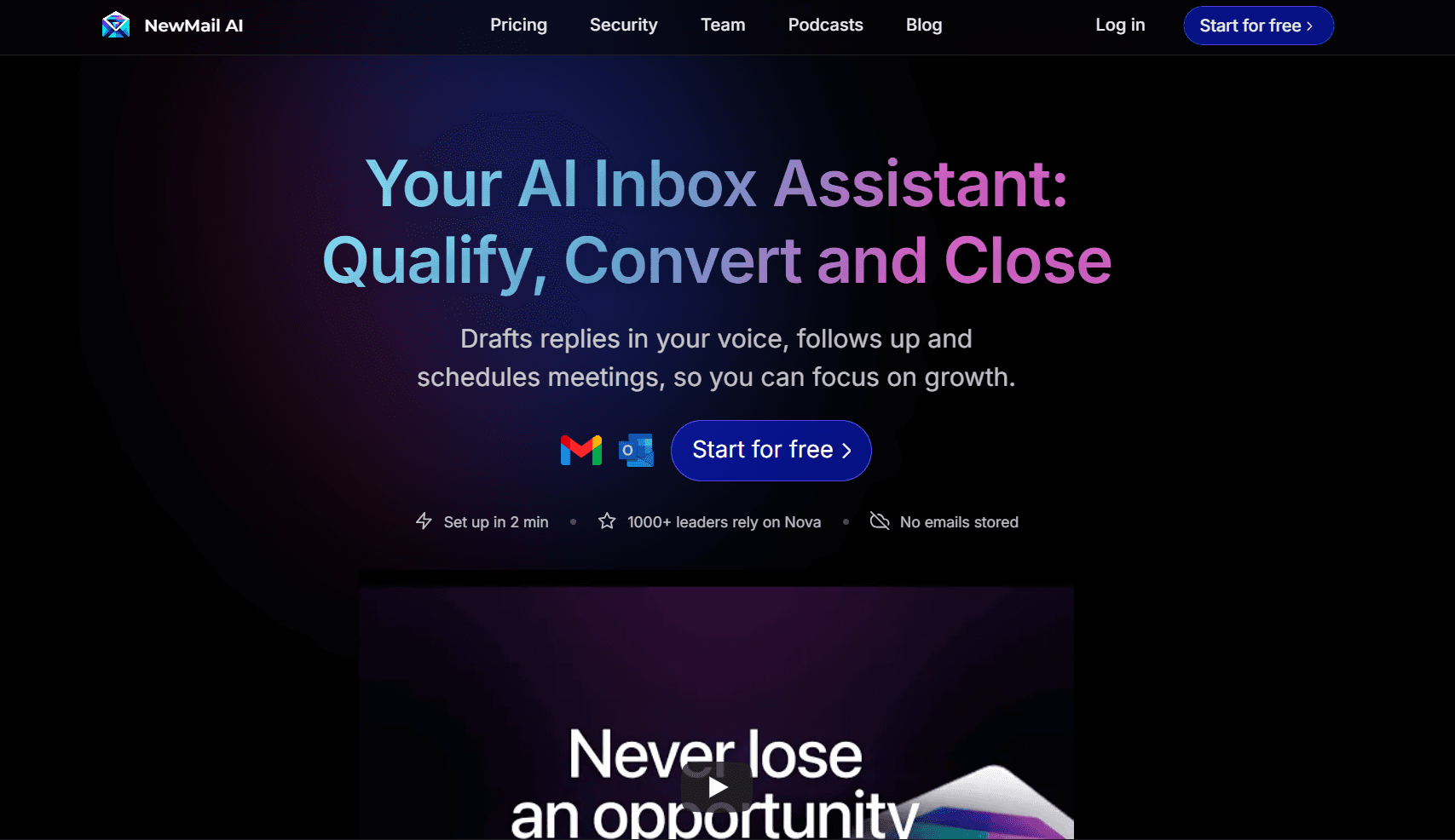
Overview: NewMail AI is an advanced email management platform designed to handle the execution layer your inbox is missing. It intelligently prioritizes messages based on your clients, projects, and work patterns, automatically converts key points into tasks, and drafts contextual responses that match your tone. With smart tagging, workflow-aware reminders, and built-in follow-up tracking, NewMail ensures that every critical thread becomes actionable, so you spend less time sorting and more time moving work forward.
Key Features:
Priority inbox sorting by your custom rules (clients, deals, deadlines)
Smart Drafts: auto-generate responses in your tone
Actionable Insights: detect “send contract”, “schedule showing” tasks from emails
Intelligent Tagging: Organizes by property, client, status
Daily Briefings: Morning summary of pending follow-ups
Privacy-centric: no email storage by vendor; data lives in your account.
Real Estate Agent Fit: Helps agents catch hot leads first, auto-respond to showing requests, track commitments like sending disclosures or scheduling viewings, and keep the inbox manageable on mobile.
Pros: Deep automation of tasks, integrates with email, and has high privacy.
Cons: As a newer product, it may have fewer integrations than large CRMs; some advanced features may require setup/training.
2. Follow‑Up Boss
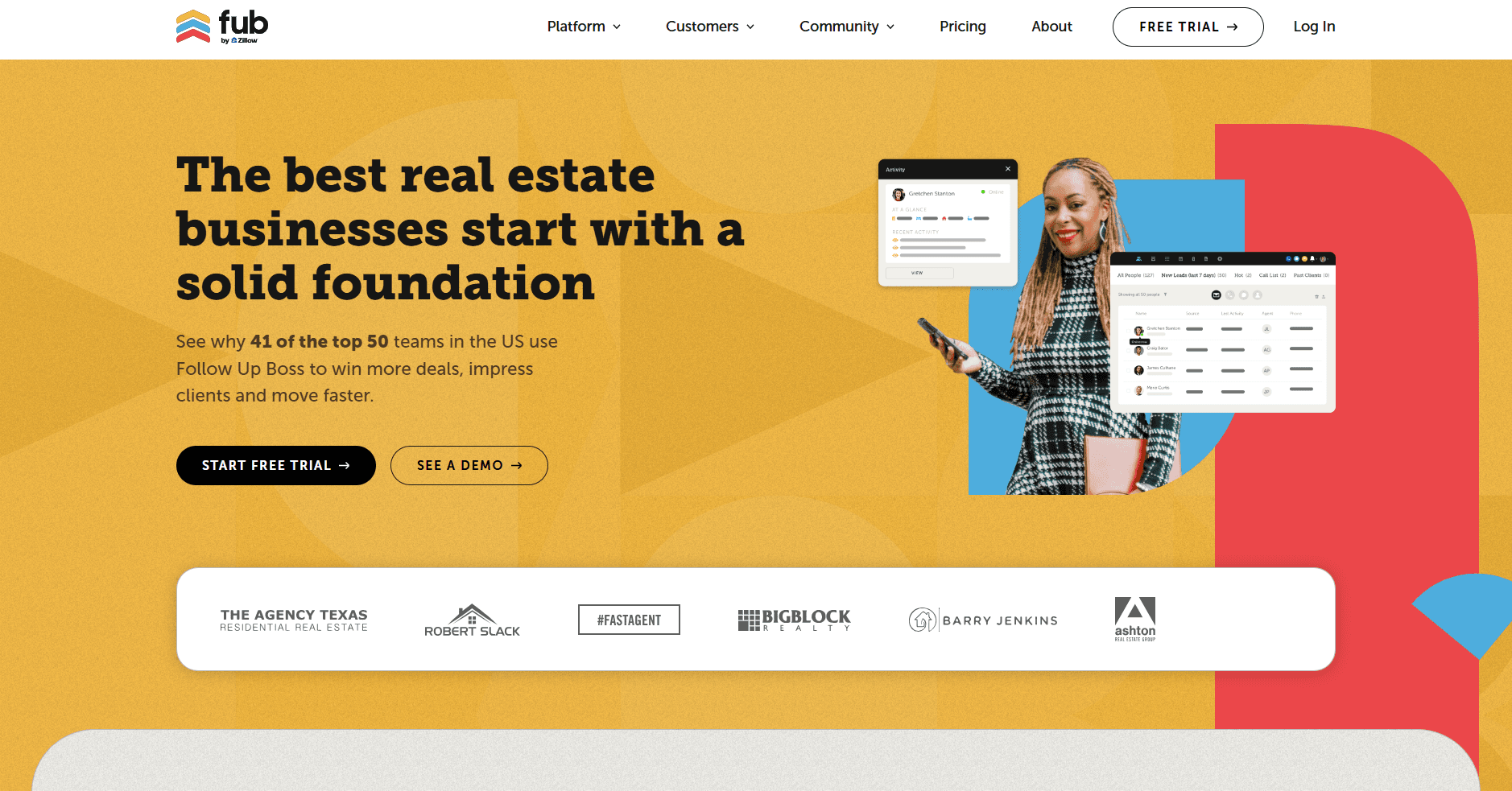
Overview: A CRM explicitly built for real-estate teams with built-in email automation.
Key Features:
Auto-responders for new leads
Lead scoring / hot-lead dashboards.
Email templates for listing follow-up, showing confirmations
Tracking of whether follow-ups were sent and received
Real Estate Agent Fit: Perfect for teams & brokerages that need CRM + automation together, ideal when email volume is high, there are many agents, and many listings.
Pros: Industry-tailored, strong real-estate focus.
Cons: More CRM overhead and a steeper learning curve for solo agents.
3. HubSpot Marketing Hub
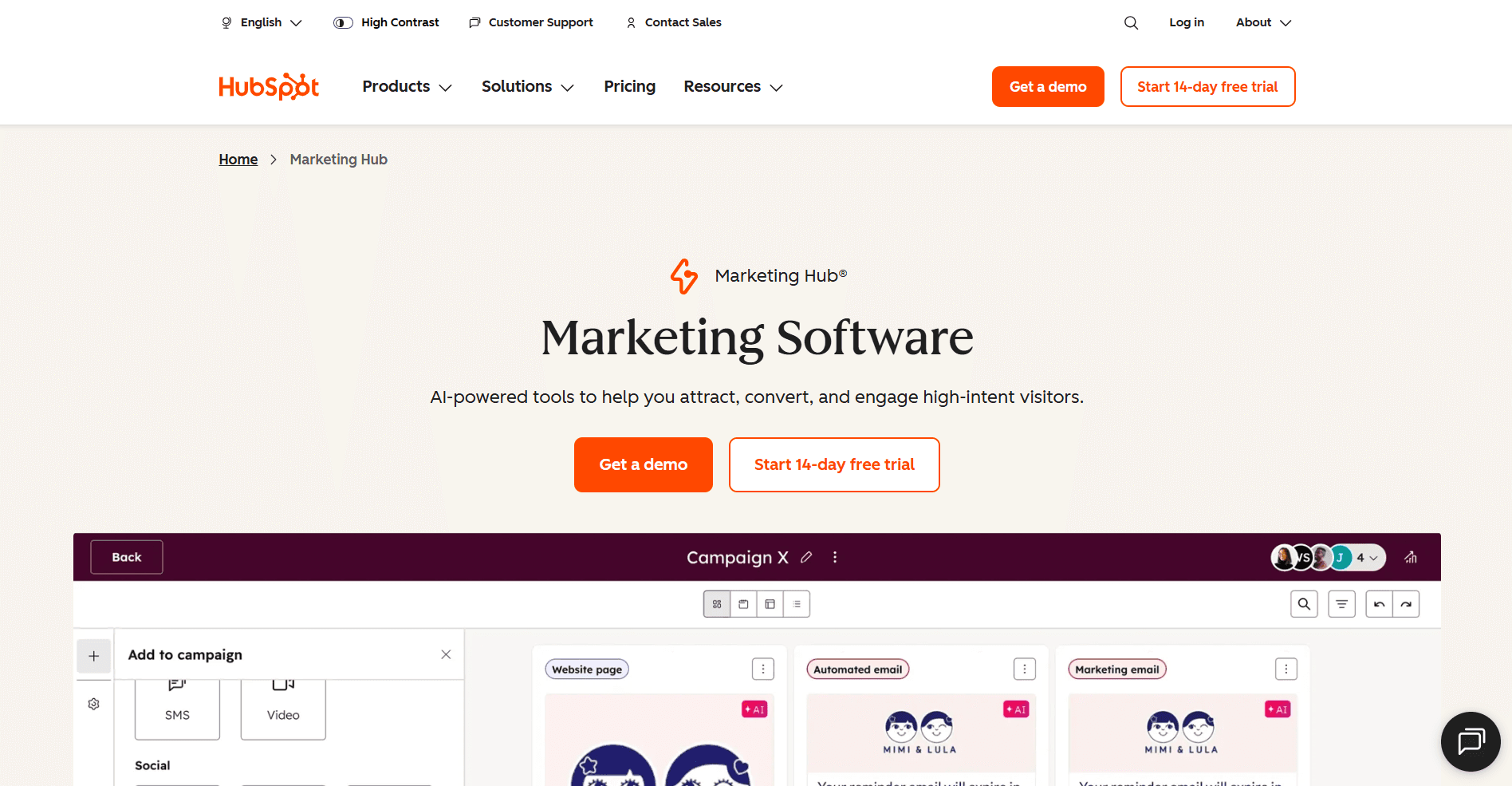
Overview: Comprehensive marketing automation + CRM platform; when used with real estate templates, it becomes powerful for client nurture.
Key Features:
Drip sequences for buyers/sellers are not ready today
Behaviour-triggered emails (opens, clicks)
Full CRM tracking, marketing + email in one
Real-Estate Agent Fit: Ideal for medium to large agencies running marketing campaigns, lead magnets (e.g., “free house valuation”), and longer-term nurture workflows.
Pros: Full funnel visibility.
Cons: Higher cost, may be over-engineered for a small solo agent.
4. Mailshake
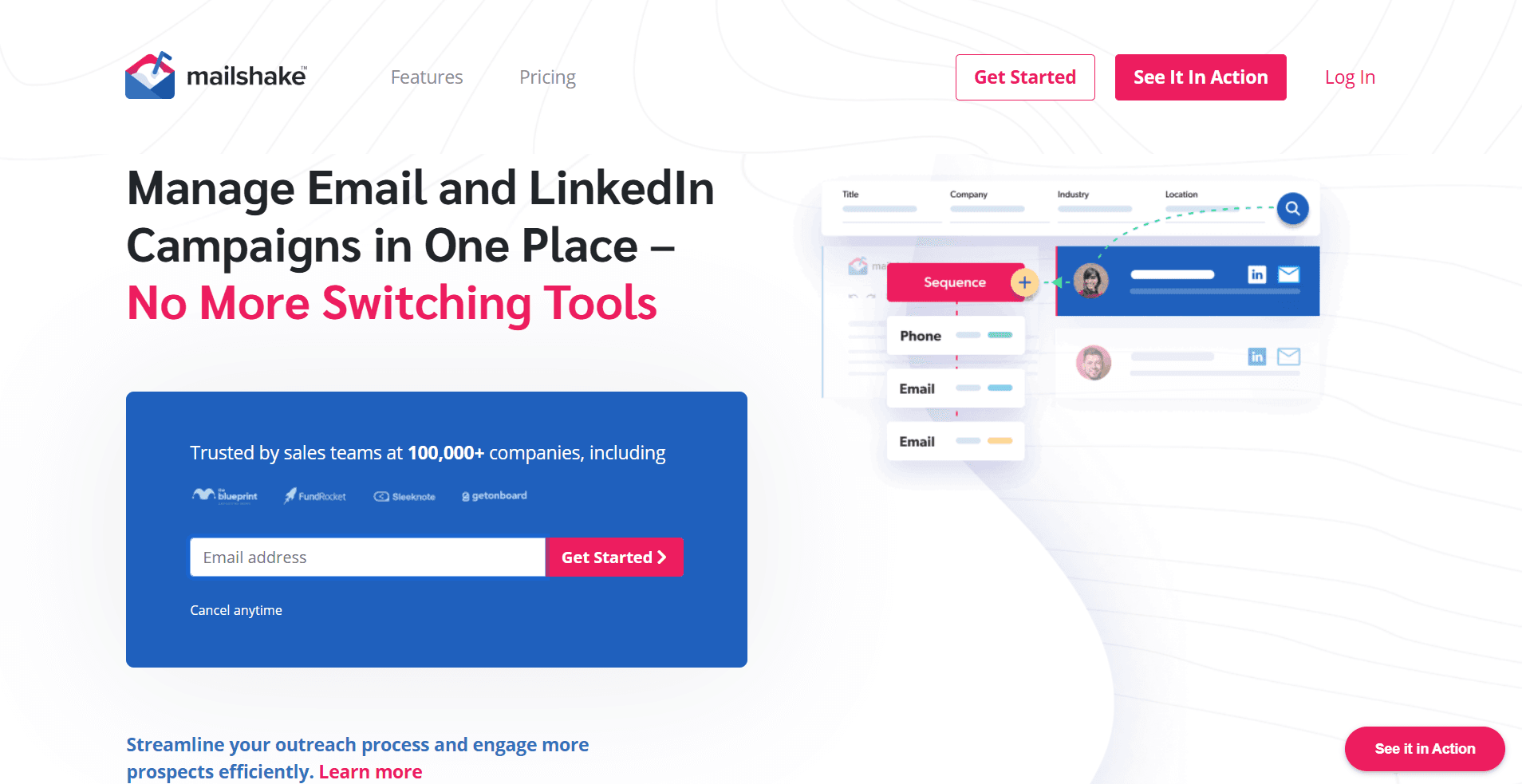
Overview: Outreach platform with strong automated follow-up and personalization capabilities.
Key Features:
Automated follow-up sequences triggered by non-reply or behaviour (opens/clicks)
AI email writer (SHAKEspeare) for quick copy generation
Multi-channel: email + phone + LinkedIn
Reporting: opens, replies, conversions
Real-Estate Agent Fit: Good for agents focused on prospecting (cold/new leads), NP lists (FSBOs, expired listings), or large mailing lists of investors.
Pros: High outreach volume, rich analytics.
Cons: May require separate UI; less built-in for standard client communication workflows; cost can scale quickly.
5. SparkMail
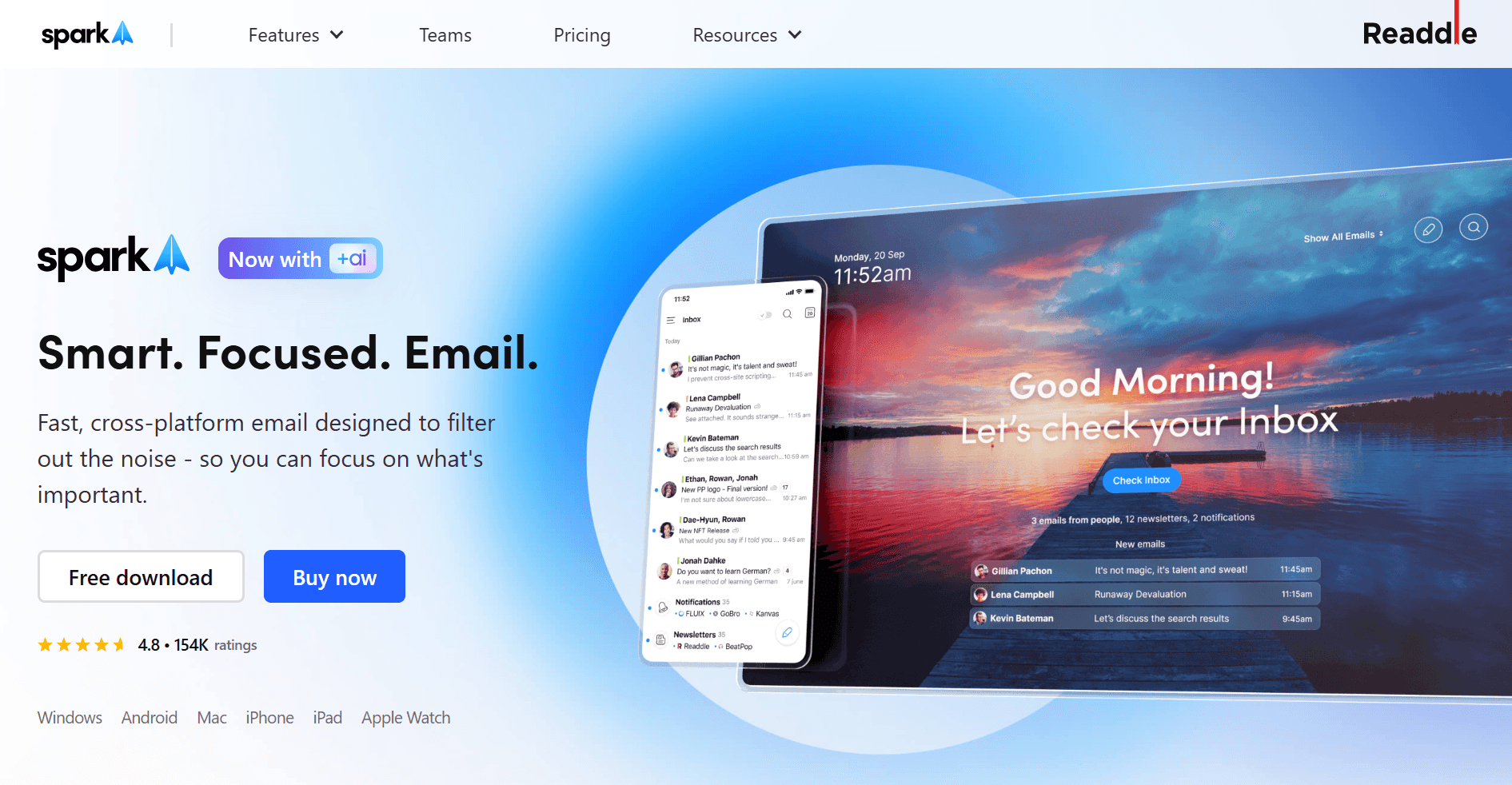
Overview: Email client focused on speed, mobile-first actions, and simple organization.
Key Features:
Swipe to “Follow up”, “Schedule showing”, “Send contract”
Unified inbox across multiple accounts
Quick tagging and filtering on mobile
Real-Estate Agent Fit: Solo or mobile-first agents who need fast responses, are often out of the office/showing properties, and want minimal setup.
Pros: Lightweight, fast, mobile-friendly.
Cons: Less automation depth; fewer integrations than complete suites.
6. Canary Mail
Overview: AI-powered email client with prioritization and innovative draft features.
Key Features:
AI-based inbox highlighting important messages
Smart replies/draft suggestions
Focus mode hides low-significance emails
Real-Estate Agent Fit: Agents receiving many messages (vendors, co-agents, clients) need to focus only on what matters.
Pros: Inbox clarity, faster responses.
Cons: Not as full-featured in workflow automation/tracking tasks.
7. Snov.io

Overview: Lead generation + email automation platform.
Key Features:
Email address extraction (for leads)
Bulk email verification
Drip campaigns and follow-ups
Lightweight CRM pipeline
Real-Estate Agent Fit: Good for investor agents or teams mining leads from directories/online sources.
Pros: Cost-effective for large lists; good lead capture.
Cons: Less focused on traditional one-to-one client correspondence; more outbound heavy.
8. Sidekick
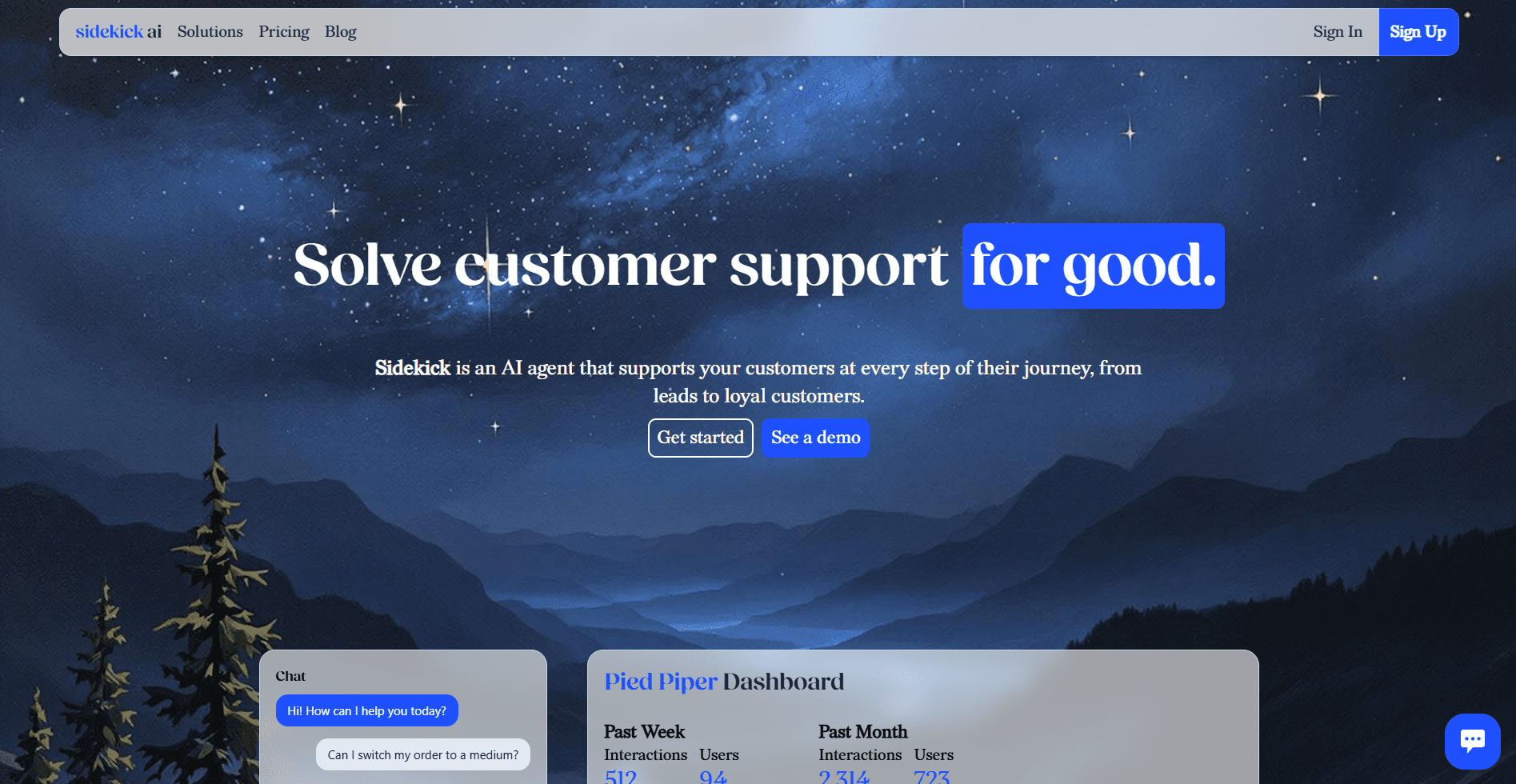
Overview: AI assistant tailored for real-estate outreach and scheduling.
Key Features:
Auto-respond to routine inquiries (showing availability, price requests)
Schedule appointments & showings via email/SMS integration
Prioritize tasks for agent follow-up
Real-Estate Agent Fit: Agents who want a virtual assistant layer to handle email influx while they are on the go.
Pros: Offloads repetitive tasks; frees up agent time.
Cons: May require trust/oversight; cost depends on volume.
9. Mailchimp
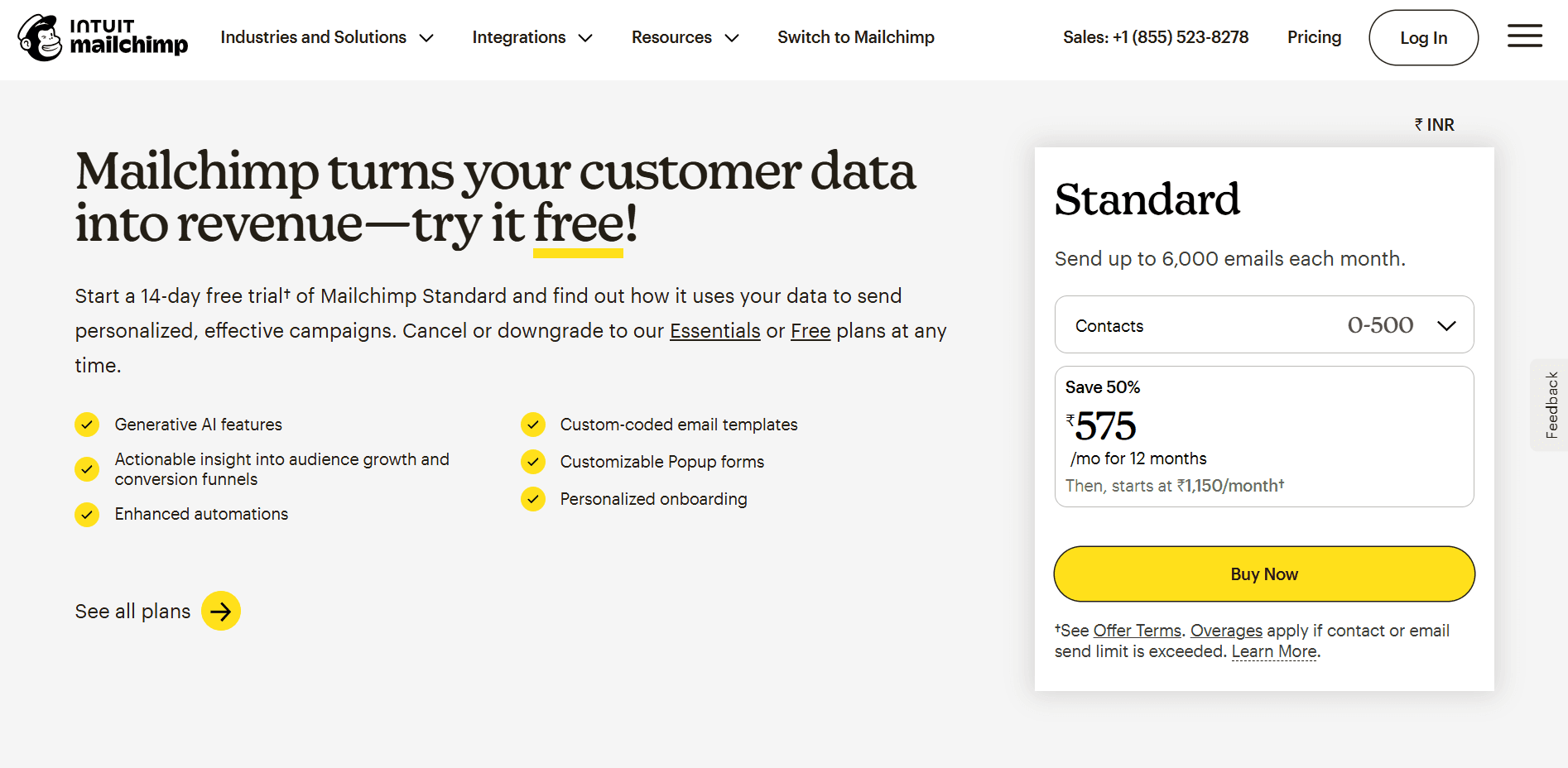
Overview: Classic email marketing platform with automation features.
Key Features:
Segment lists (e.g., buyers, sellers, past clients)
Drip campaigns (e.g., “Just sold in your area”, “Thinking of selling?”)
Templates, analytics, automation triggers
Real-Estate Agent Fit: For agents wanting to stay in touch with extensive relationships over time (past clients, newsletters) rather than direct transactional leads.
Pros: Easy to use; large ecosystem.
Cons: More broadcast-oriented, less tailored to individual follow-ups and inbox management.
10. ActiveCampaign

Overview: Marketing automation + CRM built for personalization and follow-through.
Key Features:
Behaviour-based triggers (e.g., lead opened listing email → send offer follow-up)
Lead scoring, tagging, segmentation
Email sequences + automation workflows
Real-Estate Agent Fit: Teams that want deep personalization and automation across channels (email, SMS, chat).
Pros: High automation power.
Cons: More complex to set up; may require support.
11. Moosend
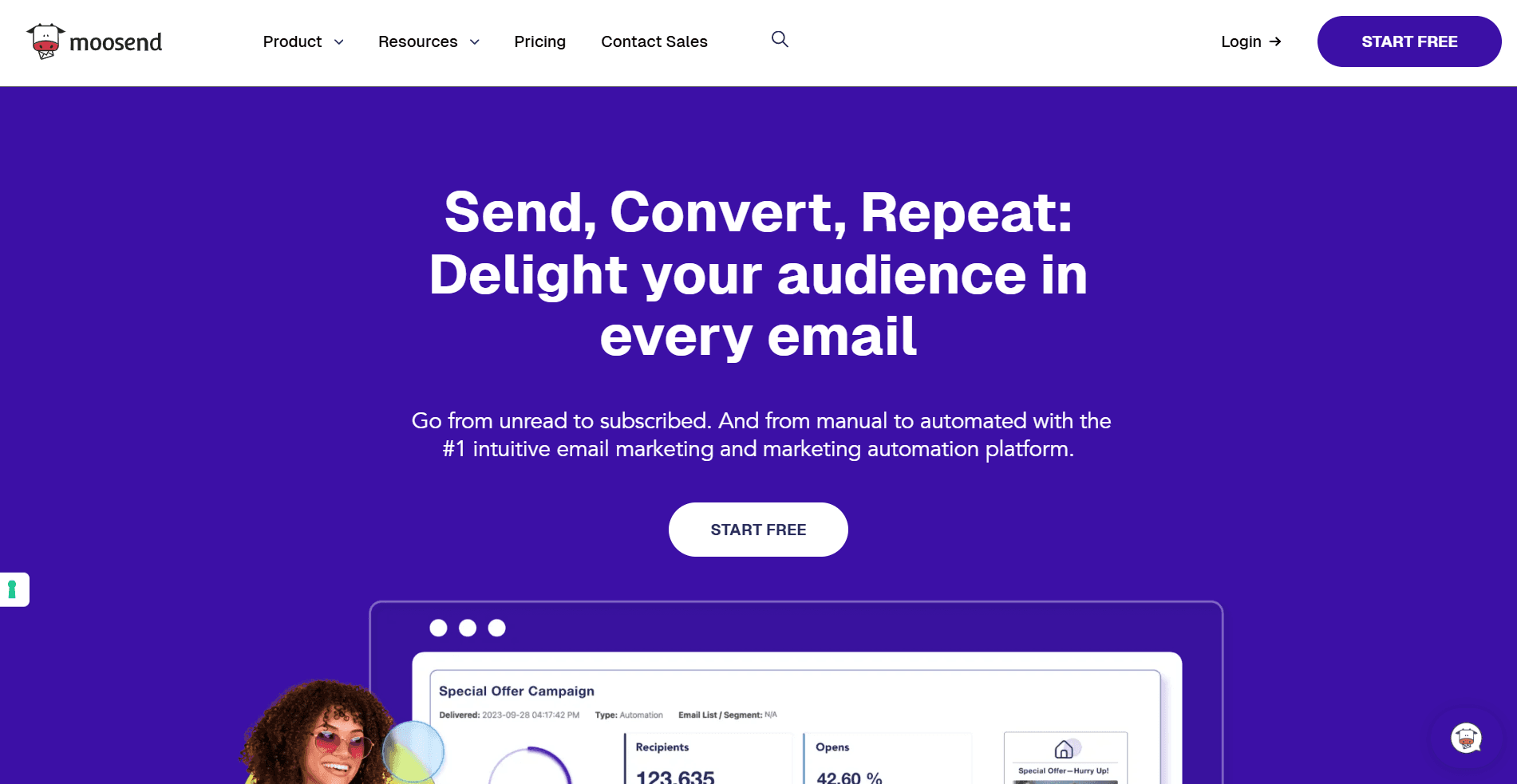
Overview: Budget-friendly automation platform for email campaigns.
Key Features:
Drip campaigns based on behaviour
A/B testing
Segmentation & personalization
Real-Estate Agent Fit: Solo or new agents who want automation without high cost or complexity.
Pros: Affordable; more straightforward interface.
Cons: Lighter feature set; less specialized for real-estate workflows.
12. SendLater (Outlook Add-In)
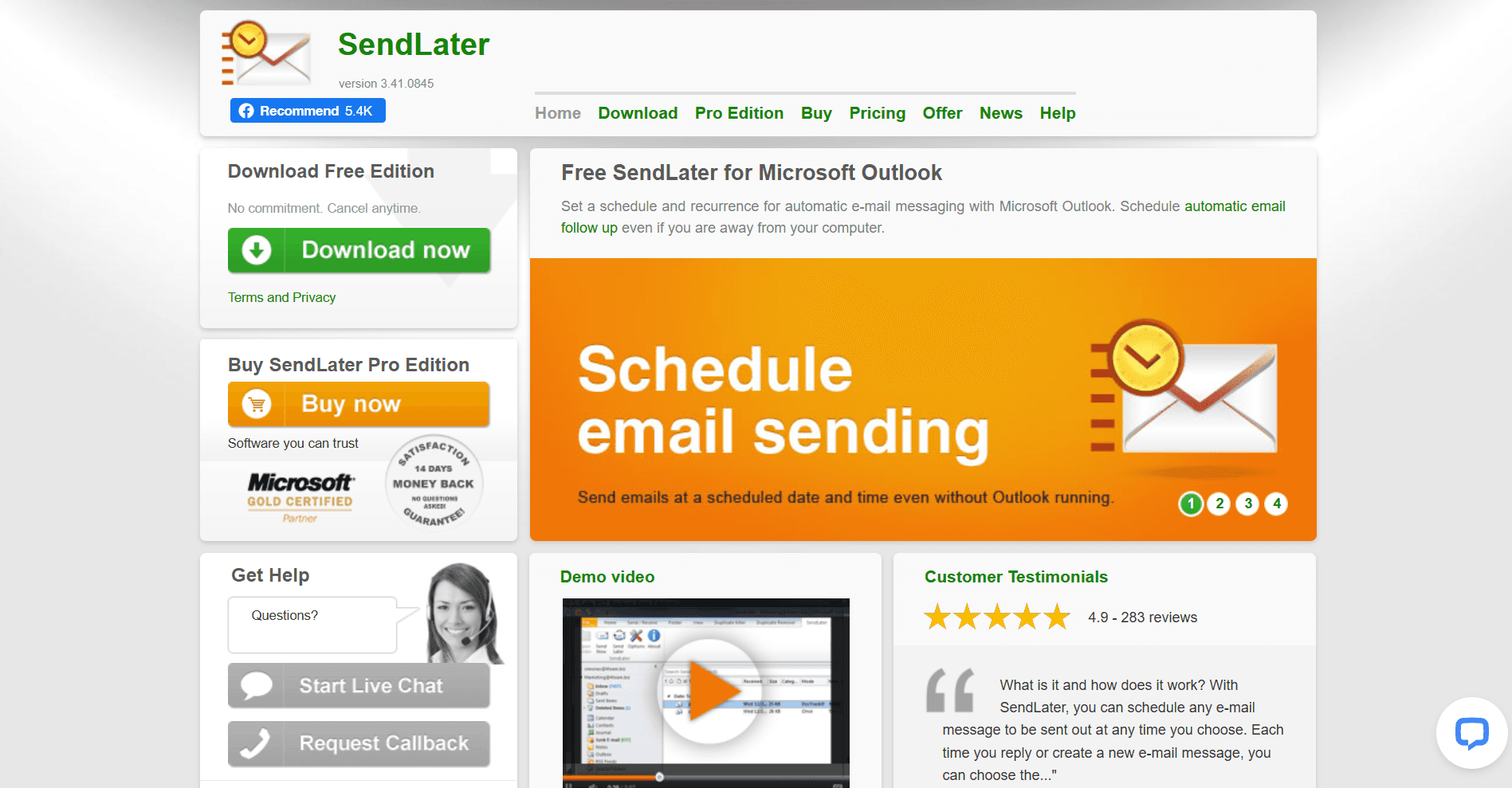
Overview: A focused Outlook add-on to schedule and send follow-up emails automatically.
Key Features:
If no reply by X days → send a follow-up from the same thread
Scheduling and repeat follow-ups
Real-Estate Agent Fit: Agents working heavily in Outlook and needing conditional follow-up capabilities without a full automation stack.
Pros: Straightforward; integrates into Outlook.
Cons: Limited to Outlook; fewer analytics and team features.
13. Auto Follow Up (Outlook Add-In)
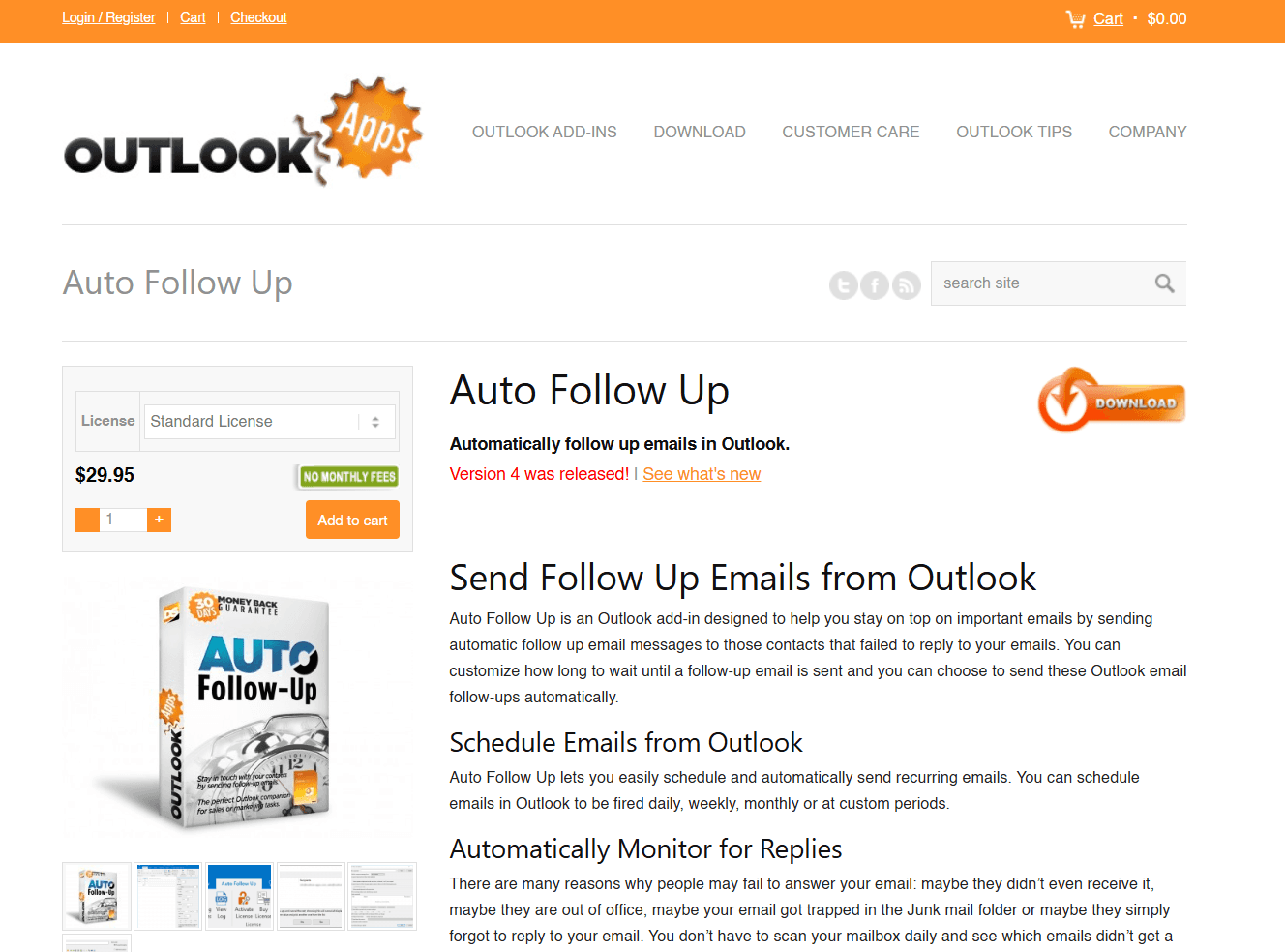
Overview: Focused on automatic follow-up sequences in Outlook.
Key Features:
Multi-touch follow-up templates
Detect replies and stop the sequence
Real-Estate Agent Fit: Agents who send lots of follow-ups (e.g., investor outreach, vendor negotiation) and want simple tools.
Pros: Minimal learning curve.
Cons: Less powerful than full automation CRM; Outlook only.
14. Mixmax

Overview: Engagement & automation tool with multi-channel outreach, sequencing, and analytics.
Key Features:
Email sequences + reminders
Embedded polls/surveys and calendar scheduling
Multi-channel: email + LinkedIn
Real-Estate Agent Fit: Agents who want to engage leads across channels, schedule showings via email link, and track engagement.
Pros: Rich feature set.
Cons: More suited to higher volume; cost may scale.
15. Woodpecker
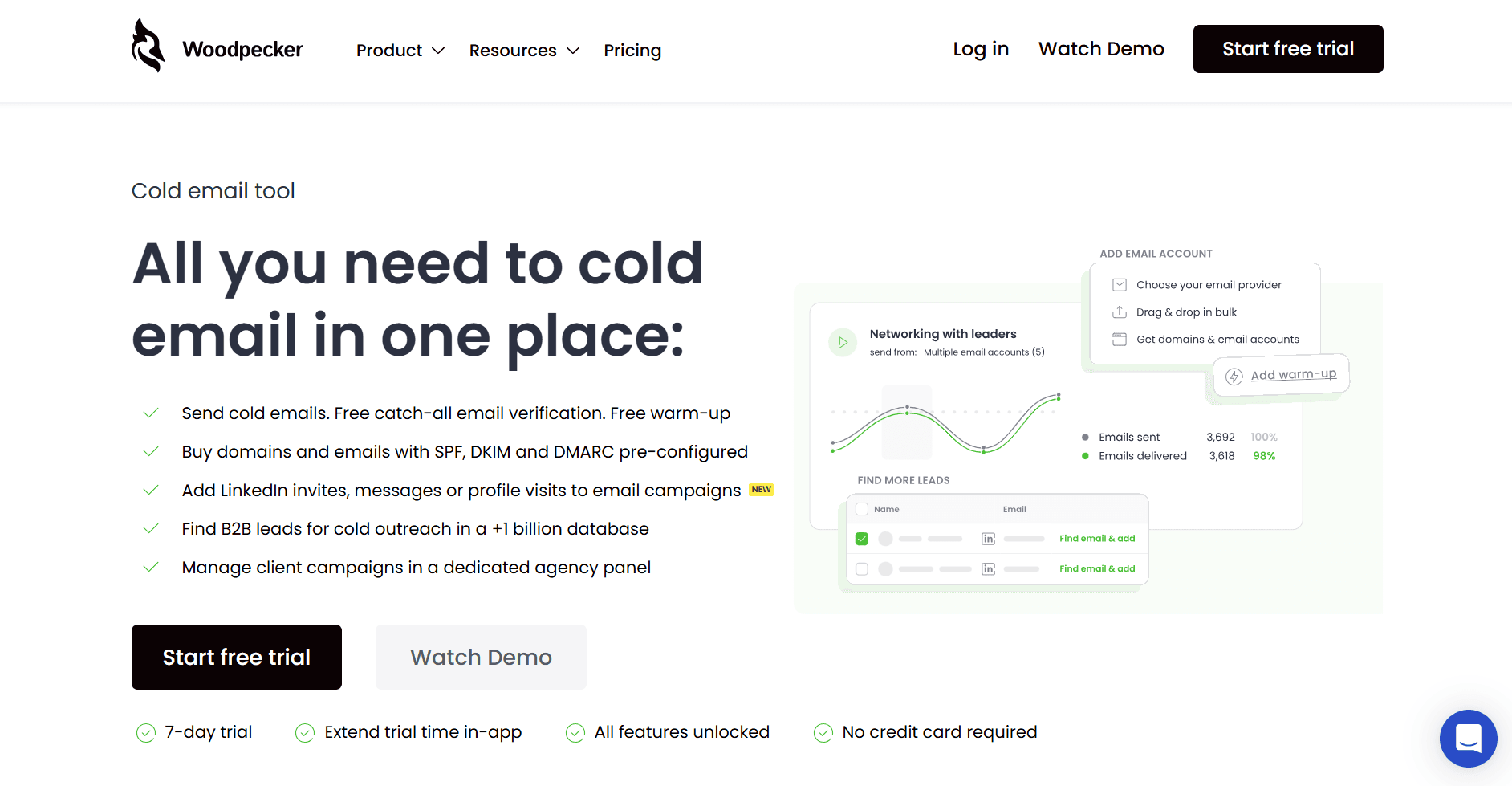
Overview: Email automation & personalization tool for outreach.
Key Features:
Condition-based campaigns (e.g., if open X times → escalate)
Email verification is built in
Real-Estate Agent Fit: Agent teams doing investor outreach, large volumes of leads, or repetitive sequences (e.g., expired listings).
Pros: Automation power; emphasis on personalization.
Cons: Less tailored for one-to-one agent/client conversations.
Bonus Tools
Boomerang for Outlook – Basic reminder/follow-up tool for agents: schedule follow-up, pause inbox.
Front – Shared inboxes for teams/brokerages handling group email flows (listings, vendor ops).
Superhuman – Premium fast inbox experience with prioritization; suitable for top agents.
Zendesk Sell – CRM + email sequences suited for under-agency or team operations.
Why NewMail AI Is the Best Choice for Real Estate Agents?
Real estate doesn’t slow down for inbox chaos. Opportunities disappear when responses lag, contracts stall when follow-ups are forgotten, and trust erodes when clients feel ignored. While many tools help automate email sending or campaign management, NewMail stands apart by focusing on execution rather than just communication.
What Makes NewMail the Ideal Email Management System for Agents?
Designed for real estate urgency - Automatically surfaces the messages that impact deals, deadlines, and client relationships, not spam and CC noise.
Built to protect relationships - Generate polished, personalized Smart Drafts in seconds so responses feel human, not robotic.
Eliminates lost leads - Convert follow-ups into tracked tasks you can’t forget, no more hoping you remember that message buried in a 40-email thread.
Brings clarity every morning - Daily Briefings summarize active clients, new leads, deadlines, and property-related tasks so you start the day ahead, not behind.
Organizes your world automatically - Intelligent Tagging groups emails by client, property address, status, or workflow stage without manual folders.
Prioritizes profitability - Personalized Priority ensures your highest-conversion opportunities always rise to the top of your inbox.
Works right inside Outlook - No switching tools, no complicated integrations, no separate environment to manage.
For agents juggling showings, negotiations, inspectors, attorneys, lenders, and buyers all at once, NewMail turns inbox management into a strategic advantage, helping you win deals through responsiveness, professionalism, and confidence.
Try NewMail for free and experience the difference yourself!

FAQ
1. Does an AI email management tool replace my real estate CRM?
No. AI email tools complement your CRM by managing day-to-day communication and follow-ups inside your inbox. Many integrate with CRMs to automatically push the right updates.
2. Can AI email tools automate follow-up emails to leads?
Yes. Tools like NewMail AI, Mailshake, and SendLater can automate follow-ups, including sequences triggered by no-reply, behavioral, or timeline rules.
3. Will automated emails sound robotic or generic?
Modern AI tools generate replies in your tone, using context from previous messages. Tools like NewMail AI produce polished, relationship-focused communication, not generic templates.
4. Are AI email management tools safe for handling sensitive real estate information?
Yes. When choosing platforms with strict privacy protection. NewMail AI, for example, does not store your email data and keeps everything secured within your own account.
5. Can these tools help while I’m on the road or showing properties?
Absolutely. Several tools, including NewMail AI, SparkMail, and Canary Mail, are optimized for mobile-first use and are perfect for agents working outside the office.
