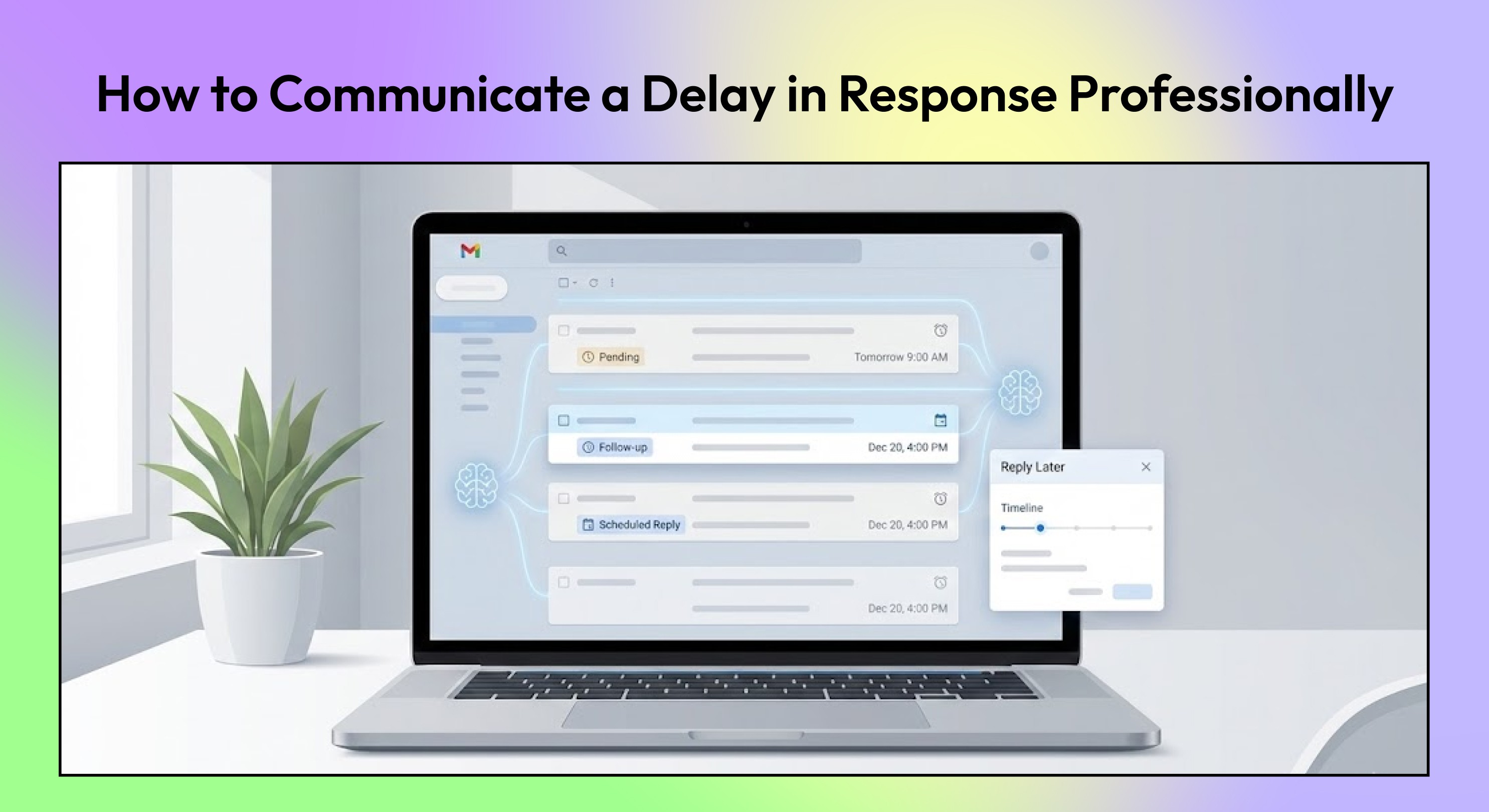
Need to explain a delay in response? Use these professional tips and templates to set expectations, reduce confusion, and keep conversations on track.
When your inbox is packed, responding on time becomes harder, especially for individuals who deal with constant client updates, approvals, and internal requests.
A delay in response is sometimes unavoidable, but the way you communicate it can shape expectations, prevent friction, and maintain trust.
What usually creates frustration is not the delay itself, but the silence around it. People want to know when they can expect to hear back so they can plan their next steps.
That is why a clear, well-crafted message makes a meaningful difference.
In this guide, you will learn how to communicate a delay in response professionally, when you should acknowledge it, and the phrases that work across different scenarios.
At a glance:
Clear communication prevents confusion, follow-up emails, and unnecessary escalation when a reply will take longer.
A short acknowledgment with a realistic timeline maintains trust and sets expectations for clients and teammates.
Delay messages should stay focused: avoid over-apologizing, oversharing, or making promises you cannot meet.
Using thoughtful templates helps you communicate delays consistently and professionally across different situations.
Staying organized is the real solution. Tools like NewMail AI help keep priority emails visible so fewer replies fall behind in the first place.
Why Communicating a Delay in Response Matters
People rely on timely communication to keep work moving. When they don’t hear back, uncertainty fills the gap. That uncertainty leads to extra questions, stalled decisions, and preventable stress.
Here’s why acknowledging the delay matters:
Silence causes confusion: Clients or teammates may assume something is stuck or ignored.
Projects slow down: Without clarity, people hesitate to move forward.
Follow-ups multiply: Uncertainty leads to repeated pings and unnecessary messages.
Small issues escalate: Lack of communication often creates bigger problems than the delay itself.
Expectation-setting reduces stress: A simple note reassures others that their request is seen, even if the response will take time.
Clear communication makes the wait manageable for everyone.
How to Communicate a Delay in Response Professionally
When you know your reply will take longer than expected, a short, clear message helps maintain trust and reduces follow-up emails. Let’s look at some simple habits that can make your communication steady and reliable:
Acknowledge the delay early: A quick note shows that you have seen the message and are not ignoring it. This prevents confusion and lets the other person adjust their expectations.
Share a realistic timeline for your response: Give a specific window, such as “I will get back to you by tomorrow afternoon.” This helps the other person plan without guessing when you will reply.
Avoid unnecessary detail and keep it focused: You do not need to explain your entire schedule. A brief acknowledgment is more effective than over-explaining why you are delayed.
Provide alternate contacts when appropriate: If someone else can help in the meantime, share their name and email. This keeps work moving even when you are not immediately available.
Maintain a professional, calm tone: A clear and steady tone reassures the recipient that their request is still on your radar. It also helps prevent misinterpretation during stressful or time-sensitive situations.
When you communicate delays with clarity, people stay informed, and projects keep moving. If you want to make this even easier, NewMail AI’s Smart Drafts can prepare high-quality replies in your voice so you never fall behind on important messages.
Now, let’s look at the templates you can use.
8 Ready-to-Send Templates for Communicating a Delayed Response
Certain situations call for a quick note so others know when to expect your reply. Clear communication prevents unnecessary follow-ups, keeps work moving, and reduces confusion.
Below are the most common scenarios, along with email templates you can use immediately.
1. When You’re Out of Office
When you are away for a set period, a clear automated reply prevents unnecessary waiting and helps redirect urgent requests.
Example:
Hi [Name], Thank you for reaching out. I am out of the office until [date] and will have limited access to my inbox during this time. I will review your message when I return and respond as soon as possible. For anything time-sensitive, please contact [alternate contact] at [email]. They can assist while I am away. Thank you, [Your Name] |
Also read: 15 Best Out of Office Email Templates
2. When Something Unexpected Comes Up
You do not need to share personal details. A simple, respectful note is enough to set expectations without oversharing.
Example:
Hi [Name], I wanted to let you know that I may be slower to respond today due to an unexpected situation. I have your email on my list and will get back to you as soon as I am able, ideally by [time or day]. Thank you for your understanding and patience. Best regards, [Your Name] |
3. When You’re Traveling or Off-Site
Travel days and full-day sessions limit your ability to respond quickly. Letting others know you are operating with reduced availability helps them plan around it.
Example:
[Your Name] Hi [Name], Thank you for reaching out. I am currently traveling and in sessions for most of the day, which limits my ability to respond promptly. I will review your message properly and get back to you by [time or day]. If anything is urgent, please let me know, and I will do my best to address it. Regards, [Your Name] |
4. When You’re Managing a Heavy Workload
When you are managing multiple priorities, approvals, or time-sensitive tasks, it is natural for email to fall behind. A brief update helps people understand that delays are due to workload, not disinterest.
Example:
Hi [Name], Thank you for your message. I am working through a high volume of requests today and may need a little extra time to reply. I will get back to you by [time or day]. If something needs immediate attention, feel free to flag it for me. Best, [Your Name] |
5. When Working Across Time Zones
When collaborating across regions, your working hours may not overlap. A quick acknowledgment avoids assumptions about missed communication.
Example:
Hi [Name], A quick note to let you know I am currently working in a different time zone, so I may not be able to reply right away. I will get back to you once I am online, no later than [time or day]. Thanks for your understanding. Best, [Your Name] |
6. When You’re Dependent on External Input
If your response depends on input from someone else, acknowledging the delay shows ownership even if you are not the blocker.
Example:
Hi [Name], A quick update that I am waiting for input from [person or team]. Based on their timeline, I expect to have clarity by [time or day] and will follow up as soon as I receive it. Please feel free to reach out if you need anything in the meantime. Thanks, [Your Name] |
7. When You Need More Time to Review the Details
Sometimes the delay comes from the complexity of the request, not availability. This template signals that you are giving the message proper attention.
Example:
Hi [Name], Thank you for sending this over. I want to review the details carefully, and I will need a little additional time before giving you a complete response. You can expect an update by [time or day]. Thanks for your patience, [Your Name] |
8. When You’re Returning to a Backlog After Time Away
Great for the “first day back” situation where delays are expected but still need acknowledgment.
Example:
Hi [Name], Thank you for reaching out. I am catching up on messages after being away and may take slightly longer to reply. I expect to respond by [time or day] once I finish reviewing everything in my queue. Thank you for your understanding, [Your Name] |
Even with solid templates, certain missteps can make your delay note feel unclear or overly formal. The next section highlights the key pitfalls to avoid so your communication stays strong and consistent.
Also read: 6 Fundamentals of Email Inbox Organization
Mistakes to Avoid When Explaining a Delay in Response
A delayed reply is not the issue. Lack of clarity is what creates confusion. These are the common pitfalls that make delay messages feel unprofessional or difficult to interpret.
Over-apologizing: A brief apology is enough. Repeating it makes the message sound uncertain or overly defensive. Acknowledge the delay once, set expectations, and move on.
Over-explaining personal reasons: You never need to share details about your health, family, or schedule. Keep explanations high-level and professional. The focus should stay on when they can expect your reply, not why you were unavailable.
Promising faster responses than you can deliver: Avoid saying “I will reply shortly” if you know you will not. Set a realistic timeline so expectations are clear. Overpromising only creates stress and disappointment later.
Ignoring critical or time-sensitive emails: If something is urgent, silence can escalate problems quickly. Even a one-line acknowledgment helps keep projects and decisions moving in the right direction.
Using robotic or template-like language: Overly stiff wording makes your message feel impersonal. A delay note should sound human, respectful, and tailored to the situation, especially for clients and teams who depend on your input.
Avoiding these mistakes improves how you communicate delays, but the real fix is preventing delays altogether. NewMail AI helps by understanding your priorities, sorting your inbox automatically, and drafting replies in your voice.
In just a few minutes, NewMail AI’s Nova learns your context and keeps important messages visible so you respond faster with less effort.
Use NewMail To Reduce Delays and Respond Faster
NewMail AI acts as your executive AI inbox assistant inside Gmail or Outlook, with no new interface to learn. It ranks emails by your priorities, highlights time-sensitive messages, drafts replies in your voice, and surfaces tasks you might have missed.
For leaders, managers, business owners, and consultants handling heavy communication volumes, NewMail AI keeps your inbox organized so you can respond faster and avoid preventable delays.
Here are the features that directly help you stay timely:
Smart drafts: NewMail drafts high-quality replies in your voice, allowing you to respond quickly without starting from scratch.
Daily briefings (Gmail only): Each morning, you get a summary of important updates, pending items, and schedule changes so nothing slips through the cracks.
Personalized priority sorting: Emails are ranked according to your priorities. Critical threads surface instantly, while low-value noise stays out of your way.
Actionable insights: Tasks inside emails are automatically tracked in a linked to-do list. This prevents follow-ups from being forgotten or delayed.
Intelligent tagging: Smart folders categorize your inbox automatically so recurring conversations, client threads, and approvals are always easy to find.
Simplified scheduling (Gmail only): Your calendar arrives in your inbox each morning, helping you manage meetings without losing context.
With NewMail, your inbox stays organized, your priorities stay visible, and responding on time becomes significantly easier.
Give yourself a cleaner, more responsive inbox experience. Get started with NewMail AI now and see the difference.

FAQs
1. How do you say sorry for the delay in response?
A simple, professional approach works best: “Apologies for the delayed response — I appreciate your patience. I’ve reviewed your message and here’s the update.” Keep it brief, acknowledge the delay, and move forward with the information they need.
2. How do you say there will be a delay in response?
Set expectations clearly without overexplaining: “I may have a delay in response during this period. For urgent matters, please contact [name]. I’ll reply as soon as I’m available.” This keeps things transparent and avoids unnecessary follow-ups.
3. What is a delayed response?
A delayed response is simply a reply that takes longer than what the sender reasonably expected. It often happens during time off, travel, high workloads, or conflicting priorities. A clear OOO message helps manage those expectations upfront.
4. When should you acknowledge a delay in response?
Acknowledge the delay when the message is time-sensitive, involves clients or stakeholders, or affects project timelines. A quick note reassures the sender that their request is on your radar and prevents follow-up emails.
