
Explore the best Superhuman email alternative tools in 2026. Affordable options with fast inbox handling, smart replies, and clean interfaces.
Superhuman has become the go-to email client for users who value speed, shortcuts, and a clean interface. However, it has a premium price tag of around $30/month.
Several alternatives offer similar features at a fraction of the cost for individuals and teams looking to improve email efficiency without overspending.
This list includes the top 10 tools that can match or exceed Superhuman's functionality while keeping affordability and usability in focus. These options give you the power to stay productive without paying enterprise-level rates.
Quick Recap
Superhuman’s Price Is the Barrier: Superhuman offers powerful email management, but its premium pricing of $30+/month makes it out of reach for many professionals.
Affordable Alternatives, Limited Depth: Other affordable alternatives like Spark, Missive, and Shortwave offer various features like shared inboxes, team collaboration, and smart inbox sorting, but they often fall short in task tracking and AI-driven support.
Try Before You Commit: Many alternatives offer free trials, giving users a chance to test their features before making a commitment.
NewMail AI Delivers the Best Value: NewMail AI is the best Superhuman alternative; it offers AI-powered email management, task integration, and priority sorting starting at just $15/month, making it ideal for budget-conscious users.
Why Look Beyond Superhuman Email
Superhuman has quickly gained popularity for its sleek interface, speed, and powerful features designed to optimize email productivity. However, like any tool, it has its strengths and limitations. Here's a breakdown of what Superhuman offers, what it's missing, and how its pricing stacks up.
Common Challenges and Frustrations with Superhuman Faced By Users
Many users have shared mixed feedback about Superhuman, highlighting both its strengths and the pain points that interrupt their experience with the email client.
Missing Features: Users report missing basic features, such as a unified inbox, a non‑conversation view, and better calendar/task integrations, which are available in other email clients like Outlook.
Email Rendering Issues: Many users experience problems with HTML emails not displaying correctly, often seeing cut‑off content or formatting errors.
Price vs. Value: There’s frustration over recent price hikes without corresponding improvements or added features, leading some to feel the service is overpriced.
Performance & Usability: Complaints about app slowdowns, crashes, and resource usage, with some users finding the interface less smooth than expected.
Customer Support & Company Focus: Users report that support doesn’t resolve long‑standing issues, and some are unhappy with the company's shift towards collaboration tools they don’t need.
Efficiency Concerns: Some feel that Superhuman’s premium features (like keyboard shortcuts and polished UI) don’t significantly improve their workflow enough to justify the cost.
For further insights and detailed user feedback, you can explore the whole discussion here.
Superhuman Pros | Superhuman Cons |
|
|
Superhuman Pricing Analysis
Starter Plan: $30/month per user, billed annually at $360/year. This gives you access to core productivity features but lacks more advanced AI features and integrations.
Business Plan: $40/month per user, billed annually at $480/year. It includes advanced AI drafting, auto labels, and integrations with CRM tools like HubSpot and Salesforce.
Enterprise: Custom pricing for larger teams with advanced security features, single sign-on, and dedicated support.
While Superhuman’s pricing is on the higher end, its value proposition lies in its premium features. For many businesses, however, these costs may be difficult to justify, especially if you're looking for a more affordable solution with similar capabilities.
More users now want affordable tools that work across platforms and include AI support. This shift has led to a rise in alternatives that match Superhuman’s speed, triage, and modern design, without the high monthly cost.
When considering a switch, it’s important to know exactly what features to prioritize in a new tool to make your email management more efficient. Here’s a breakdown.
What to Look For in a Superhuman Email Alternative
Choosing the right Superhuman alternative means going beyond surface features. The best tools combine smart automation, a clean interface, and seamless performance without bloated pricing or steep learning curves. But not every tool fits every workflow.
Look for these features when comparing options:
Speed and keyboard shortcut support for fast handling
Email scheduling, snoozing, follow-up prompts, and smart reminders
Smart reply suggestions and AI-based email summaries
Integration with calendars, CRMs, and task/project tools
Transparent pricing and fair team plans
Privacy controls, encryption options, and spam filtering
Don’t aim for a perfect replica; look for an upgrade that fits your inbox habits and business needs. The goal is to find an inbox assistant that supports your workflow, saves time, and fits within your budget, without giving up essential features.
Now, let’s explore some of the top, more affordable alternatives that offer similar functionality without the hefty price tag.
10 Best Affordable Superhuman Email Alternatives
Superhuman may have set the standard for email performance, but it isn’t the only option.
In recent years, more email tools have emerged offering similar features, smart inboxes, AI replies, clean interfaces, and collaboration tools without the high cost.
The tools below cover a range of use cases: AI automation, team coordination, focus workflows, and multi-platform support. Each has its strengths depending on how you manage your inbox and your budget.
1. NewMail AI
NewMail AI vs. Superhuman Mail: Features and Pricing Comparison
Feature | NewMail AI | Superhuman |
Pricing | Starts at $15/month for the Pro plan | Starts at $30/user/month |
Personalized AI Drafts | 10 drafts/day in Pro plan, unlimited in Enterprise | AI-powered auto drafts included in Business & Enterprise plans |
Task Tracking | Integrated task tracking with priority sorting | Not a core feature; requires integrations like Salesforce |
Email Sorting | Priority email sorting and customizable folders | Auto-labeling, but more complex AI customization only available in higher tiers |
Enterprise Support | Personalized plans, custom workflow audit, priority support | Advanced security, dedicated support for larger teams |
Free Version | Free tier with limited functionality (last 50 emails) | No permanent free version, only a trial is available |
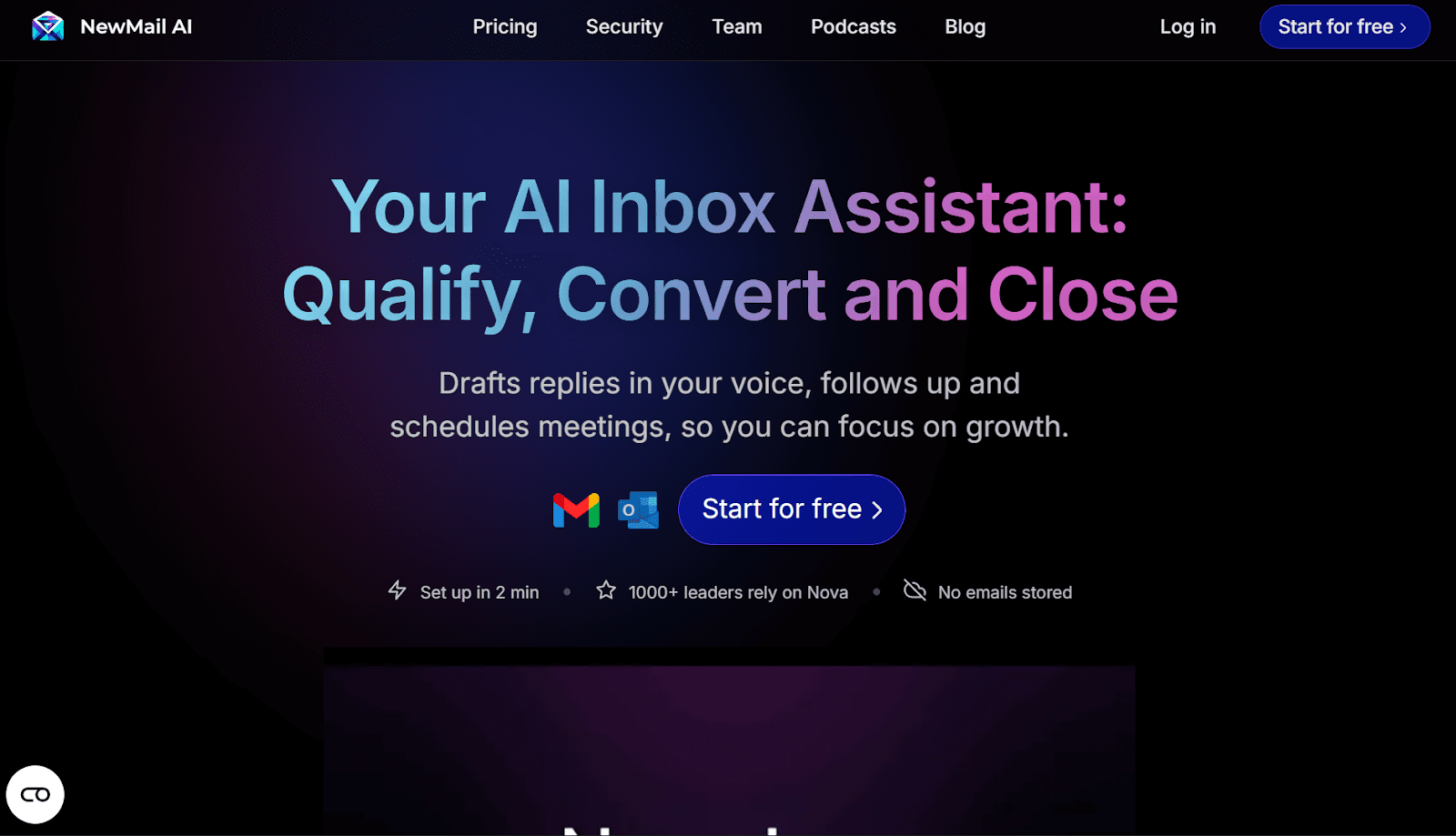
NewMail AI is the ideal Superhuman email alternative for professionals who want automated drafting, smarter triage, and faster email decisions without the $30/month price tag.
The assistant identifies patterns in your email activity to surface follow-ups, detect urgency, and present summaries that help you act without rereading long chains. It works across Gmail and is designed for professionals looking for powerful email automation.
Key Features:
Smart drafts tailored to your past communication
Daily briefings with prioritized threads
Clutter control to keep focus on relevant messages
Follow-up reminders and urgency detection
Pricing:
NewMail Preview (Free): Includes smart drafts, task tracking, and priority sorting. Best for individuals testing the platform.
Personal Assistant ($15/month): Adds daily briefings, scheduling tools, and core automation. Best for solo professionals.
Custom pricing: Organization-level analytics and volume pricing. Ideal for teams needing tailored solutions and larger-scale support.
Best for: Business users and teams that want an AI-powered inbox assistant built for productivity.
What Users Are Saying:
“NewMail has transformed how I manage my inbox. The AI’s ability to prioritize and summarize emails saves me countless hours every week. I can’t imagine going back to the old way of doing things.”
-Nick V, Hardware Engineer
“Like a virtual assistant but available at all times, writes at a high level and only alerts me when its really relevant. Love it!”
- Teo B, CEO
2. Spark Mail
G2 Rating: NA
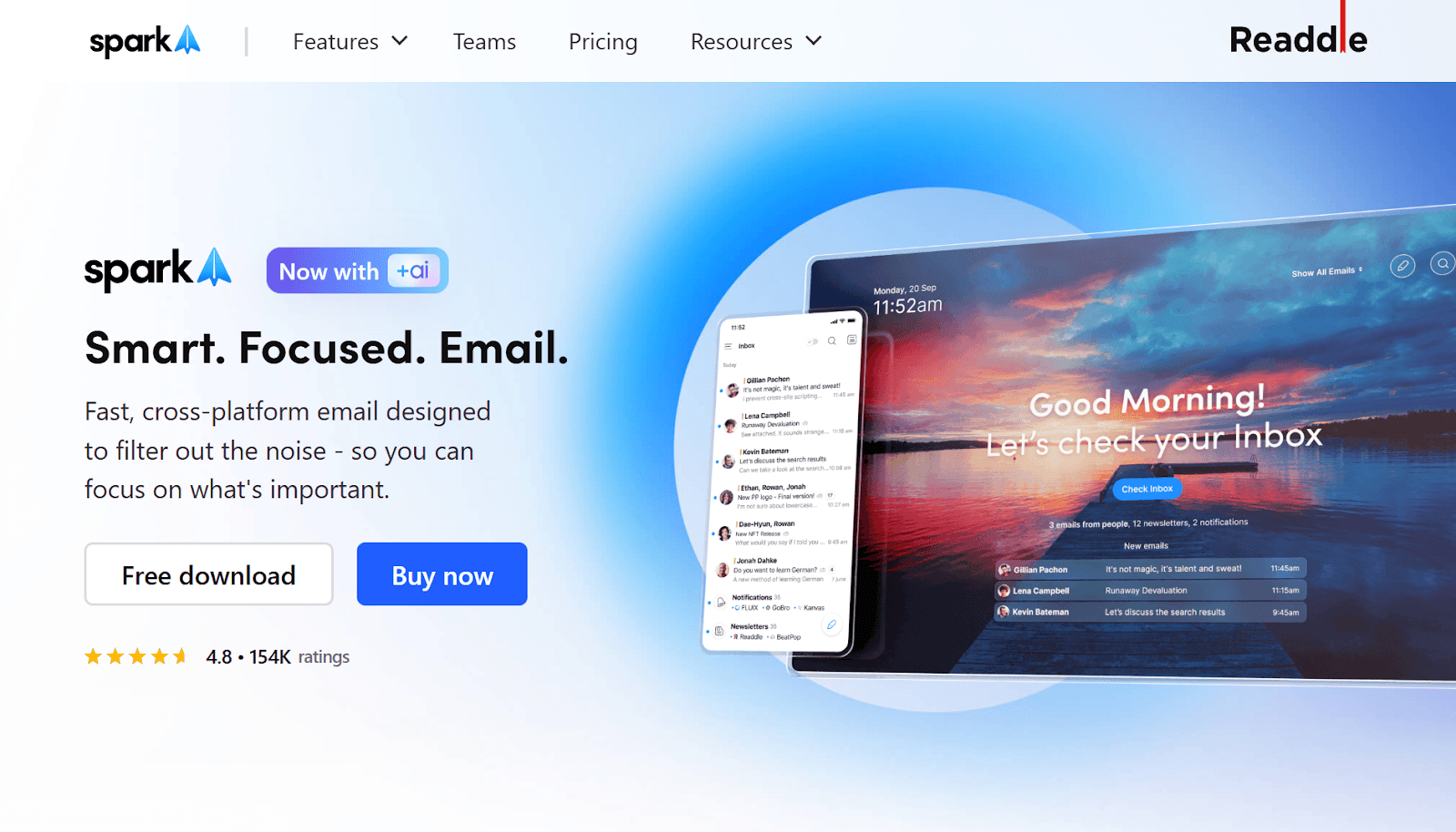
Spark is a popular Superhuman alternative for users who want a clean design, smart inbox sorting, and real-time collaboration tools.
It’s suited for solo users and teams that need shared inboxes, real-time editing, and control over message sorting. Spark separates newsletters, notifications, and direct mail into categories to help you respond faster and waste less time on clutter.
Key Features:
Smart Inbox for email categorization
Email delegation and collaborative drafts
Integrates with task managers and calendars
Send Later for scheduling email
Pricing:
Free
Plus: $10/month
Pro: $20 per month
Best for: Teams and freelancers who want to balance personal productivity with collaborative tools.
Also Read: Top AI Email Management Tools for Inbox Cleanups in 2025
2. Shortwave
G2 Rating: 4.4/5
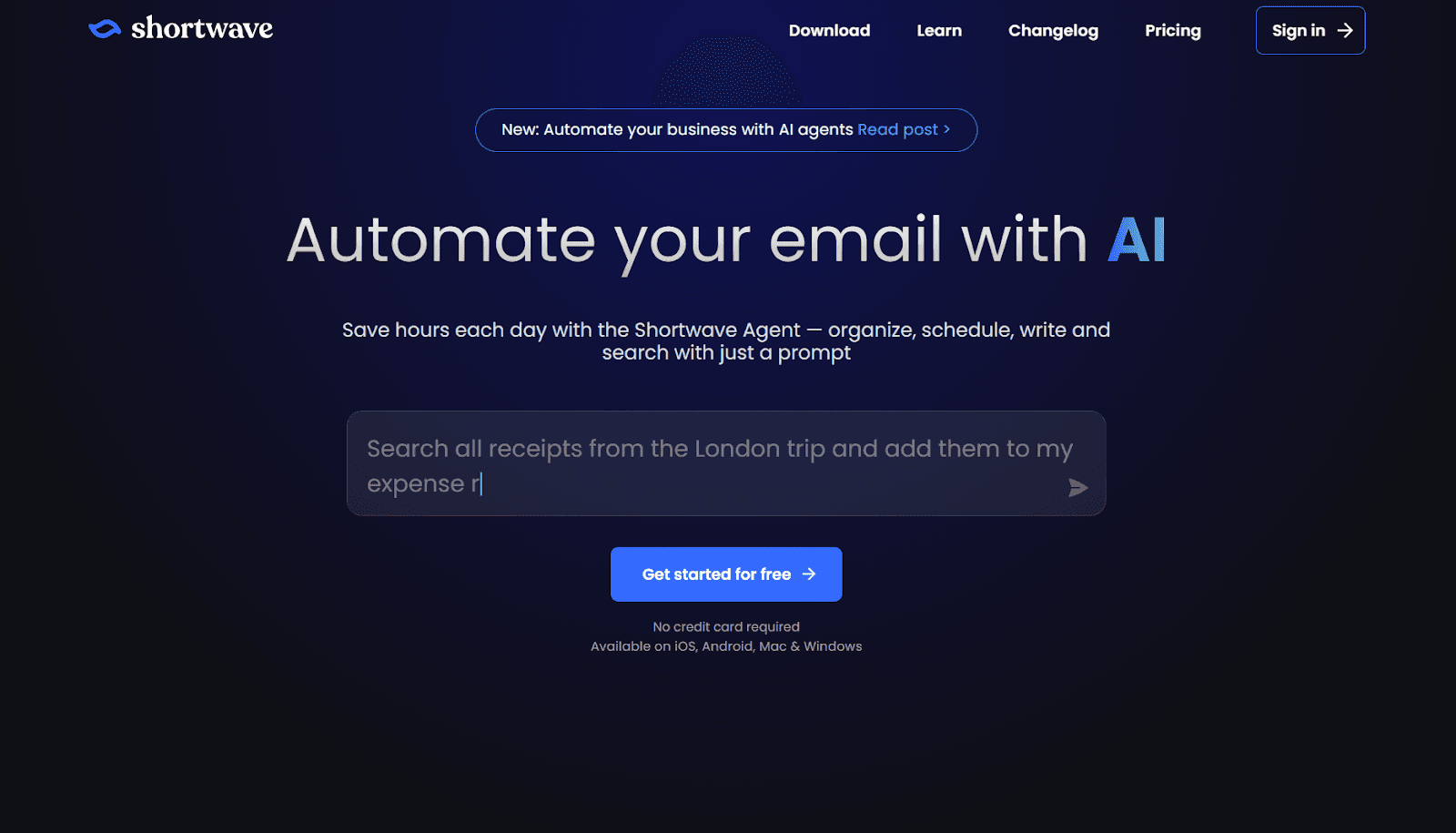
Shortwave is a Gmail-based Superhuman alternative that brings speed, bundling, and chat-style replies to your inbox.
It’s designed for fast-moving users who want clear ownership and fewer distractions, without changing platforms.
Built by ex-Google engineers, it organizes threads into grouped blocks, suggests quick responses, and makes your inbox easier to skim and act on, especially on mobile.
Key Feature:
Assignable email ownership and next steps
Private comments within team threads
Split inbox for focused views
Bundled triage for grouped actions
Read receipt visibility
Pricing:
Free: For individuals (includes bundles, split inbox, basic search)
Pro: $14/seat/month
Business: $24/seat/month
Premier: $36/seat/month
Best for: Teams using Gmail who need clarity, shared tracking, and fast message handling.
Also Read: Is NewMail Better Than Shortwave? A Complete Comparison
4. Missive
G2 Rating: 4.6/5
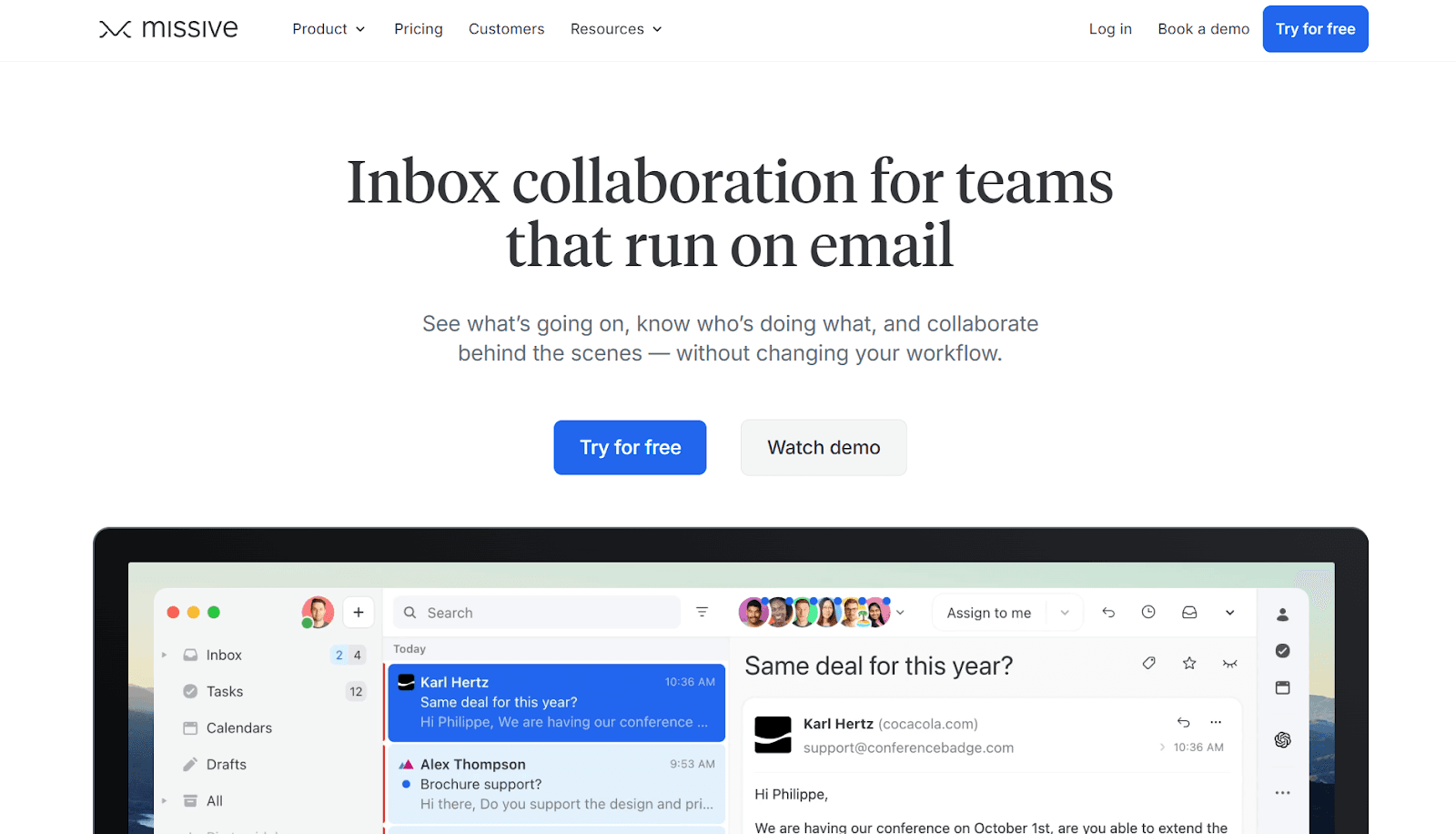
Missive is a strong Superhuman alternative built for teams that need to handle shared inboxes, assign emails, and collaborate inside threads.
It combines email, chat, and tasks in one workspace, letting users discuss, delegate, and reply without switching tools. Support teams, sales reps, and operations managers use Missive to turn inboxes into shared workflows.
Key Features:
Shared inboxes with role-based access
Chat inside email threads
Assignments and collaborative drafts
Rules for automated triage
Integrations with Slack, Trello, and Asana
Works across desktop and mobile
Pricing:
Free: Up to 3 users with limited history
Starter: $14/user/month
Productive: $24/user/month
Business – $36/user/month
Best for: Teams managing group email addresses (like support@ or sales@) who need shared visibility and fast delegation.
5. Canary Mail
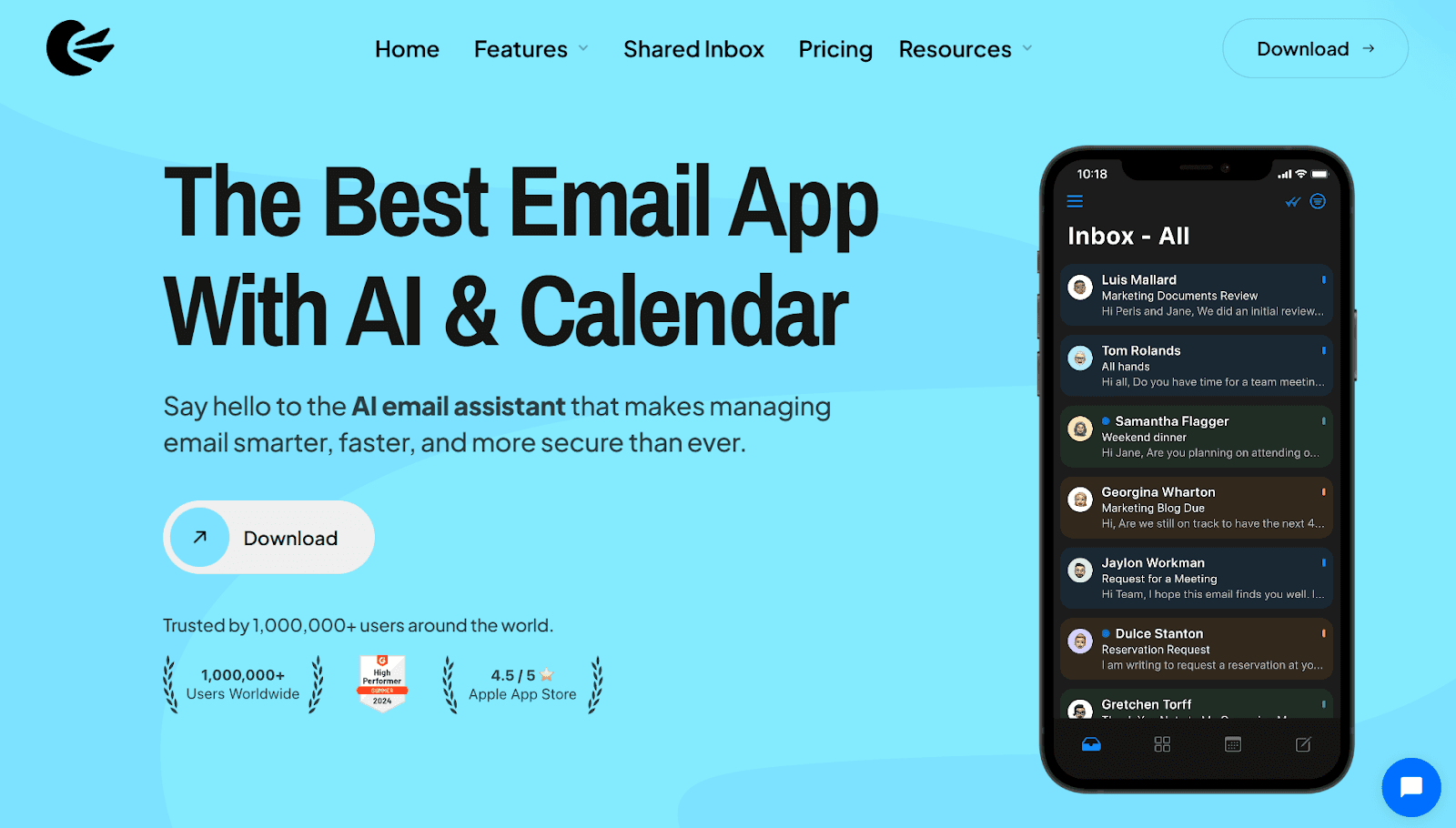
G2 Rating: 4.5/5
Canary Mail blends email privacy with modern productivity tools, offering AI-assisted sorting alongside built-in encryption.
It integrates AI tools for drafting emails, summarizing threads, and prioritizing messages, while ensuring end-to-end encryption for privacy-conscious users. Canary supports multiple accounts in a unified inbox and provides features like read receipts, snooze, and scheduled sending.
Key Features:
AI Copilot for composing and replying to emails.
Thread summarization for easier digestion.
Smart prioritization for highlighting important emails.
Read Receipts for emails.
Pricing:
Free
Growth: $3/month
Pro+: $10/month
Best for: Professionals who need privacy and AI support without compromise.
Also Read: 16 Effective Strategies and Tips for Email Management
6. Mailman

G2 Rating: 4.3/5
Mailman is a Gmail plugin designed to help users achieve Inbox Zero by controlling when and what emails appear in their inbox. It offers features like Do Not Disturb mode, Delivery Slots, and VIP lists to minimize distractions and enhance productivity.
Key Features:
Do Not Disturb mode to pause email notifications
Delivery slots to schedule emails to be delivered at designated times
Block Unimportant Emails filters out emails from unknown senders.
Pricing:
No Free Plan
Standard Plan: $8 per month
Best for: Users who want fewer email interruptions and controlled inbox time.
7. Mailbird
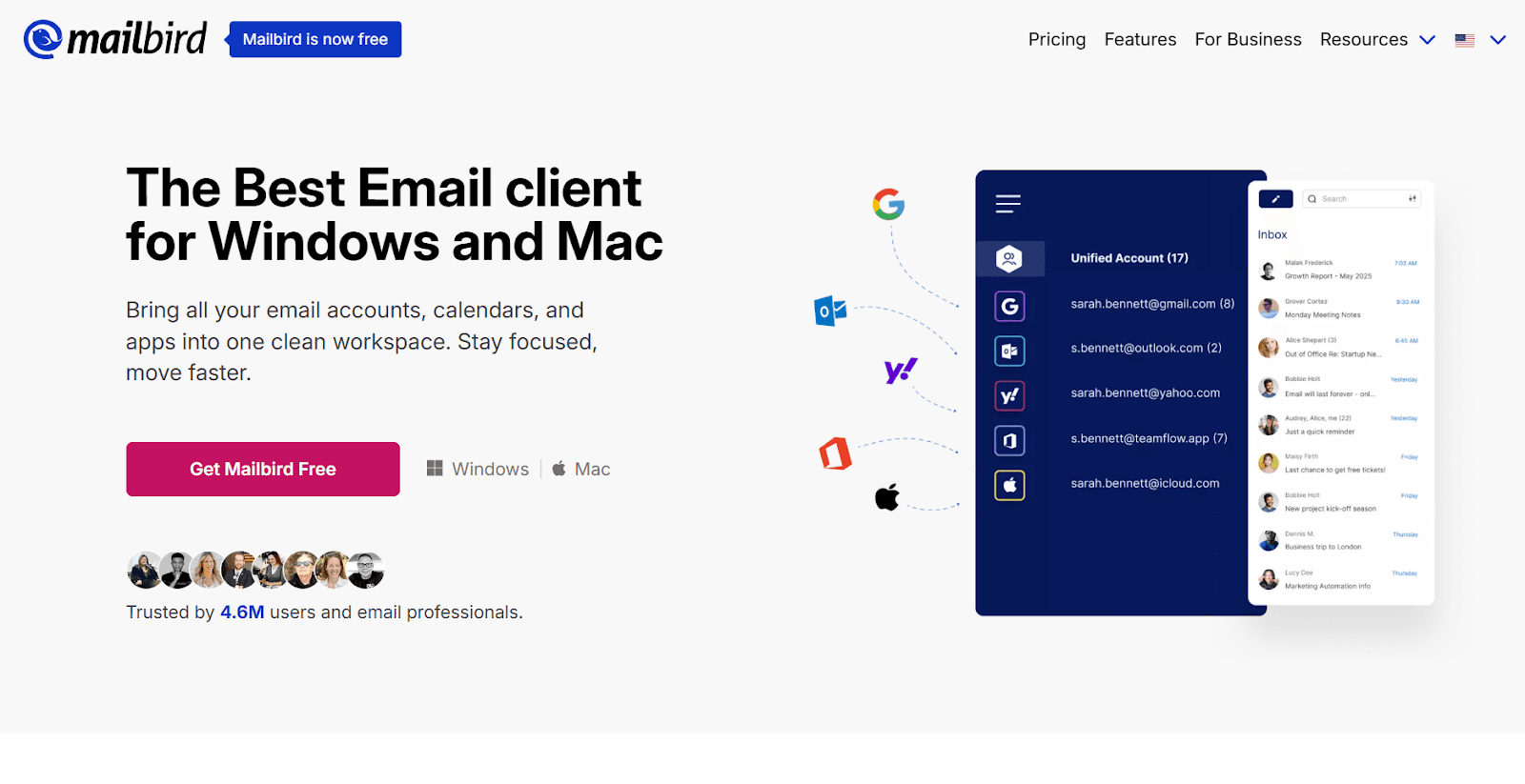
G2 Rating: 3.6/5
Mailbird is a desktop email client designed for Windows and macOS users who manage multiple accounts and seek a unified, customizable workspace.
Key Features:
Unlimited email accounts with a unified inbox.
Integration with WhatsApp, Slack, Dropbox, and Google Calendar.
Customizable themes and layouts
Email snoozing, speed reader, and advanced search.
Pricing:
Free Plan
Premium Plan: $4.03/user/month
One-time payment: $99.75.
Best for: Users who want one place to manage all communications and apps.
Also Read: 6 Fundamentals of Email Inbox Organization
8. eM Client
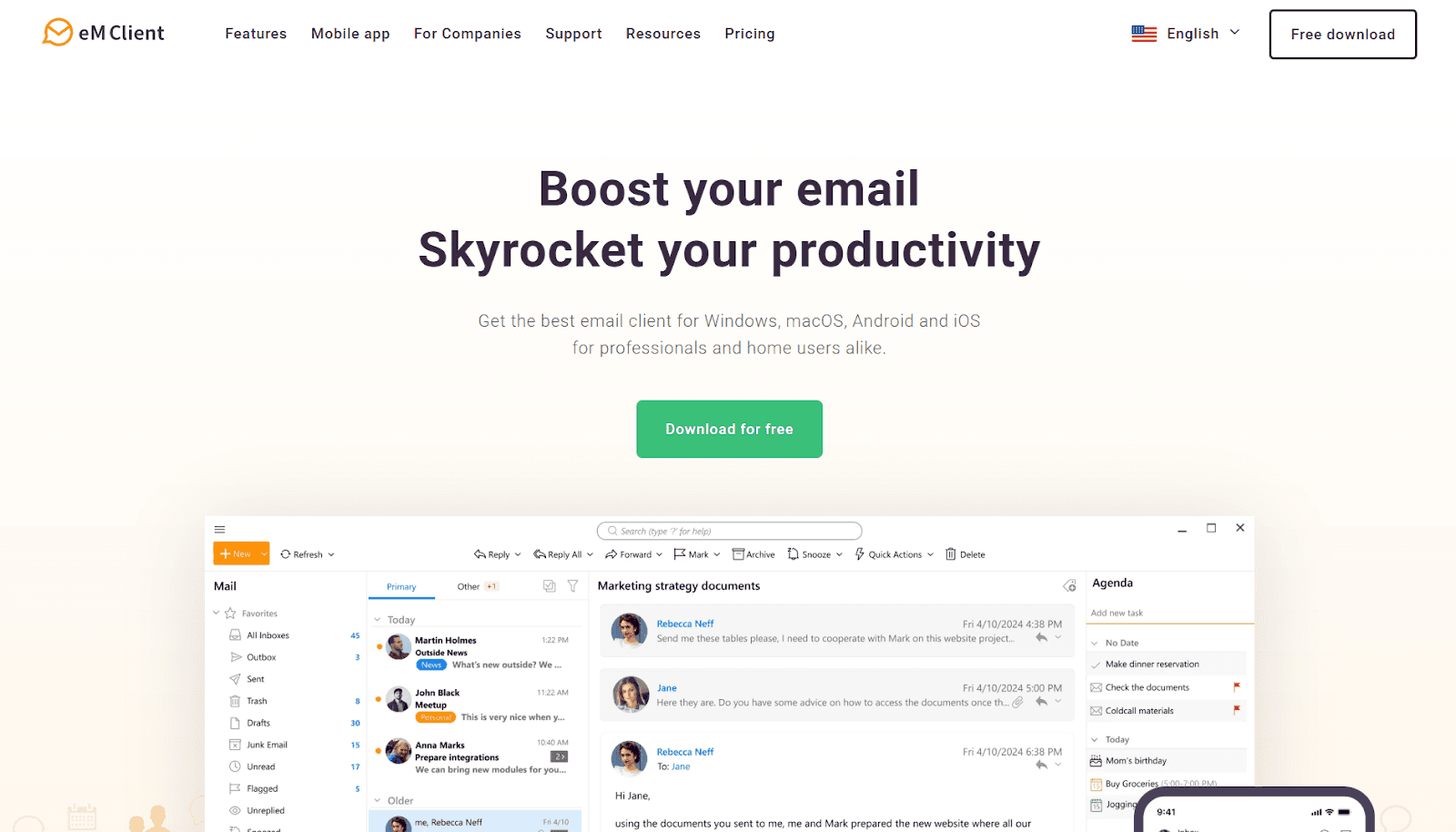
G2 Rating: 4/5
eM Client is a cross-platform email client that integrates email, calendar, tasks, contacts, notes, and chat into a unified interface.
It supports all major email services, including Gmail, Exchange, Outlook, and iCloud, with automatic setup for quick onboarding.
Key Features:
AI-powered assistance in drafting and summarizing emails
Snooze and Watch for Reply
End-to-end encryption with PGP and S/MIME.
Pricing:
Free: Registration required, limited to personal, non-commercial use.
Personal License: $39.95
Business License: $208.95
Best for: Users seeking a comprehensive email client with integrated productivity tools and robust security features.
9. BlueMail

G2 Rating: 4.3/5
BlueMail is a flexible Superhuman alternative for users managing multiple accounts who want organization without switching tools.
It offers a unified inbox, allowing users to manage various email providers in one place. The app includes features like Clusters for organizing emails by sender or group, and a Later Board that transforms emails into tasks for better follow-up.
Key Features:
GemAI assists in drafting and summarizing emails.
Integrated calendar for scheduling and event management.
MagicSync ensures settings and accounts are consistent across devices.
Available on Windows, macOS, Linux, Android, and iOS.
Pricing:
Free Plan
BlueMail Plus: $5/user/month
Business Pro: $12/user/month
Best for: Users juggling multiple email accounts across devices.
Also Read: Top AI Task Managers in 2025
10. Airmail

G2 Rating: 3.6/5
Airmail offers a unified inbox, allowing users to manage multiple email accounts in one place. The app includes features like customizable swipe actions, snooze functionality, and integration with various productivity tools.
Key Features:
Privacy Modes
Customizable swipe actions for quick email management.
Snooze emails to handle them at a more convenient time.
Integration with productivity apps like Todoist, Evernote, and Fantastical.
Pricing:
Starting from $49.99 - One-time payment
Best for: Users seeking a customizable email client with robust integration capabilities across Apple devices.
Also Read: Top AI Productivity Tools in 2025
Quick Glance: Top Superhuman Email Alternatives (2026)
Tool | Email Provider Compatibility | Best For |
NewMail AI | Gmail, Outlook | Business users who need smart inbox automation and speed |
Spark | All Email | Users who want shared inboxes, smart sorting, and quick replies |
Shortwave | Gmail-only | Gmail users who prefer bundled, fast, chat-style handling |
Missive | All Email | Teams managing shared mailboxes and needing fast delegation |
Canary Mail | All Email | Professionals prioritizing privacy with modern features |
Mailman | Gmail (via extension) | People who want to batch emails and minimize interruptions |
Mailbird | All Email | Users managing multiple apps and inboxes from one dashboard |
eM Client | All Email | Users needing full desktop functionality with calendar and tasks |
BlueMail | All Email | People juggling several accounts with clustering tools |
Airmail | All Email | Apple users who want gesture controls and customizable workflows |
By exploring these affordable Superhuman alternatives, you can optimize your email management without compromising on quality or breaking the bank.
If you’re ready to make the change, here’s a step-by-step migration checklist to ensure a smooth transition.
Should You Switch from Superhuman? 7 Step Migration Checklist
While Superhuman’s premium features deliver excellent productivity, the high price tag might not justify the value for everyone. If you’re considering a change, here's a practical migration checklist to help guide you through the process:
1. Evaluate Your Current Needs
Identify the key features you use most in Superhuman, like AI-assisted drafting, smart sorting, or task management.
Ask yourself if you can still achieve the same results with a more affordable alternative.
2. Assess Your Budget
Superhuman’s price tag can reach $30–$40 per month for basic features. Is it sustainable for your needs?
Consider what you’re paying for; do you truly need every premium feature?
3. Analyze the Core Features
Make sure the alternative can replicate Superhuman's speed and key features: smart sorting, AI drafts, priority inbox, and advanced search.
Look for integrations with your existing tools (Google Workspace, CRM, calendar apps).
4. Check for Data Privacy & Security
Evaluate how the new platform handles data. Ensure your privacy and security standards are met.
Does the platform store your data, or does it prioritize secure handling within your existing accounts?
5. Test for Ease of Use
Choose an alternative that provides an intuitive interface. Don’t waste time adjusting to complex workflows.
Look for quick setup options and an easy migration process, including the ability to import your current emails and settings.
6. Consider Customer Support
Check if the alternative offers adequate support, especially during the transition. Look for responsive customer service and helpful documentation.
7. Try the Free Trial
Take full advantage of free trials to test out the features. See if the alternative works for you before committing.
Use the trial to simulate your daily email tasks and see how it handles high volumes.
By addressing these points, you’ll be better equipped to decide whether switching is the right choice. The goal is to find a solution that maximizes productivity without breaking the bank.
That’s where NewMail AI comes in.
When compared to Superhuman, NewMail AI offers a much more affordable solution starting at just $15/month, yet still delivers AI-powered task management, priority sorting, and smart email organization.
NewMail AI provides a user-friendly design and an intuitive experience, making it easier for busy professionals to optimize their email management without the complexities or the high cost of Superhuman. With NewMail AI’s customized plans, you can benefit from unlimited AI drafts, task integration, and personalized support, all at a fraction of the cost.
Also Read: Best AI Email Assistant in 2025
Final Thoughts
Email overload is a daily issue for many professionals. Sorting, drafting, and following up take hours that should be spent on actual work. The Superhuman email alternatives listed above solve different parts of that problem; some offer cleaner views, others automate tasks, or support multiple accounts.
NewMail AI offers all three: smart drafting, priority briefings, and clutter control, in one place. It’s designed for people who deal with a high email volume and need something faster than filters and folders.
Try NewMail AI today and make your inbox easier to manage without changing how you work.

FAQs
1. What is the best alternative to Superhuman?
NewMail AI stands out as the best alternative to Superhuman, offering AI-driven email organization, task management, and priority sorting at a more affordable price. NewMail AI delivers a more comprehensive solution with personalized task tracking and efficient scheduling tools.
2. How does NewMail AI compare to Superhuman in pricing?
NewMail AI offers a more budget-friendly option, starting at just $12/month for the Personal Assistant plan, while Superhuman starts at $30/month. This makes NewMail AI a clear choice for professionals who need AI-powered email management without the hefty price tag.
3. Which Superhuman mail alternative is best for productivity features?
NewMail AI excels in productivity, combining smart email sorting, task integration, and daily briefings in a simple, intuitive interface. Alternatives like Spike and Mailstrom also focus on productivity but don’t offer the same comprehensive task management or seamless integration with Google tools.
4. Can I try NewMail AI before committing?
Yes. NewMail AI offers a free plan that allows you to test its features like smart drafts and priority sorting. This is a great way to see if it meets your needs before upgrading to one of their paid plans. Superhuman, on the other hand, only provides a trial with limited access, making NewMail a more flexible choice for testing.
5. How does NewMail AI handle team email management?
For team email management, NewMail AI offers a custom-priced enterprise plan, which includes organization-level analytics and tailored support. While Missive and Front also provide team collaboration features, NewMail’s focus on AI-driven support makes it a superior choice for teams looking to simplify their email workflows.
