Explore the top 12 email organizer apps to declutter your inbox, improve email management, and boost productivity. Learn how to streamline your workflow.
Did you know that Americans spend nearly 5.94 hours weekly sifting through their work emails? That translates to a daily productivity loss of almost 10%!
Email is vital for leaders, business owners, consultants, and managers, but managing it effectively can feel overwhelming. The good news? There’s a solution: email organizer apps. These tools are designed to smooth your workflow, helping you reclaim your time and focus.
This blog will explore what inbox organizer apps are, the top 12 options available this year, and tips for maintaining inbox zen. Let’s jump in.
Quick Recap
Effortless Email Management: Email organizer apps declutter your inbox, prioritize key messages, and automate repetitive tasks to boost productivity.
Team Collaboration: Spike and Missive integrate email management with team tools for effortless collaboration.
Bulk Email Cleanup: Clean Email and Mailstrom help you quickly remove unnecessary messages and organize your inbox.
AI-Driven Sorting: Apps like SaneBox intelligently categorize emails, ensuring you focus on what matters.
Data Privacy: Many tools, including NewMail AI, ensure your data stays secure while streamlining email workflows.
What Is an Email Organizer App?
An email organizer app is a productivity tool that helps you manage, declutter, and optimize your inbox. These apps go beyond the basic functions of Gmail or Apple Mail by automating tasks, categorizing emails, and integrating with other tools like Google Calendar and Tasks.
Here’s how an inbox organizer app can transform your workflow:
Declutter in seconds: Automate the sorting of spam, newsletters, and irrelevant messages.
Focus on what matters: Highlight priority emails, ensuring you never miss an important client or team update.
Integrate seamlessly: Sync with calendars and task managers to keep all your work streamlined in one place.
Save time: Spend less time sifting through emails and more time on strategic business priorities.
Top 12 Email Organizer Apps to Simplify Your Inbox Management
There are countless apps to choose from, but we’ve narrowed it down to twelve stellar options. Whether you’re looking for simplicity, advanced features, or powerful automation, these tools have something for everyone.
App | Best for | Price | Key Features | One-Line Verdict |
NewMail AI | Professionals seeking proactive inbox management | Free Trial, Paid Plans from $15/user/month | Smart Sorting, AI-driven prioritization, Task Integration, Privacy-first security | A comprehensive AI-powered assistant for seamless, automated inbox management. |
Clean Email | Bulk email decluttering & organization | Free Trial, Paid Plans from $9.99/user/month | Quick Clean, Unsubscribe Wizard, Automation Rules, Smart Filtering | Perfect for cleaning and organizing emails with smart filters and automation. |
SaneBox | Efficient inbox prioritization using AI | Starter $3.49, Premium from $5.99/user/month | SaneLater, Follow-Up Reminders, Custom Filters, Do Not Disturb | A simple AI-based tool to reduce inbox clutter with intelligent email sorting. |
Spike | Email with team collaboration features | Free, Premium from $5/user/month | Chat-like interface, Shared Notes, Calendar Integration, Team Tools | Turns email into a collaborative workspace, blending communication and tasks. |
Mailstrom | Tackling email overload with bulk actions | Free Trial, Paid Plans from $9/user/month | Batch Processing, Threaded Conversations, Actionable Analytics | Streamline email management with bulk actions and insightful analytics. |
Missive | Team collaboration via shared inbox | Free Trial, Premium from $14/user/month | Unified Inbox, Collaboration Tools, Shared Labels, Task Integration | A solid choice for team collaboration with strong inbox management features. |
Front | Teams requiring omnichannel communication | Free Trial, Premium from $25/user/month | Shared Inbox, Workflow Automation, Analytics Dashboard, Third-Party Integrations | Ideal for teams that need to handle emails, chat, and phone communications together. |
Boxy Suite | Gmail users seeking a sleek, distraction-free inbox | Free Trial, Premium $39/user/month | Clean Interface, Offline Support, Calendar Overlay, Gmail-Focused Features | A clean, minimalistic Gmail experience with a focus on productivity. |
Hiver | Team collaboration with Gmail-based workflows | Free, Premium from $25/user/month | Email Delegation, Workflow Automation, Collaboration Tools, Analytics | Designed for businesses using Gmail to streamline team workflows and communication. |
Spark | Prioritizing important emails and team collaboration | Free, Premium from $10/user/month | Smart Inbox, Team Collaboration, Snooze Emails | A feature-rich app to help prioritize emails and collaborate effectively. |
Shortwave | Gmail users seeking an AI-powered inbox | Free Trial, Premium from $14/user/month | AI-Powered Insights, Ghostwriter, Snooze Button, Pinning Emails | Reimagine your inbox with AI-driven categorization and email drafting. |
MailButler | Gmail, Apple Mail, Outlook users looking for added functionality | Free Trial, Paid Plans from $4/user/month | Email Tracking, Collaboration Features, AI-powered Insights, Tags for Organization | Enhance your inbox with AI suggestions, email tracking, and collaboration tools. |
1. NewMail AI: Proactive Email Assistant
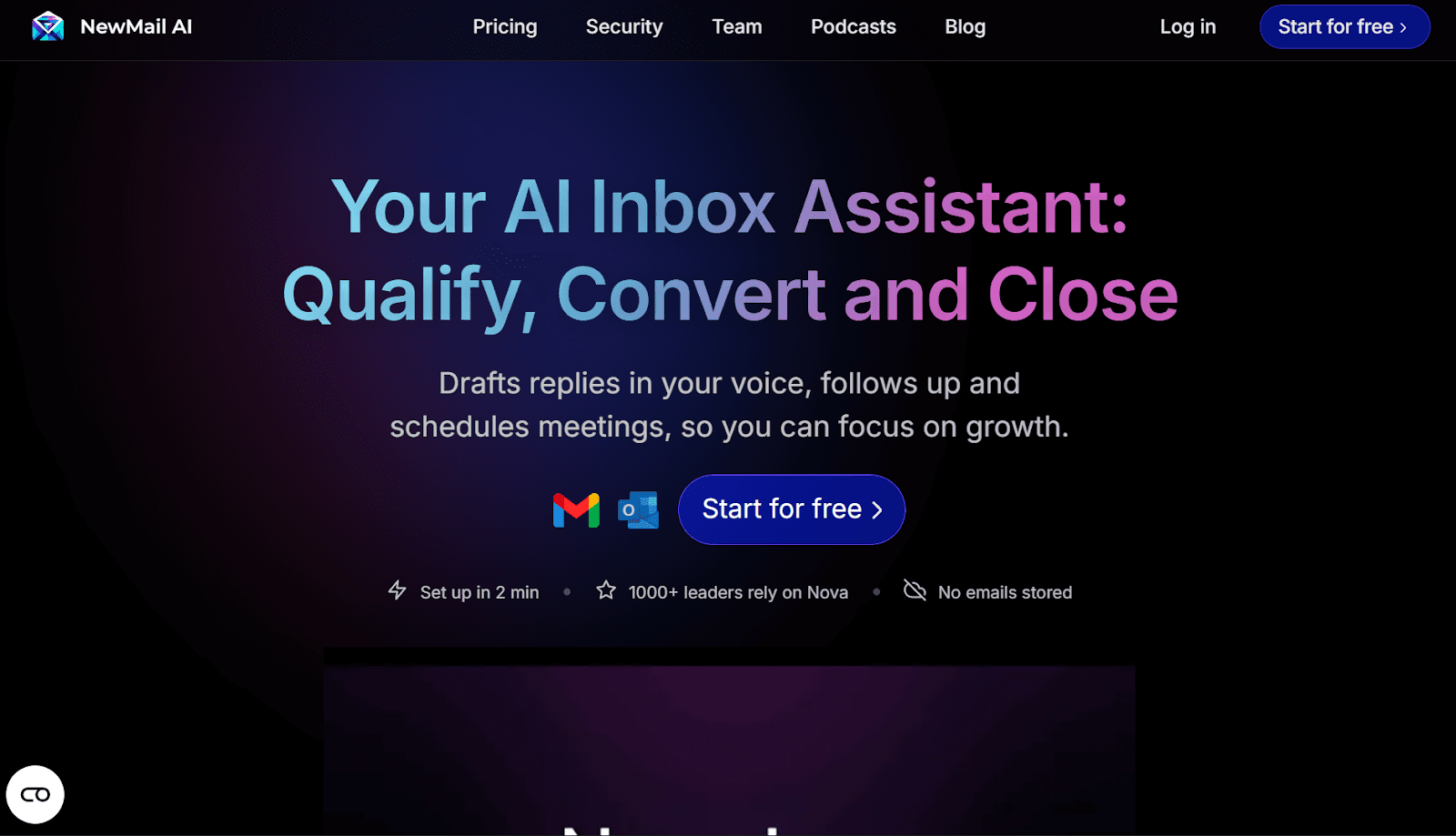
NewMail AI goes beyond being a simple AI email assistant and serves as a proactive executive AI agent.
Seamlessly integrated with Gmail, Outlook, Google Calendar, and Google Tasks, NewMail AI redefines inbox management with a personalized, automated approach. It stands as the ultimate solution for professionals aiming to enhance efficiency and achieve peace of mind.
Core Features
Smart Sorting: NewMail AI automatically organizes emails into three dynamic priority folders, urgent, Important, and Interesting, and allows you to fully customize them to suit your preferences.
Personalized Priority: Automatically rank emails based on your preferences, ensuring high-priority messages rise to the top, while low-priority items stay out of your way.
Actionable Insights: Keep track of all tasks with automatic updates and links directly tied to a to-do list. Stay organized and never lose track of your next action item.
Intelligent Tagging: Get organized with smart folders and labels, so you can always find what you're looking for, exactly when you need it.
Simplified Scheduling: Receive your daily calendar directly in your inbox, with one-click access to manage your events and never miss an important meeting.
Task Integration: Connects seamlessly with Google Tasks to turn emails into actionable to-dos.
Pros
Intelligent Email Prioritization: Smart email categorization and prioritization to focus on key messages.
Privacy-First Data Security: Strong privacy protections, with no external storage of your emails and encrypted data.
Cons
Free Plan Usage Limits: Free plan has limitations on the number of emails processed and drafts generated.
Platform-Specific Feature Performance: Some advanced features may be more reliable on specific platforms, like Gmail.
Pricing
Free Trial Available
Paid Plans: Plans start at $15 per user/month and offer access to more advanced features like daily summaries and accelerated scheduling.
What Users Are Saying:
“NewMail has transformed how I manage my inbox. The AI’s ability to prioritize and summarize emails saves me countless hours every week. I can’t imagine going back to the old way of doing things.”
-Nick V, Hardware Engineer
“Like a virtual assistant but available at all times, writes at a high level and only alerts me when its really relevant. Love it!”
- Teo B, CEO
2. Clean Email: Declutter with Precision
G2 Rating: 4.4/5
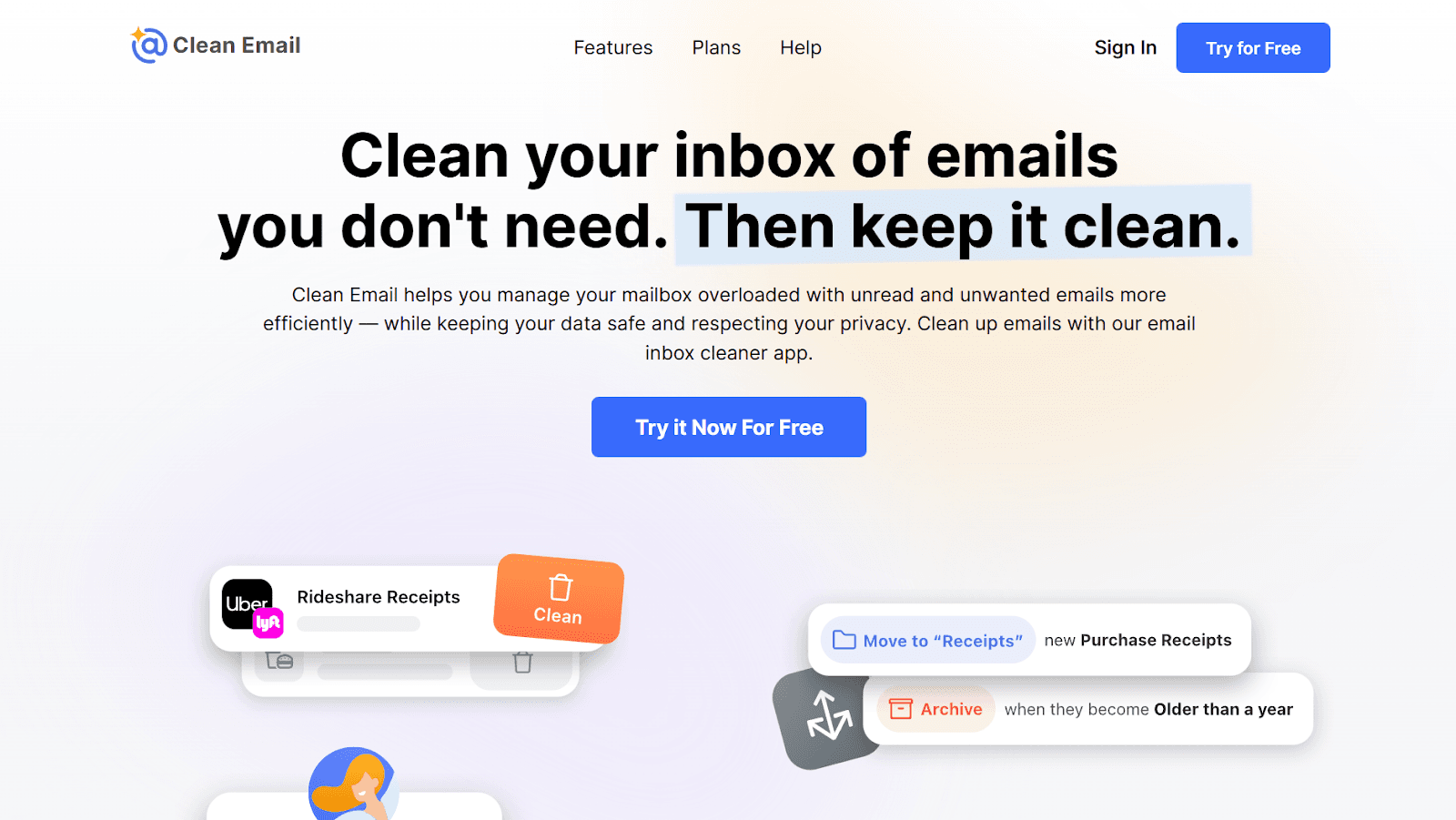
Clean Email lives up to its name, offering powerful features such as filters, screeners, and rules to declutter even the most disorganized inbox with ease.
Core Features
Quick Clean: Identify and delete unnecessary emails in bulk with one click.
Unsubscribe Wizard: Easily unsubscribe from multiple newsletters or spammy senders.
Automation Rules: Set rules for repetitive tasks, like archiving old emails or flagging certain senders.
Privacy Focused: Your data stays secure with Clean Email’s advanced privacy measures.
Pros
Reliable Inbox Organization & Automation: Offers powerful inbox management tools and automation rules for easy organization.
Smart Filtering with Automated Folders: Advanced filtering and Smart Folders automatically sort and organize emails to reduce clutter.
Cons
No AI-Powered Email Intelligence: Lacks AI-driven features for email prioritization or automation.
Limited Desktop Platform Support: No dedicated app for Windows desktops, limiting its accessibility.
Pricing
Free Trial Available: A free trial cleaning service is available for up to 1000 emails.
Premium Plans: Basic packages start at $9.99 per user/month.
3. SaneBox: Intelligent Email Management
G2 Rating: 4.9/5
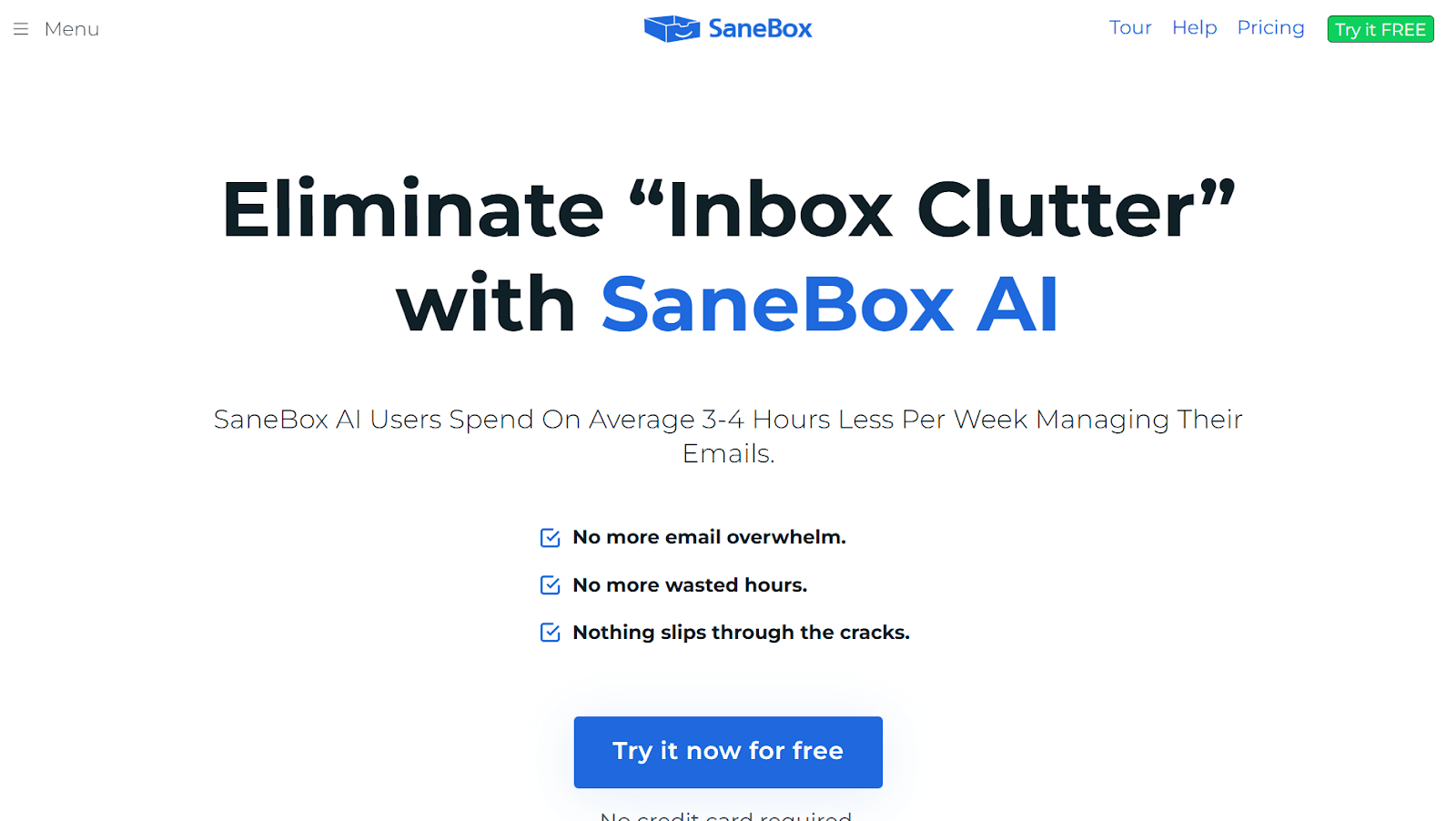
SaneBox uses AI to make your inbox smarter by creating specialized folders for categorization. Thus, it efficiently prioritizes your email, saving you hours each week.
Core Features
SaneLater: Moves less urgent emails to a separate folder, so you can focus on what matters most.
Follow-Up Reminders: Remind yourself to follow up on emails that don’t get a reply.
Custom Filters: Organize emails by project, team, or client with ease.
Do Not Disturb: Snooze non-essential emails during focus hours.
Pros:
Simple, No-Frills Inbox Cleanup: Simplifies inbox cleaning without requiring a complex interface.
Universal Email Compatibility: Compatible with any email address for universal use.
Cons:
Limited Customization Capabilities: Lacks customization options, offering limited flexibility.
Basic Organization Without Advanced Features: Only provides basic organizational features without advanced options.
Pricing
Starter Plans: Avail of 2 features for $3.49 per user/month.
Premium Plans: The basic plan includes six features and costs $5.99 per user/month, while more advanced plans with unlimited features cost $16.99 per user/month.
Also Read: Top 10 SaneBox Alternatives for Email Management 2025
4. Spike: Email Meets Collaboration
G2 Rating: 4.6/5
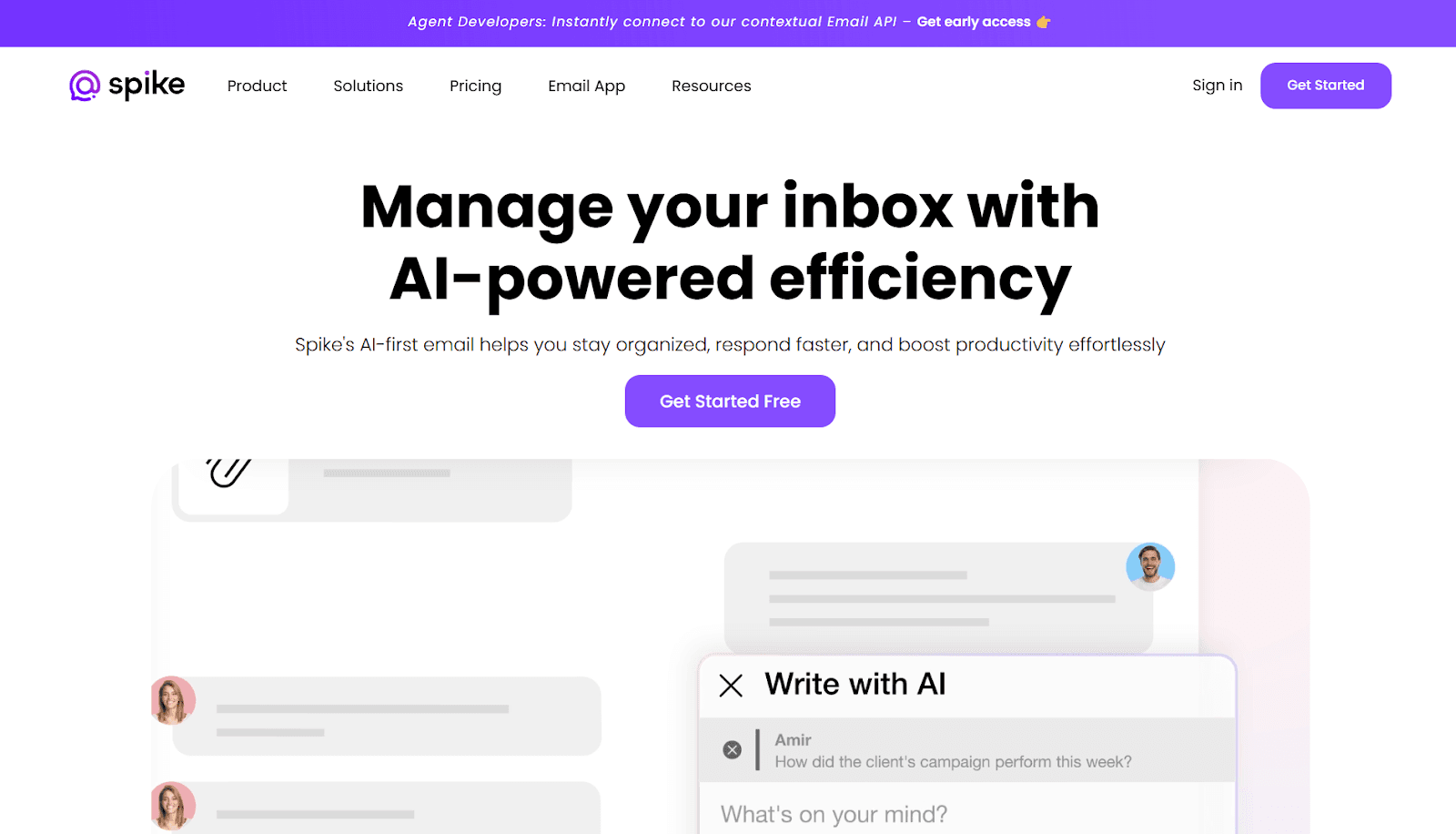
Spike redefines email by blending it with team collaboration features, permitting faster communication and turning your inbox into a productivity hub.
Core Features
Chat-Like Interface: Emails appear as conversations, making communication faster and more natural.
Shared Notes: Collaborate on documents and notes directly within the app.
Calendar Integration: Syncs seamlessly with Google Calendar to manage schedules alongside your emails.
Team Tools: Create team groups for real-time communication and collaboration.
Pros
• Sleek interface: Easy-to-use design for a smooth user experience.
• Feature-rich messaging: Includes tools like file sharing and group chats.
Cons
• 60-day message history: Limited message access on the free plan.
• No call end notifications: Users aren't notified when a video call ends.
Pricing
Free Version: You can avail of 1 team space, 60 days of search history, and 15 GB storage for up to 3 members.
Premium Plans: Starts at $5 per user/month and offers unlimited search history and 5 GB storage space.
5. Mailstrom: Power Through Email Overload
G2 Rating: 4.2/5
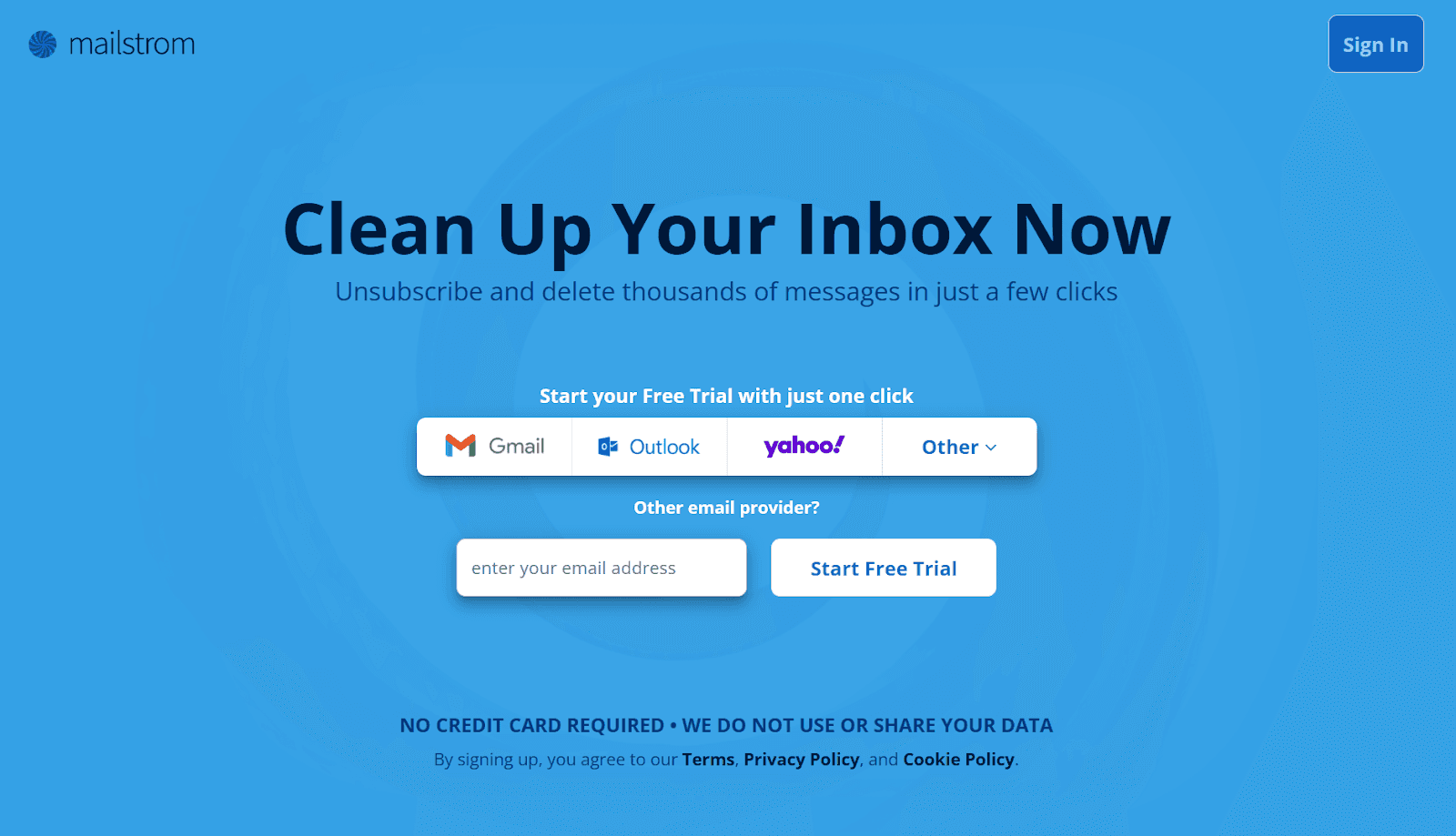
Mailstrom is a good solution for tackling email overload with bulk actions. Its insightful analytics help identify and eliminate clutter, making inbox management effortless.
Core Features
Batch Processing: Sort and manage hundreds of emails in bulk to save time.
Threaded Conversations: See email threads grouped together for better context.
Actionable Analytics: Get insights into your email habits and areas for improvement.
Pricing
Free Trial Available: Add up to 1 email account and avail of 5000 Email Inbox Snapshot.
Premium Plans: Starts at $9 per user/month and offers advanced features.
6. Missive: Team Collaboration Made Easy
G2 Rating: 4.6/5
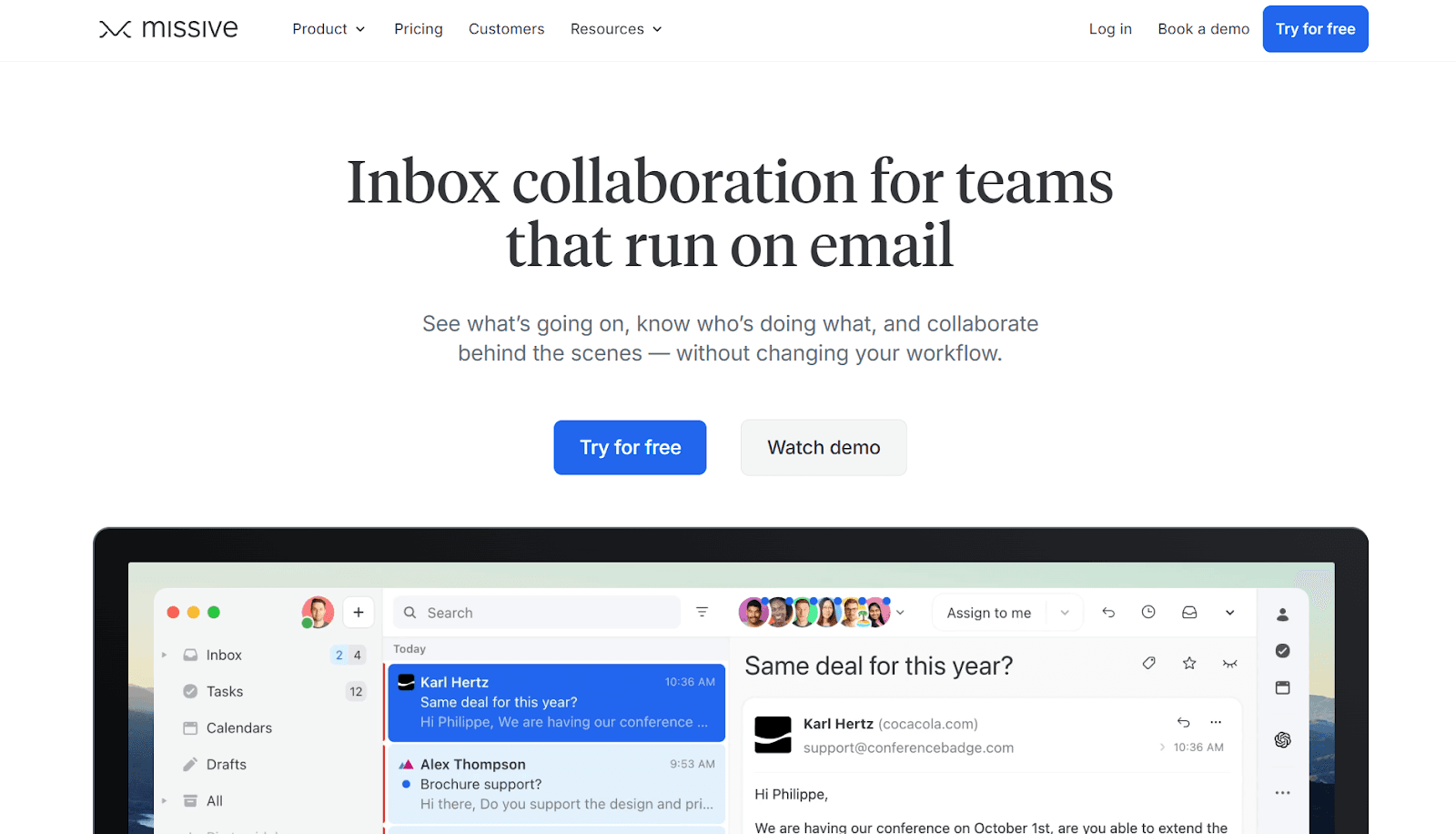
Missive transforms your inbox into a shared workspace for teams, combining email, chat, and task management. It allows your team to collaborate better, enhancing workplace productivity.
Core Features:
Unified Inbox: Consolidates multiple accounts and messaging apps (e.g., email, SMS, and WhatsApp) into a single interface.
Collaboration Tools: Chat with team members directly within email threads for real-time collaboration.
Shared Labels: Organize emails and assign tasks using shared tags and labels.
Task Integration: Turn emails into actionable tasks with built-in to-do lists and assignments.
Pros
Broad IMAP Compatibility: Works seamlessly with all IMAP-based email providers, making it a flexible choice across platforms.
Fast & Secure Bulk Email Cleanup: Lets you delete thousands of emails in just a few clicks, using strong encryption without storing your password.
Cons
Limited Smart Organization: Offers fewer intelligent bundles or folders compared to more advanced inbox tools.
No AI or Automation Capabilities: Lacks automated workflows and AI-driven email prioritization, limiting efficiency for power users.
Pricing
Free Trial Available: Start free, upgrade when satisfied.
Premium Plans: The basic plan starts at $14 per user/month, and more advanced plans offer API access and Integrations.
7. Front
G2 Rating: 4.7/5
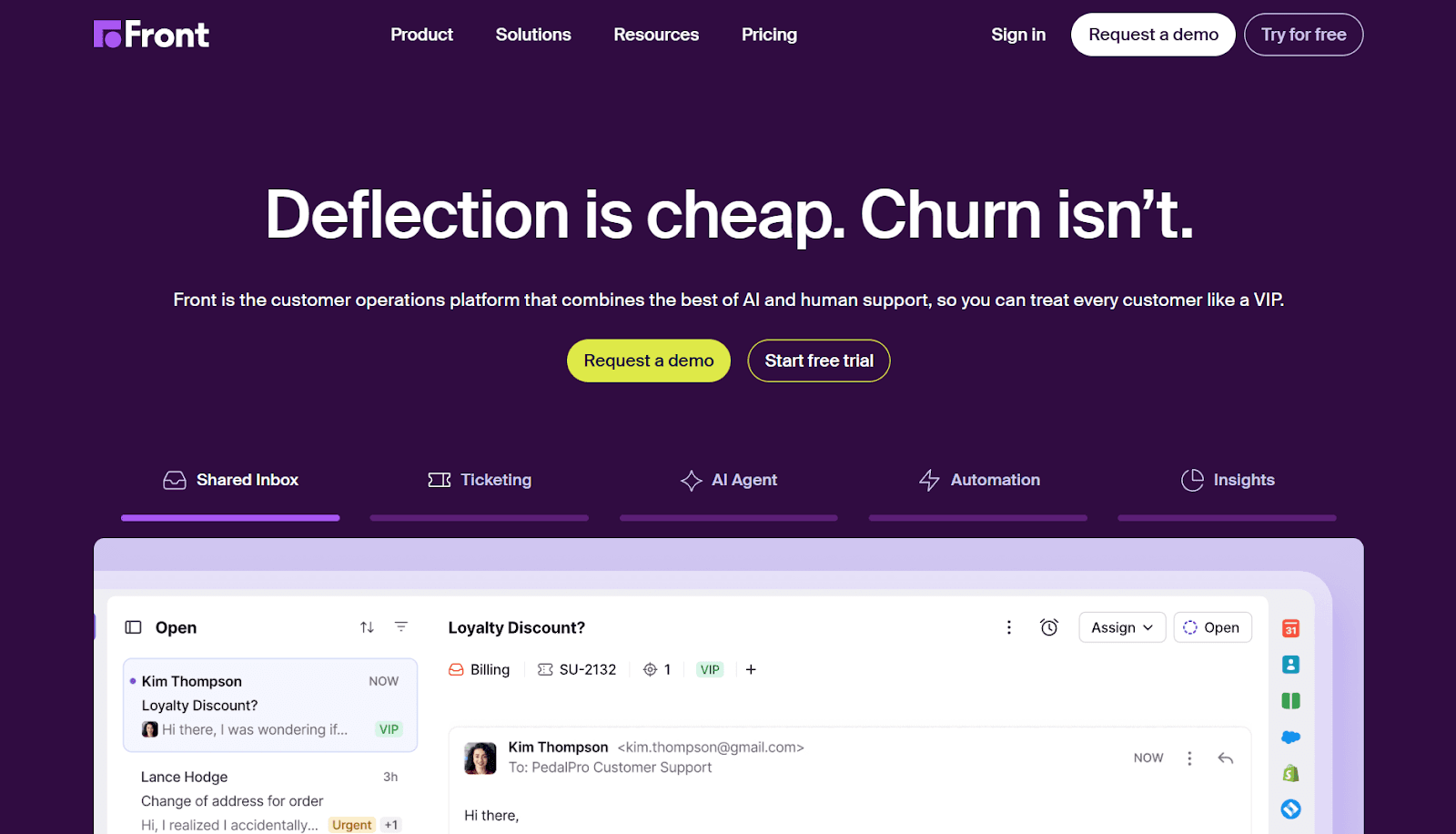
Front combines email and customer communication tools to streamline communication. This simplifies team workflows and boosts productivity.
Core Features
Shared Inbox: Collaborate with your team by assigning, commenting, and resolving emails together.
Workflow Automation: Automate repetitive actions like tagging or assigning emails to reduce manual work.
Analytics Dashboard: Gain insights into email response times and team performance.
Third-Party Integrations: Connect with tools like Slack, Salesforce, and Asana for seamless task management.
Pros
Omnichannel Team Inbox: Manage email, chat, and phone conversations in one shared workspace.
Inbox Organization & Automation: Create shared inboxes, categorize conversations, and automate routing to save time.
Cons
Overly Complex Rules: Heavy reliance on rules, and filters don’t always work reliably.
Expensive for What You Get: High pricing with limited depth in advanced features like SLAs.
Pricing
Free Trial Available: Test basic product features for free.
Premium Plans: Prices start at $25 per user/month and offer unlimited support.
Also Read: Email Workflow Automation: Best Practices and Tips
8. Boxy Suite
G2 Rating: 4.4/5
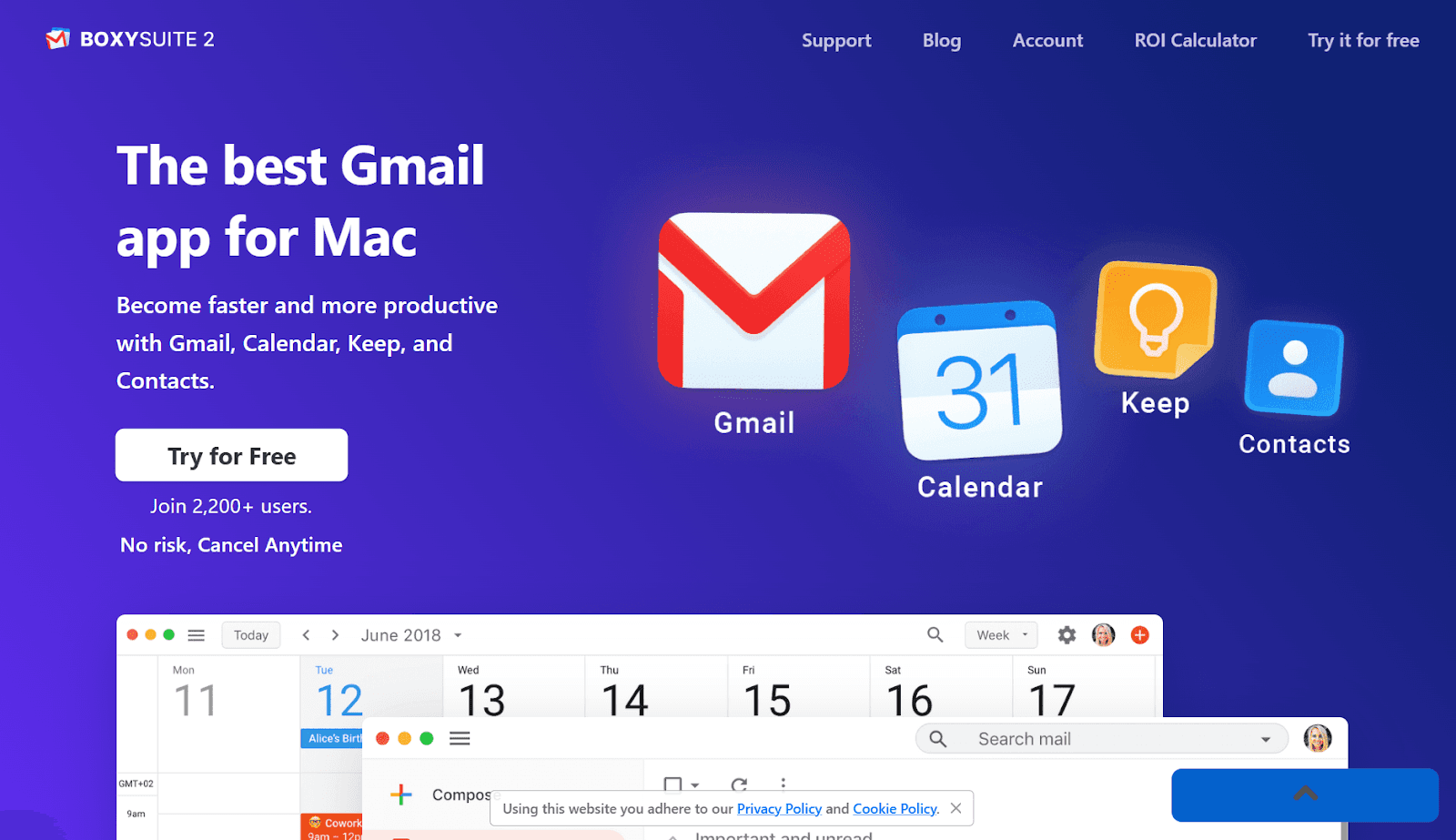
BoxySuite Email Assistant simplifies email management with seamless integration, smart organization tools, and intuitive features. It’s particularly helpful for those working with Gmail and Google Calendar.
Core Features
Clean Interface: Offers a distraction-free environment with a sleek, native Mac experience.
Offline Support: Access emails and schedules offline to stay productive anywhere.
Calendar Overlay: View schedules alongside emails for quick planning.
Gmail-Focused Features: Enjoy exclusive Gmail features like labels, snoozing, and inbox categories.
Pros
Clean, App-Like Gmail Experience: A distraction-free, native interface that’s easy to use and navigate.
Fast Setup & Seamless Integration: Installs quickly and works smoothly with Gmail and Google Workspace.
Cons
Paid Tool with Limited Value for Price: Subscription cost feels high compared to free browser-based Gmail.
Restricted Platform & Features: macOS-only, no mobile app, and lacks advanced or AI-driven capabilities.
Pricing
Free Trial Available: Test basic product features for free.
Premium Plans: Priced at $39 per user/month, offering unlimited features.
9. Hiver
G2 Rating: 4.6/5
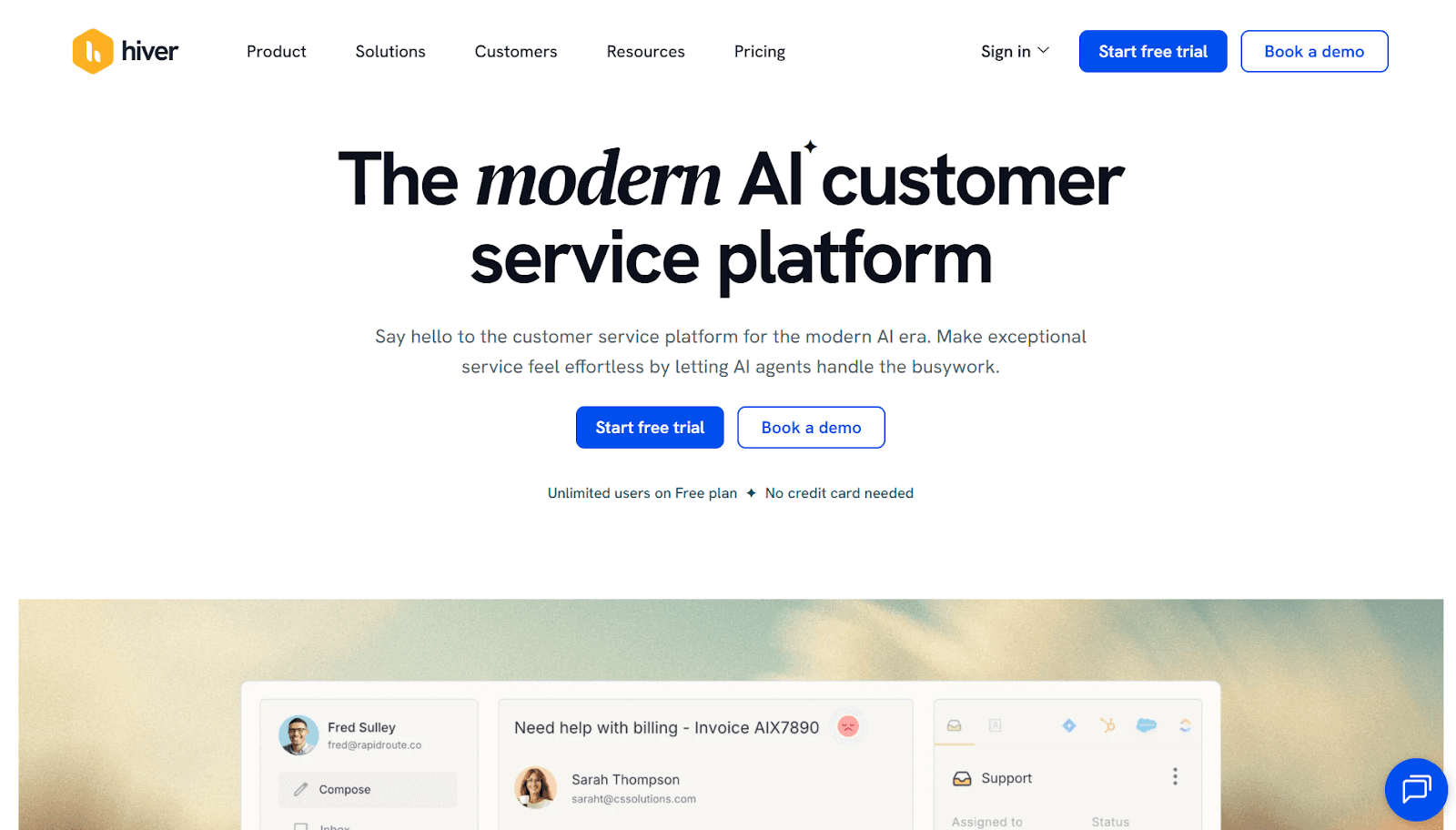
Hiver is a powerful email management tool designed to enhance team collaboration and streamline communication, particularly for businesses utilizing Gmail.
Core Features
Email Delegation: Assign emails to team members for clear accountability and organized workflows.
Workflow Automation: Automate repetitive tasks like follow-ups and email assignments to boost efficiency.
Collaboration Tools: Utilize shared labels, notes, and @mentions for seamless internal communication about emails.
Analytics and Reporting: Gain insights into team performance and customer interactions through built-in analytics tools.
Pros
Collaborative Shared Inbox Management: Enables teams to organize, assign, and track emails across shared inboxes, improving visibility and accountability.
AI-Powered Ticketing & Engagement: Integrates AI-driven ticketing and collaboration features that support seamless communication and inclusive team participation.
Cons
AI Assignment Accuracy Issues: Automated assignment is still evolving and can occasionally route emails incorrectly.
Platform Stability & Connectivity Concerns: Some users report intermittent errors or connectivity issues that can disrupt workflows.
Pricing
Free Version Available: The free plan includes team collaboration features and 24/7 support.
Premium Plans: Start at $25 per user/month with more advanced features.
10. Spark
G2 Rating: NA
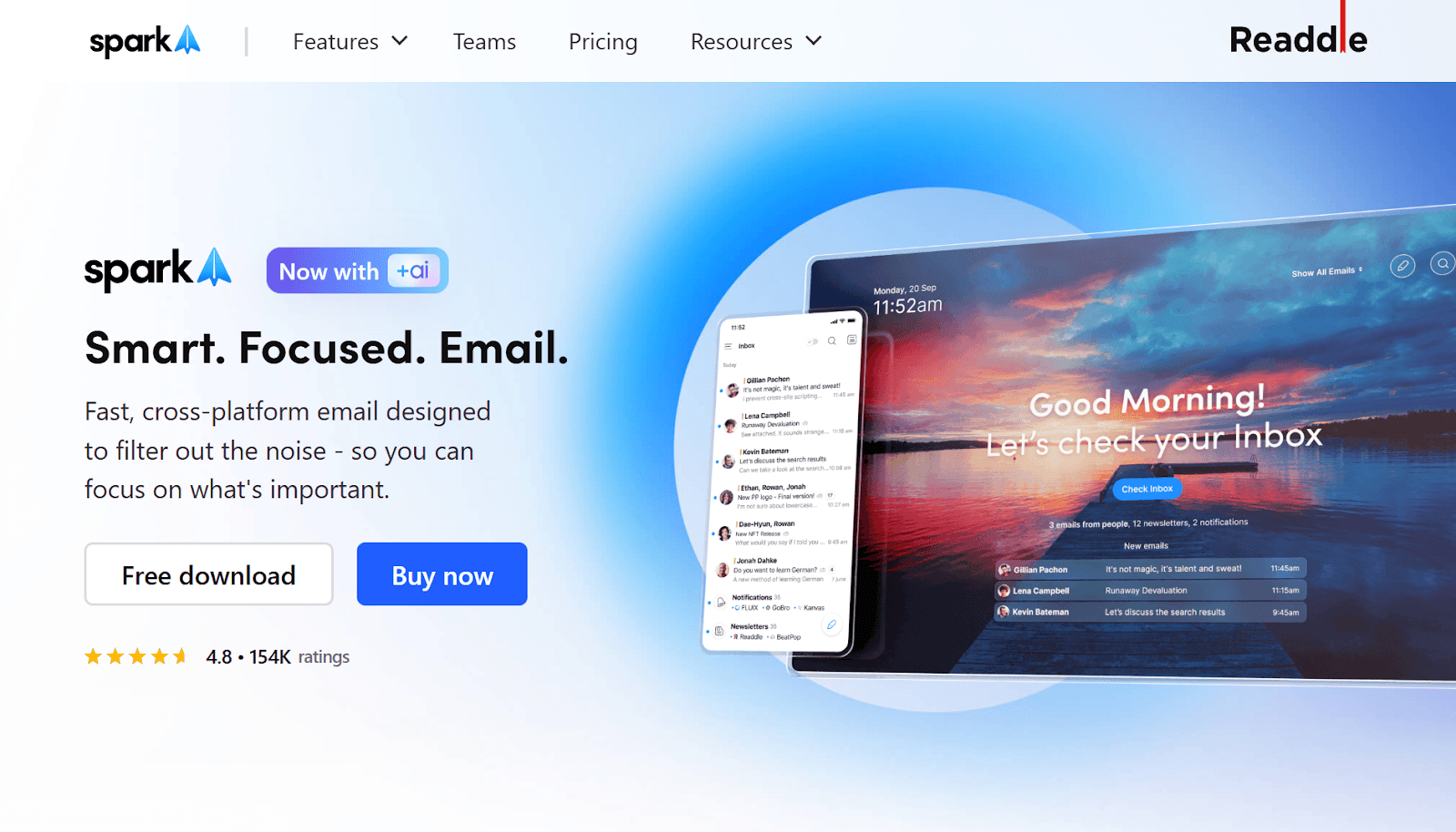
Spark is an intelligent email client designed to prioritize important messages and improve collaboration. It is equipped with features that make inbox management easier for professionals.
Core Features
Smart Inbox: Automatically categorizes emails into Personal, Notifications, and Newsletters for better focus.
Team Collaboration: Share and discuss emails privately with teammates within the app.
Snooze Emails: Temporarily remove emails from your inbox and get reminders at a better time.
Pros
Intelligent Email Prioritization: Automatically identifies important emails, prioritizes key contacts, and screens out unwanted messages to keep your inbox focused.
Productivity-Focused Inbox Management: Features like muting threads, smart search, keyboard shortcuts, and a unified inbox help you process emails faster with less clutter.
Cons
No Web-Based Access: The lack of a web version limits flexibility for users who prefer browser-based email management.
Higher Cost for Teams: Pricing can become expensive when scaling across larger teams or multiple users.
Pricing
Free Version Available: Test basic product features for free.
Premium Plans: These start at $10 per user/month and include priority email, app integrations, and other features.
11. Shortwave
G2 Rating: 4.4/5
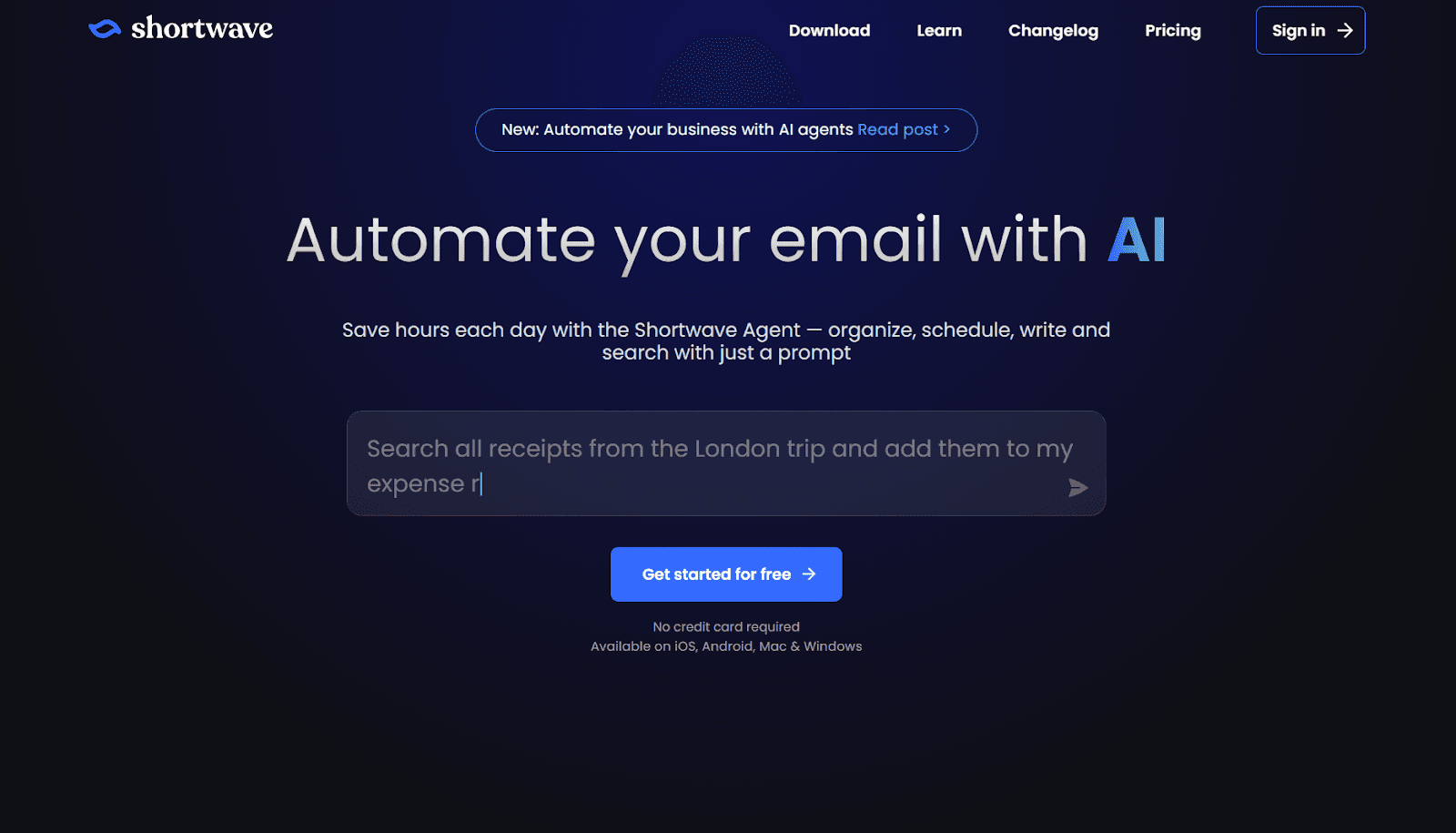
Shortwave is an AI-powered email organizer for Gmail designed to streamline inbox management and boost productivity. Developed by ex-Google employees, it reimagines the now-defunct Google Inbox app, offering features that make email management easier and more efficient.
Core Features
AI-Powered Insights: Shortwave analyzes your email habits and history to categorize emails into relevant folders.
Ghostwriter: Uses AI to write emails in your voice, ensuring a personal touch without the effort.
Snooze Button: Temporarily removes emails from your inbox and sends them back when you're ready to deal with them.
Pinning Emails: Pin important emails to the top of your inbox for easy access.
Delivery Scheduling: Control when you receive emails by scheduling their delivery.
Pros
Feature-Rich: Offers a range of useful tools for managing emails, including bundling, snoozing, and AI-driven drafting.
AI-Enabled: Uses AI for automatic email categorization and drafting responses in your voice.
Cons
Limited to Gmail: Only available for Gmail users, excluding those with other email providers.
No Desktop Apps: Lacks a dedicated desktop app, limiting flexibility for users who prefer working on desktop platforms.
Pricing
Free Trial Available: Shortwave offers a free trial with limited features.
Premium Plans: Plans start at $14/month, with higher tiers offering additional features and support for a larger number of users, starting at $24/month.
Also Read: NewMail vs Shortwave Review: Which AI Email Assistant Should You Use in 2025?
12. MailButler
G2 Rating: 4.4/5
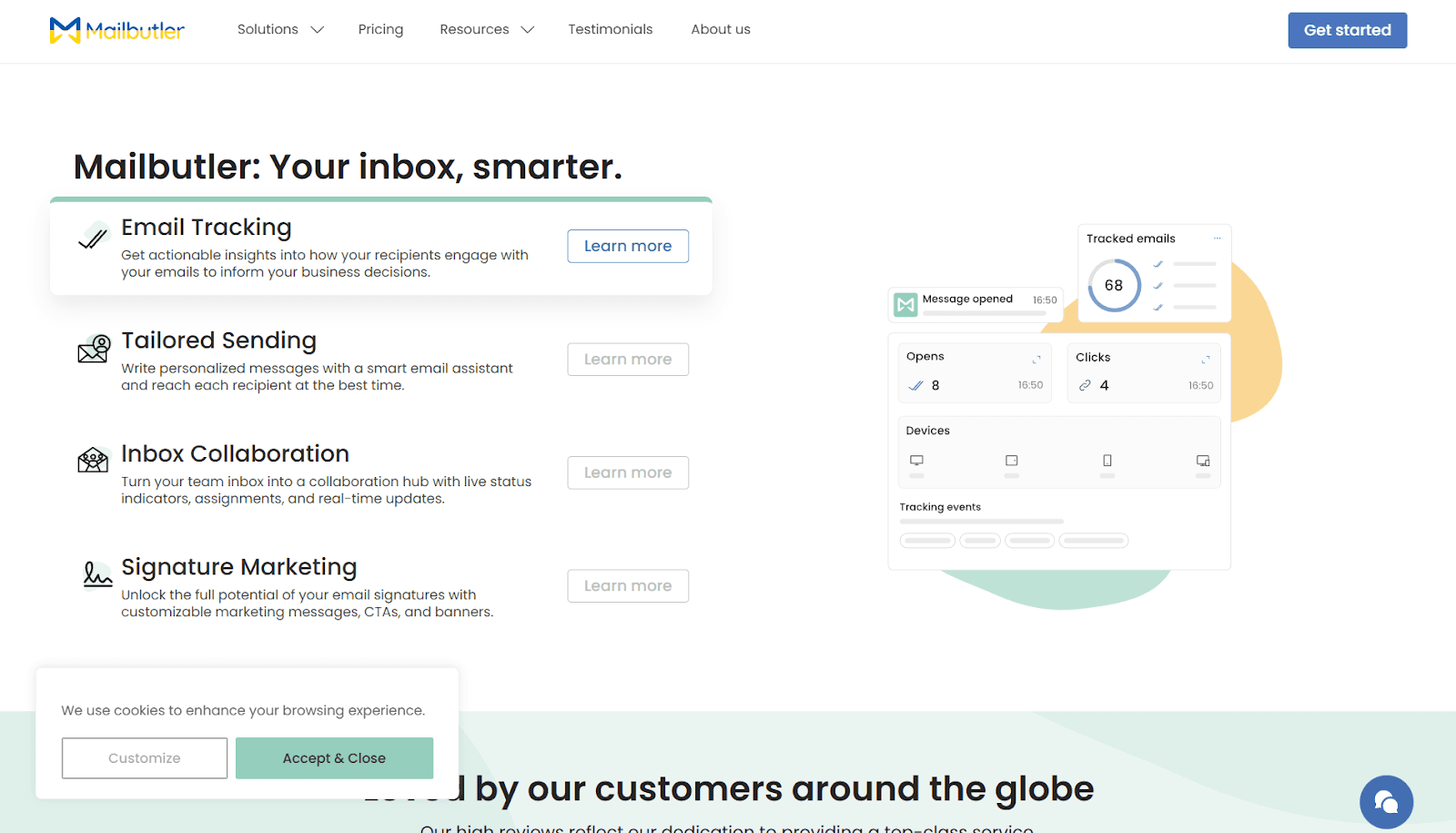
Mailbutler is a powerful email extension designed to enhance your inbox management experience. It integrates with Outlook, Gmail, and Apple Mail, adding features like email tracking, AI-powered email assistance, and task management.
Core Features
Email Tracking: Track when your emails are opened and read.
Collaboration Features: Share tasks, templates, and notes with your team.
AI-powered Insights: Use the AI assistant for email suggestions and insights.
Tags for Organization: Categorize emails using customizable tags.
Built-in Grammar Checker: Ensure your emails are error-free.
Works on Leading Email Platforms: Compatible with Gmail, Apple Mail, and Outlook.
Pros
AI-powered Email Insights: Get suggestions and insights that improve your email quality and efficiency.
Tags for Email Organization: Use tags to easily sort and organize your inbox.
Cons
User Interface Needs Updating: The interface can feel outdated and lacks modern user experience enhancements.
No iOS or iPad OS Support: The app does not work on iOS or iPad, limiting its accessibility for mobile users.
Pricing
Free Trial Available: Test all features with a 14-day free trial.
Paid Plans: Start at $4 per user/month, with options going up to $11 per user/month, depending on the features you need.
Incorporating these email organizer apps into your workflow can significantly boost productivity and communication, helping you take control of your inbox and leaving you more time to focus on what matters.
With so many options out there, you might be wondering what makes an email organizer really worth it. Let’s explore some significant benefits.
Some Major Benefits of Using an Email Organizer
An email organizer helps you reclaim control of your inbox by simplifying message sorting and organization. Here’s how it benefits you:
Efficient Inbox Management: Automatically sorts emails into easy-to-review categories, eliminating the need to sort through each message manually.
Saves Time: Rather than spending hours organizing emails, let the app handle the heavy lifting, freeing up your time for more important tasks.
Prevents Inbox Clutter: By continuously categorizing emails, an organizer ensures your inbox stays clean without constant manual effort.
Smart Automation: With tools like NewMail AI, automation takes over routine tasks, ensuring your inbox remains under control every day.
Smooth Email Flow: Emails are sorted into appropriate folders, so you can focus on important messages at your convenience.
Using an email organizer helps you stay on top of your inbox today and keeps it clean and organized for the long term.
Understanding these benefits helps you choose the right tool for the job. Next, let's talk about how to select the best email organizer for your needs.
How to Choose the Best Email Organizer App
When selecting an email organizer app, it's important to look beyond basic features and evaluate how well it aligns with your specific workflow. Here’s how to make a more informed choice:
Define Your Core Needs: Identify the specific problem you want to solve, whether it’s tackling inbox overload, improving email prioritization, or streamlining team collaboration. An app tailored to your needs will have a higher ROI.
Evaluate Integration with Existing Tools: The best apps smoothly integrate with the email clients and productivity tools you already use (e.g., Gmail, Outlook, Google Calendar). This eliminates redundant steps and enhances overall efficiency.
Assess AI-Driven Automation: AI can save time by automatically sorting and prioritizing emails. If your goal is to free up time, choose apps with strong automation features and look for smart sorting, task tracking, and contextual responses.
Collaboration Features for Teams: If you work in a team, prioritize apps with shared inboxes, task management, and communication tools. Collaboration features help simplify processes and improve team productivity.
Data Security: With rising privacy concerns, choose an email organizer that prioritizes data protection. Ensure the app has solid encryption and doesn't store sensitive information on external servers.
User Interface & Experience: A clean, intuitive interface can save you hours of handling complex settings. Apps should feel like an extension of your daily routine, not a distraction.
Pricing & Value: Many apps offer free trials; take advantage of these to test their effectiveness. Once you’ve identified the features that work for you, consider pricing and whether the app justifies its cost for your productivity.
Focusing on these key aspects helps you choose an email organizer that integrates with your workflow and maintains the level of security you need.
Now that you know how to pick the right tool, let’s go over some actionable tips to keep your inbox organized and stress-free.
5 Useful Tips for Maintaining an Organized Inbox
Even with the best email organizer apps, staying on top of your email requires a consistent approach. Here are some actionable tips to keep your inbox tidy.
Schedule email time: Block 2–3 times daily for checking emails rather than keeping your inbox open all day.
Create folders or labels: Organize emails into categories like “Clients,” “Finance,” or “Pending Action.”
Archive, don’t delete: Keep your inbox clear by archiving old emails you might need later.
Use filters: Automate the categorization of recurring emails using Gmail or your chosen inbox organizer app.
Turn off notifications: Avoid distractions by disabling email alerts during deep work sessions.
By following these simple tips, you can maintain a clutter-free inbox and stay focused on what truly matters, making email management a breeze.
Conclusion
Managing your inbox doesn’t have to be a constant battle. With the right email organizer app, you can declutter your inbox, prioritize important messages, and automate repetitive tasks, giving you more time to focus on what really matters.
Whether you're looking for simplicity or advanced features, there’s a tool out there to match your needs. By integrating smart sorting, automation, and task management, these apps help boost your productivity and keep you organized.
NewMail AI stands out as the superior choice because, unlike the other tools, it offers intelligent email prioritization and task integration, while maintaining a strong focus on privacy with no external data storage.
With its advanced AI-driven features, NewMail AI helps you focus on high-impact tasks, making it the ultimate solution for professionals who demand more from their inbox management tool.
Try NewMail AI today and take control of your inbox like never before.

FAQs
1. What is the best way to organize your email?
The best way to organize your email is to create folders or labels for different categories (e.g., work, personal, important). Use filters to automatically sort incoming messages and prioritize emails that require immediate attention.
2. What is the 60/40 rule in email?
The 60/40 rule suggests that 60% of your email time should be spent on high-priority messages, while the remaining 40% can be used for less urgent emails or administrative tasks. This helps maintain focus and productivity.
3. What is the best email organizer app?
The best email organizer app depends on your specific needs, but apps like NewMail AI, Clean Email, and SaneBox are top-rated for prioritizing, decluttering, and automating inbox management.
4. What is the 3-email rule?
The 3-email rule advises that you should aim to keep your email replies to three sentences or less. This encourages concise communication and helps prevent email overload.
5. How can I stay on top of email management?
To stay on top of email management, set aside specific times each day to check your inbox, use email organizers to prioritize and categorize messages, and regularly clean out unnecessary emails to keep your inbox under control.
